March 2006 910-257C
MG2 Series Page 4-19
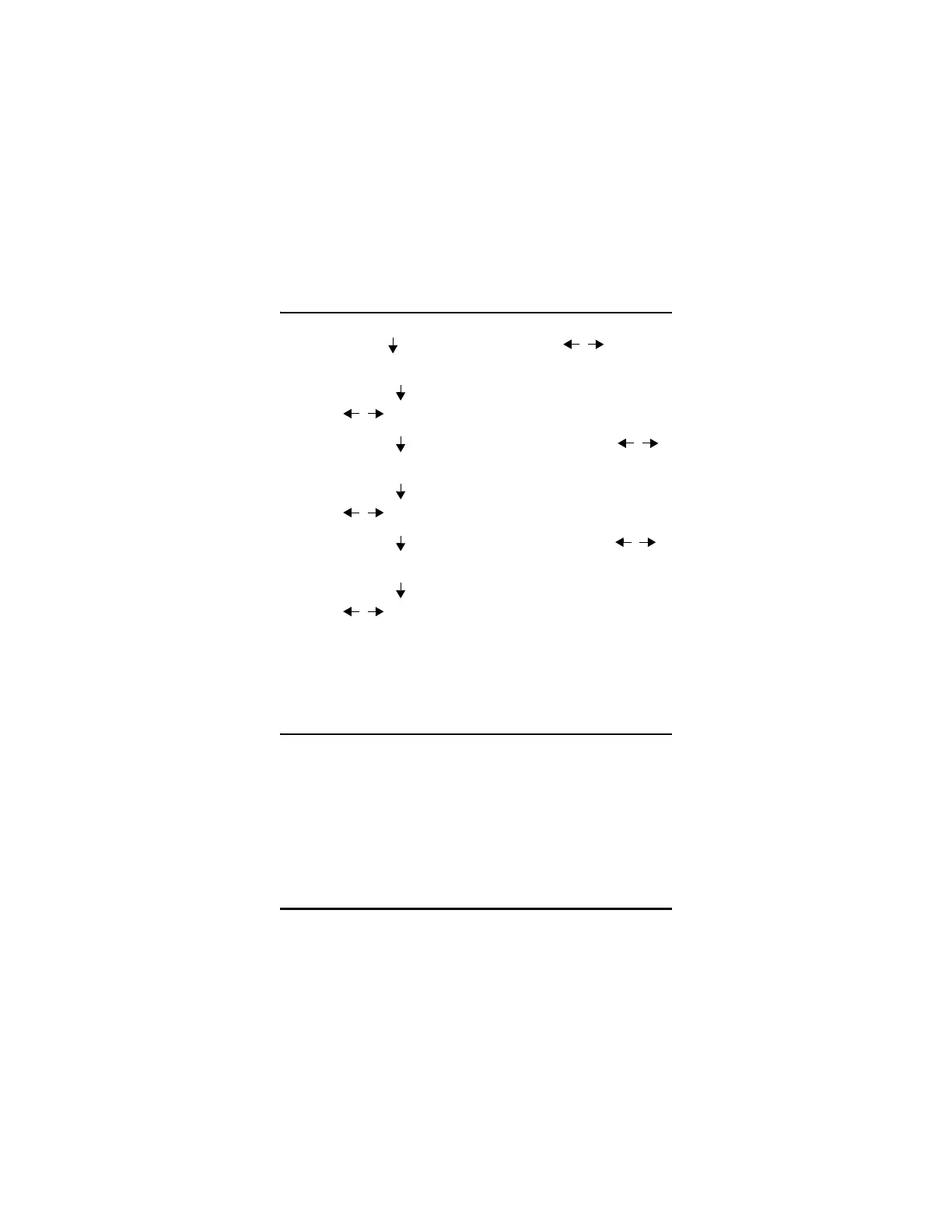
Step 3: Use the [ ] key to highlight Hour and [ , ] to set the
hour.
Step 4: Press the [ ] key to highlight Minute and use the
[ , ] keys to set the minute.
Step 5: Press the [ ] key to highlight Year and use the [ , ]
keys to set the year.
Step 6: Press the [ ] key to highlight Month and use the
[ , ] keys to set the month.
Step 7: Press the [ ] key to highlight Day and use the [ , ]
keys to set the day.
Step 8: Press the [ ] key to highlight Set/Cancel and use the
[ , ] keys to select Set or Cancel.
Step 9: Press [Enter] when Set is highlighted to set the clock and
press [MEAS] to return to the Measure Mode.
4.10 Resets
Resets are used to reset the operating software of the MG2 Series
gages to their factory default settings. Three resets can be performed:
Measurement, Master, and Database (MG2-DL only).
4.10.1 Measurement Reset
Measurement Reset resets the measurement parameters to their
default values.




 To Next Page