910-257C March 2006
Page 3-2 MG2 Series
Compensation will adjust for temperature changes in the
transducer.
3.2 Transducer Zero Compensation
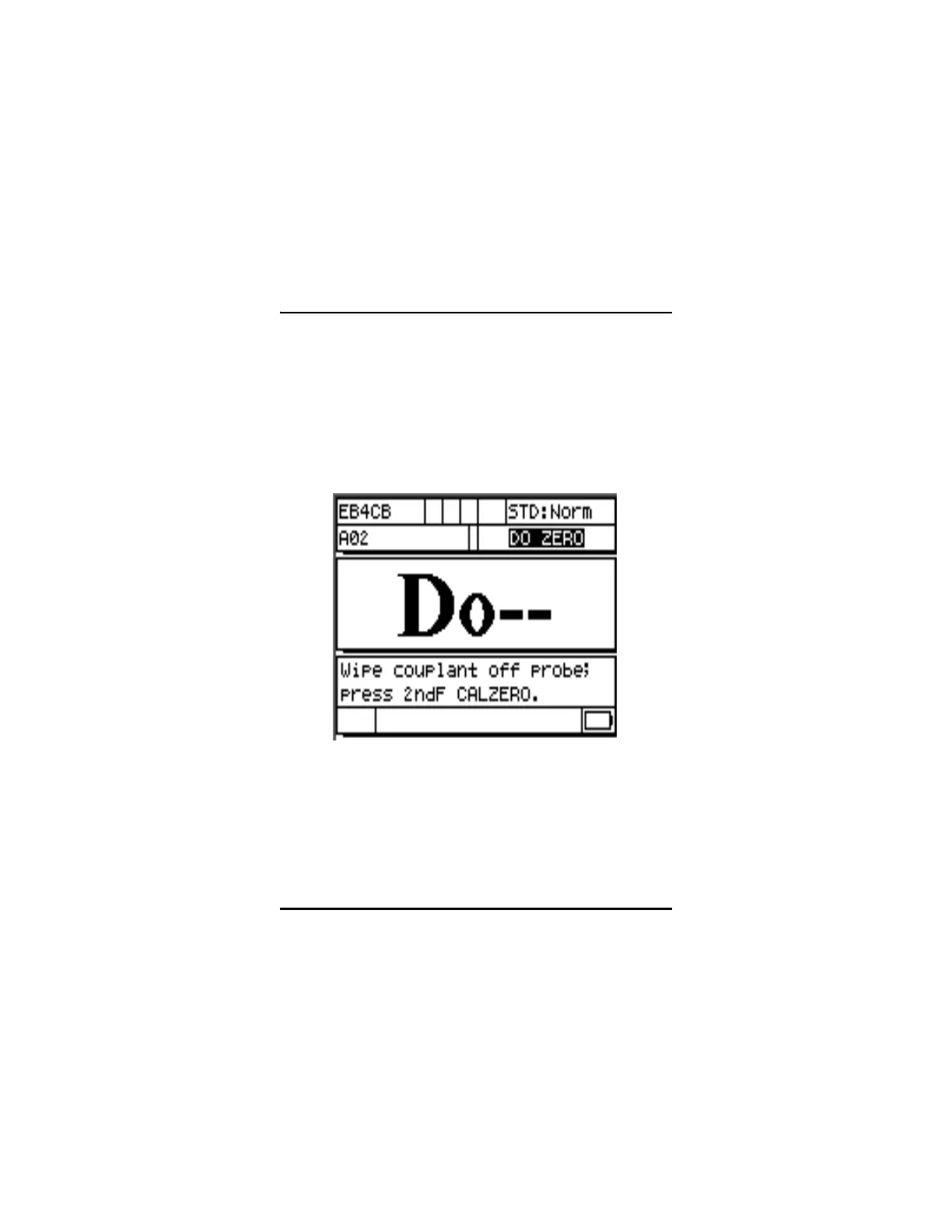
This step must be done whenever the message “Do--” and the ZERO
flag are displayed (do ZERO).
Figure 3-1: Do Screen
To do the Transducer Zero Compensation, wipe any couplant from the
transducer face, and press [2
nd
F], [Cal Zero](Do Zero). The gage will
momentarily display the zero calibration value and then go to the
measure mode automatically. When measurements are being made on
surfaces that are significantly above or below room temperature,










 To Next Page