910-257C March 2006
Page 4-42 MG2 Series
the current update position.
B. Pressing the Save key on a frozen B-scan saves the B-
scan image and the thickness at the position of the
review marker. The user can move the review marker to
any location on the frozen B-scan.
4.15 DB Grid (DL Models Only)
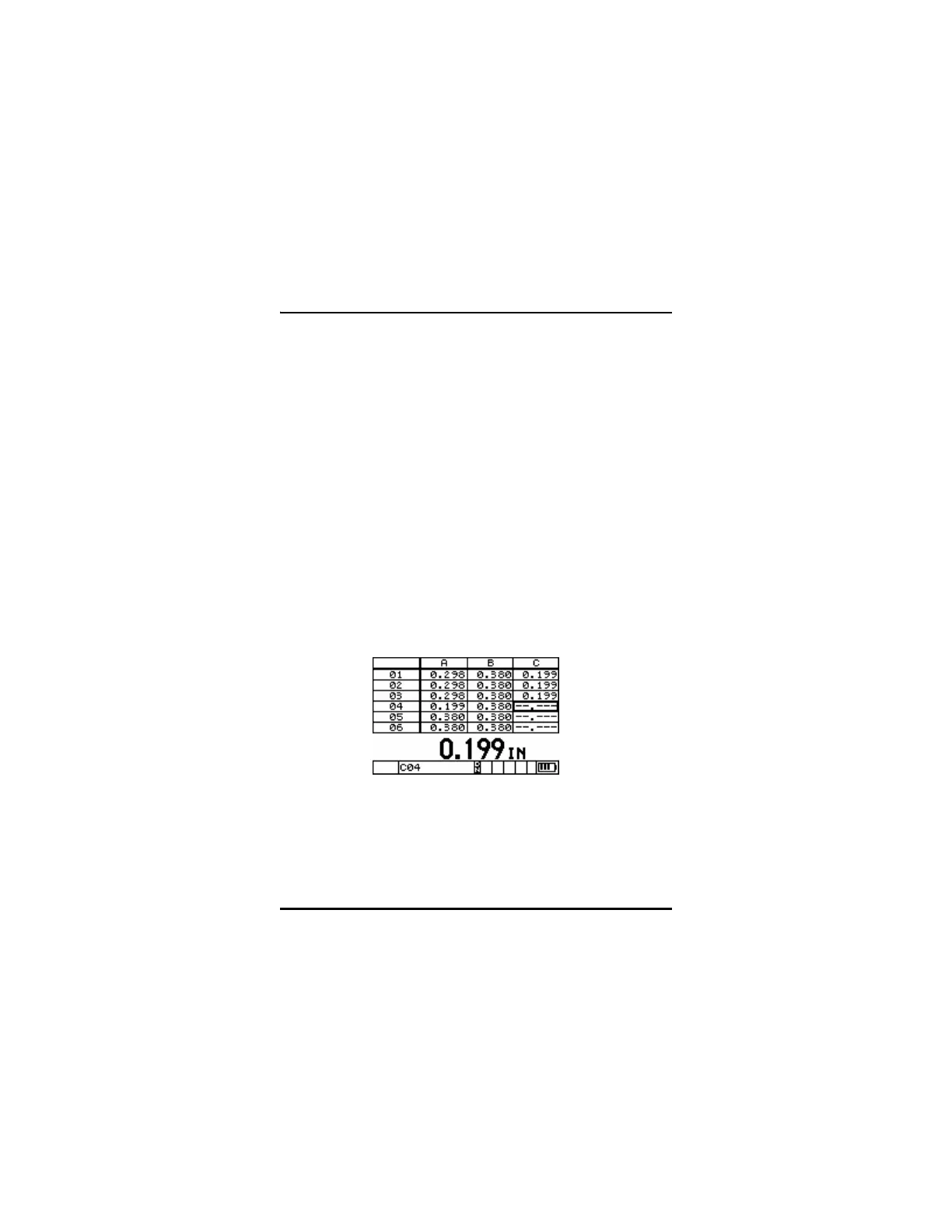
The DB Grid feature allows the user to view the open data file in a
Grid or Expanded Liner format. 2D Grid files display the rows and
columns of the grid file. This allows the user to easily see the
thickness data being saved to the grid file at the current position.
Incremental and Sequential files are displayed in an Expanded Liner
format, showing the last six (6) ID# locations in a linear file list. DB
Grid, B-scan, and the Optional Waveform are mutually exclusive
features and cannot be used at the same time. Turning one of these
functions on will turn any of the other functions off.
DB Grid of a 2D Grid Type File
DB Grid of a 2D Grid type File










 To Next Page