March 2006 910-257C
MG2 Series Page 4-33
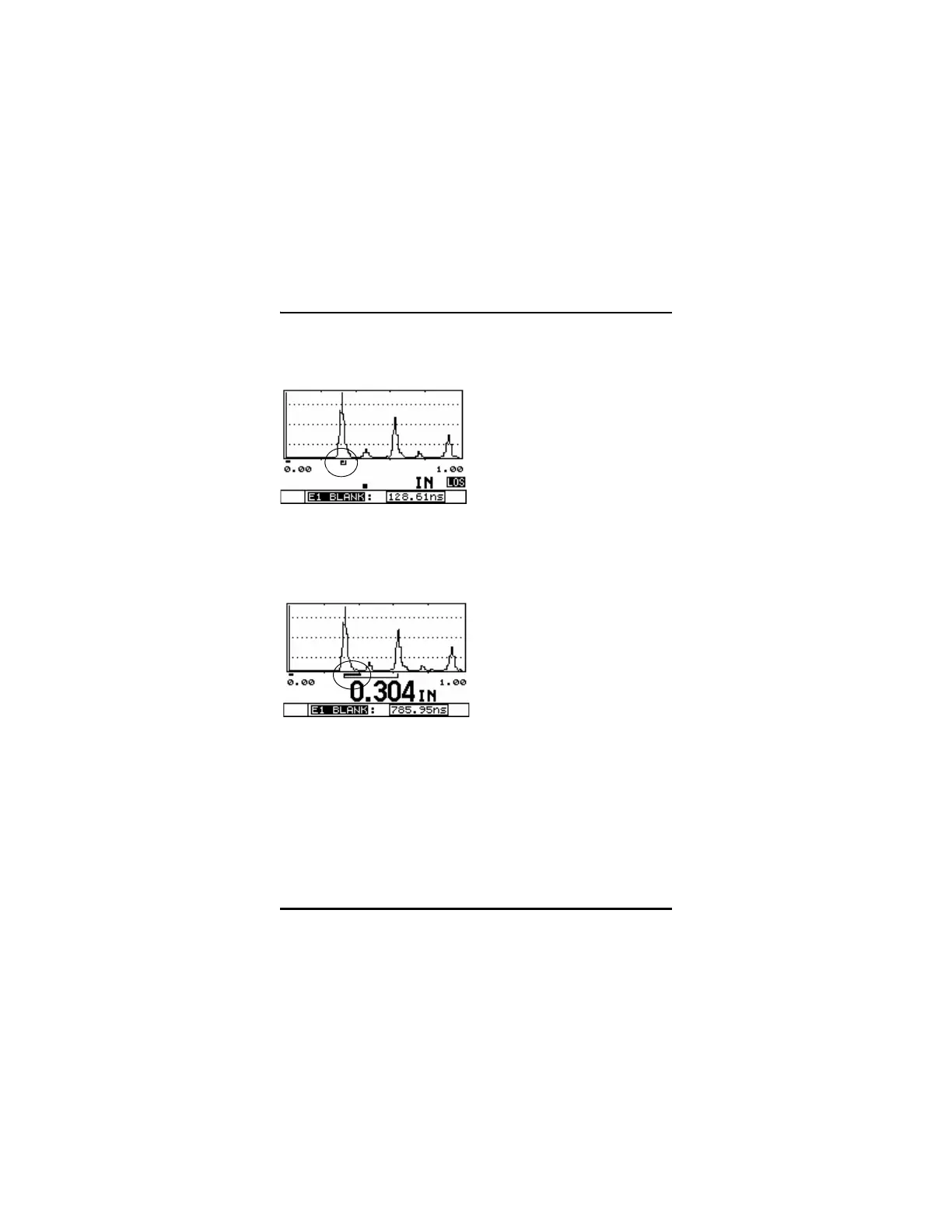
Echo Blank Set Too Small; Gage Reading Trailing Edge of First
Backwall Echo
E1 (Echo1) Blank Set Properly; Gage Making Proper Detection
Between Successive Backwall Echoes
4.13.4 Range
Range Adjust allows the user to adjust the range of the waveform so
that the measured echoes appear on screen. Range Adjust is not
available if the Waveform Zoom Option is turned on.










 To Next Page