910-257C March 2006
Page 4-44 MG2 Series
Step 1: Press the [2
nd
F],[ ](SETUP) key to display the Setup
Tabs.
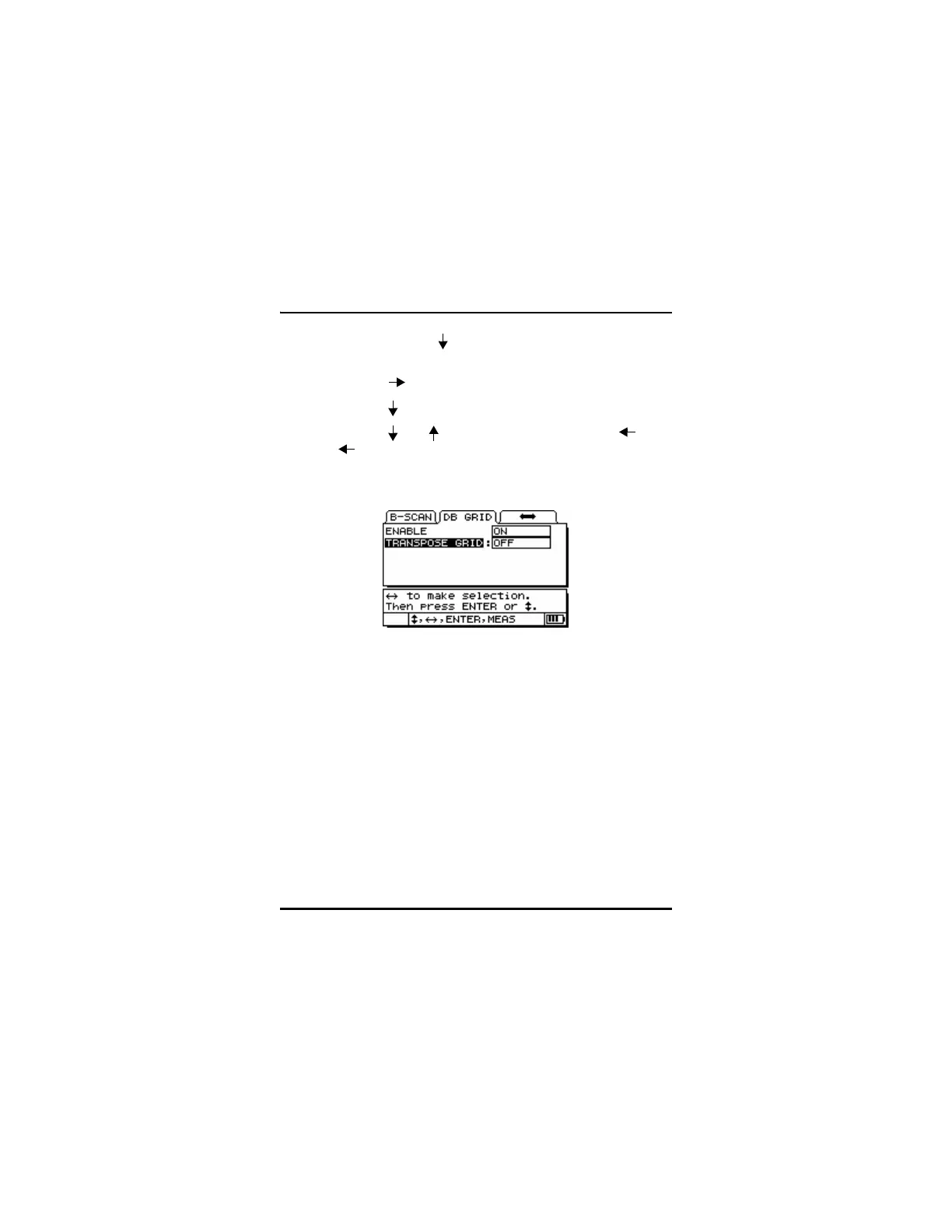
Step 2: Use the [ ] key to highlight the DB GRID Tab.
Step 3: Use the [ ] Key to enter the DB GRID Setup menu.
Step 4: Use the [ and ] to select a parameter and the [ and
] to adjust the setting.
Step 5: Press the [MEAS] key to return to the Measure mode and
save the adjusted settings.
4.15.2 Saving Data While DB Grid Is Active
Once DB Grid is activated, press the Save key to store the current
thickness reading in the Current ID# location.










 To Next Page