910-257C March 2006
Page 5-22 MG2 Series
5.8.3 Delete Stored Value
You may erase the current stored value at a specified ID location by
overwriting the value with new data or a LOS value. You may enable
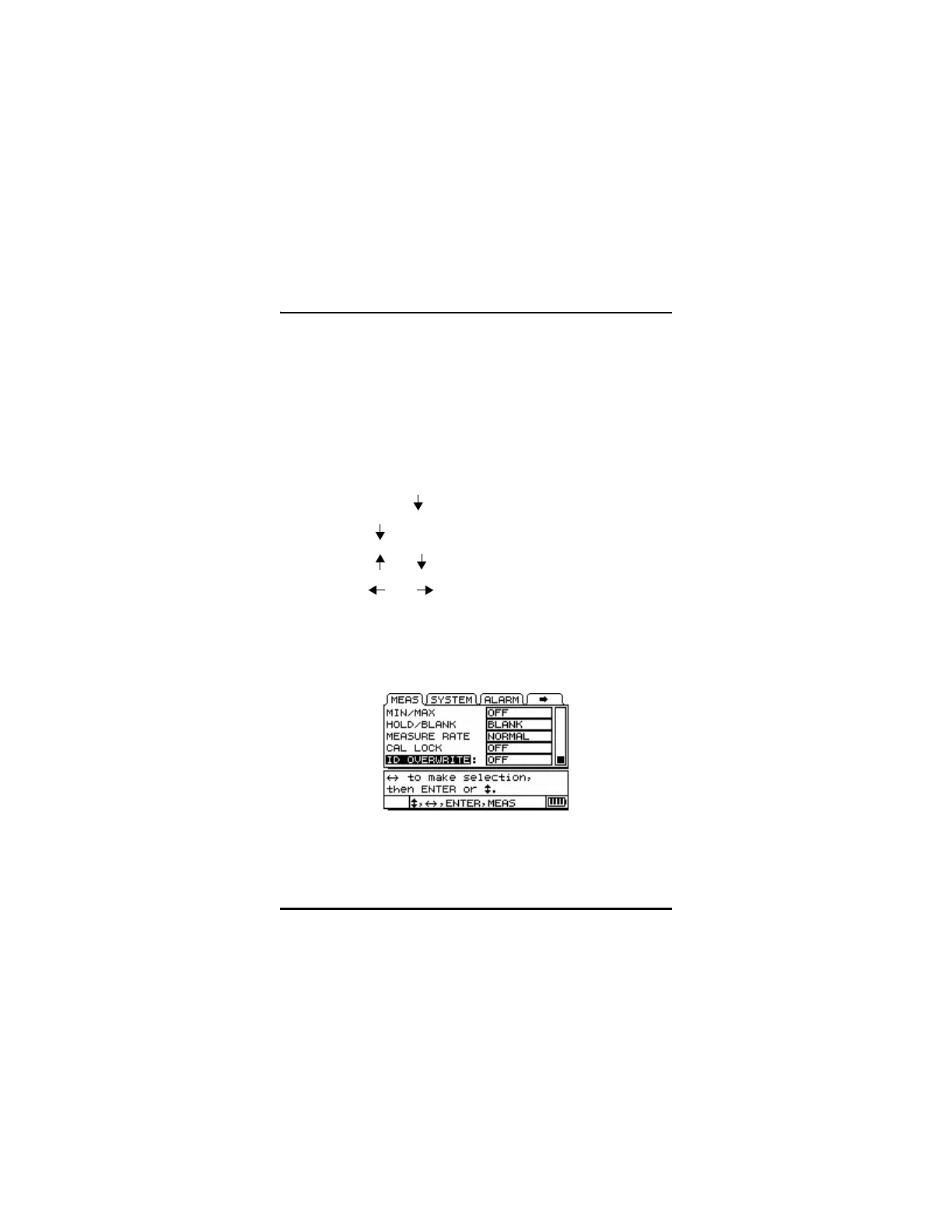
ID# Overwrite, and the gage will display a message that states
whether data already exists at an ID location.
To enable ID# Overwrite:
Step 1: Press [2
nd
F][ ](SETUP) to go to the Setup Tabs.
Step 2: Press [ ] to enter the MEAS tab.
Step 3: Press [ ] or [ ] to scroll to ID Overwrite.
Step 4: Use [ ] or [ ] to choose ON or OFF.
Step 5: Press [MEAS] to end.










 To Next Page