910-257C March 2006
Page 5-18 MG2 Series
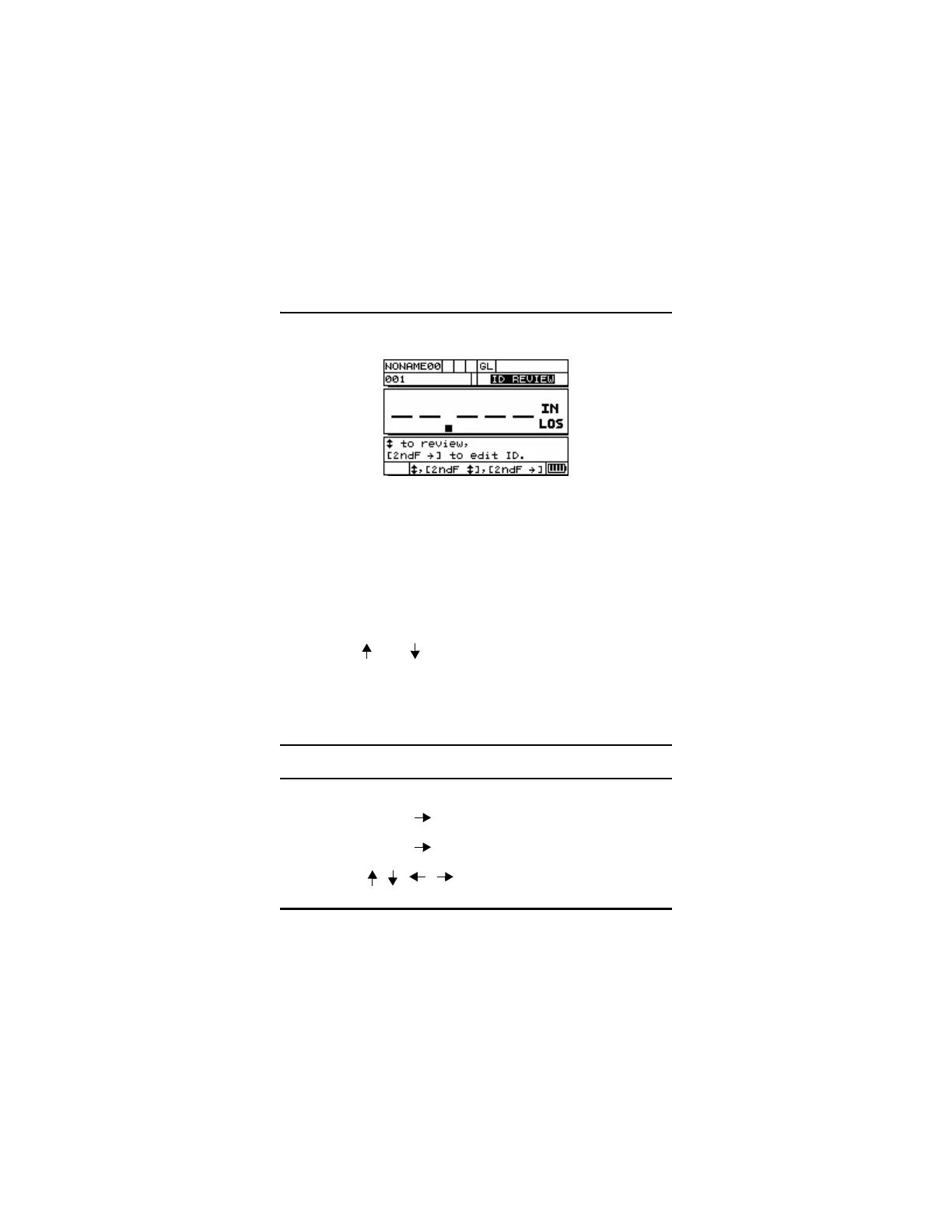
5.7 Using Edit ID Mode
The ID Edit mode is generally used for one of two purposes:
• To change the current ID Location to a different ID Location
already in the database. This mode is useful when you are using a
large database and it would take too long to locate the desired ID by
pressing [] and [].
• To change the current ID Location to a new ID, which does not yet
exist in the database. This mode is useful when you want to include
additional measurement points to the active file. Additional ID
locations can be added anywhere in the file.
Note: No stored data is shown while in ID Edit mode and
no measurements can be made.
To use the ID Edit mode, follow these steps:
Step 1: Press [2
nd
F][ ](ID#).
Step 2: Press [2
nd
F][ ](ID#) again.
Step 3: Use [ , , , ] to make changes.










 To Next Page