March 2006 910-257C
MG2 Series Page 4-11
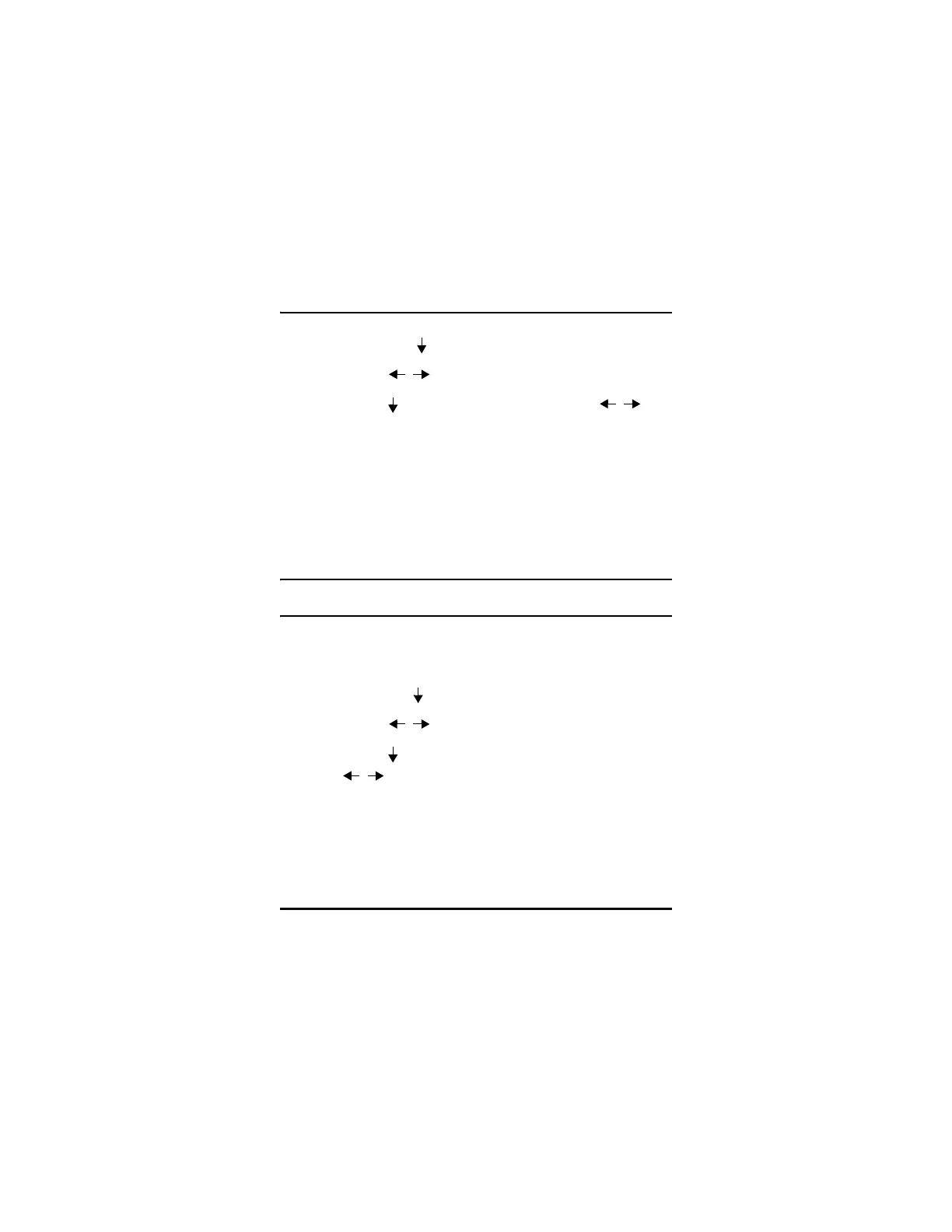
Step 1: Press [2ndF],[ ](Setup) to display the setup tabs.
Step 2: Use the [ , ] to highlight the MEAS tab.
Step 3: Use the [ ] key to highlight Hold/Blank and [ , ] to
select between Blank and Hold.
Step 4: Press [MEAS] to return to the Measure Mode.
4.5.6 Measure Rate
Measure Rate allows the user to display the measurement update rate.
The user can select between Normal (4 Hz) and Fast (20 Hz).
Note: Changing to the fast update rate will greatly affect the
battery life of the MG2 Series thickness gages.
To change Measure Rate:
Step 1: Press [2ndF][ ](Setup) to display the setup tabs.
Step 2: Use the [ , ] keys to highlight the MEAS tab.
Step 3: Use the [ ] key to highlight Measure Rate and the
[ , ] keys to select between Normal (4 Hz) and Fast
(20 Hz).
Step 4: Press [MEAS] to return to the Measure Mode.










 To Next Page