March 2006 910-257C
MG2 Series Page 4-43
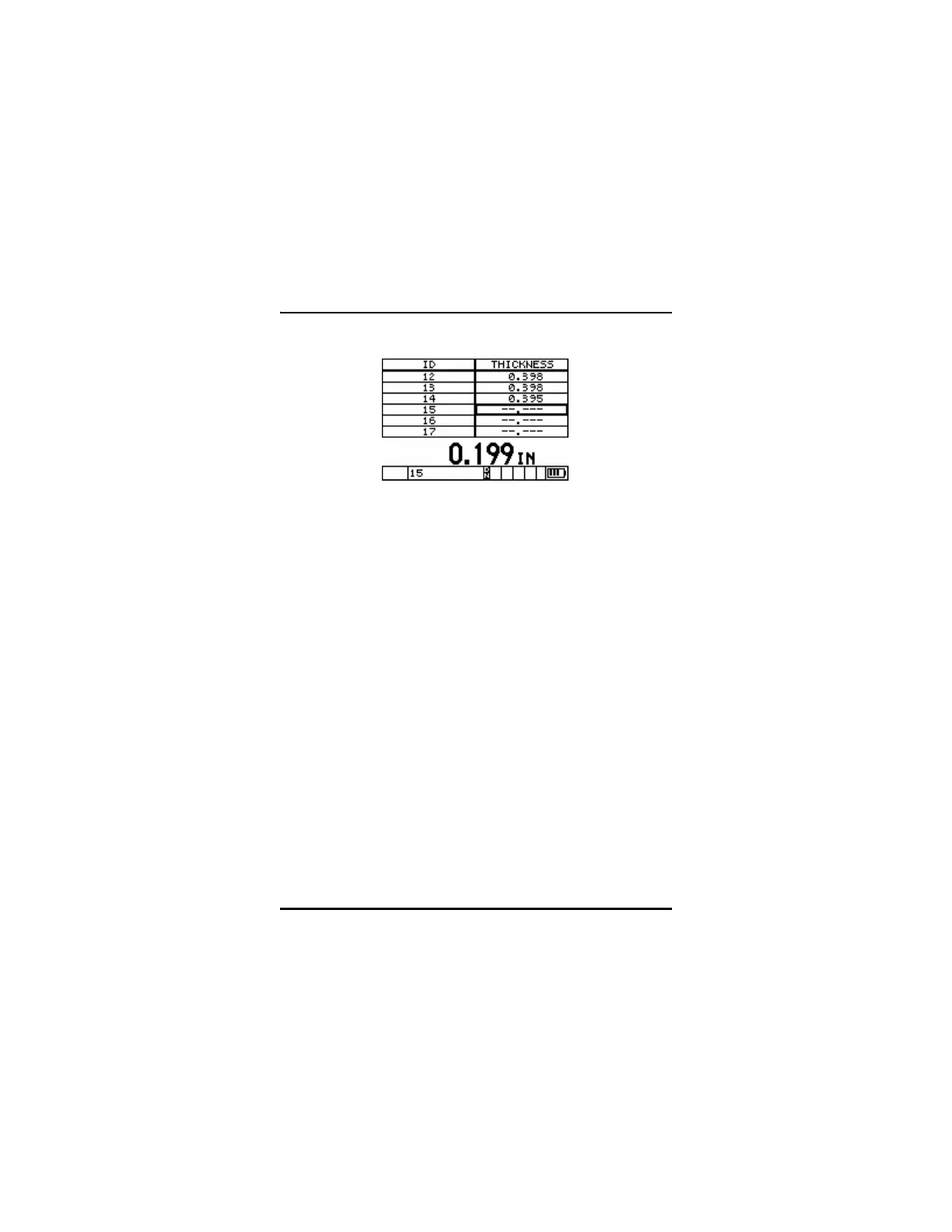
DB Grid of Incremental File
DB Grid allows the user to easily navigate through grids by
simultaneously displaying the grid positions with the current thickness
reading. This gives the user the ability to move in any direction on the
grid file rather than following a pre-set list of ID’s. Instead of
automatically incrementing to the next ID location, the user may press
the ID# key and use the arrow keys to move to any row or column in
the grid file.
The following are definitions of the available DB Grid options and
parameters:
Enable: Allows the user to turn the DB Grid function On or Off.
Transpose Grid: Allows the user to switch the position of the Row
and Columns of a 2D Grid file. This parameter has no affect on
incremental or sequential files.
4.15.1 Using the DB Grid Function
To activate the DB Grid feature:
DB Grid of an incremental file










 To Next Page