910-257C March 2006
Page 4-46 MG2 Series
ing [2
nd
F], [ ] or to the end of the file by pressing [2
nd
F], [ ].
Step 3: Press the [MEAS] key to go back to the Measure mode at
the new ID# location. The gage increments from this new
ID# location.
4.15.4 Editing and Moving Directly to Any ID#
Location in the Active File
Step 1: From Measure mode, press the [2
nd
F], [ ] (ID#) key. The
gage displays the ID REVIEW screen.
Step 2: Press the [2
nd
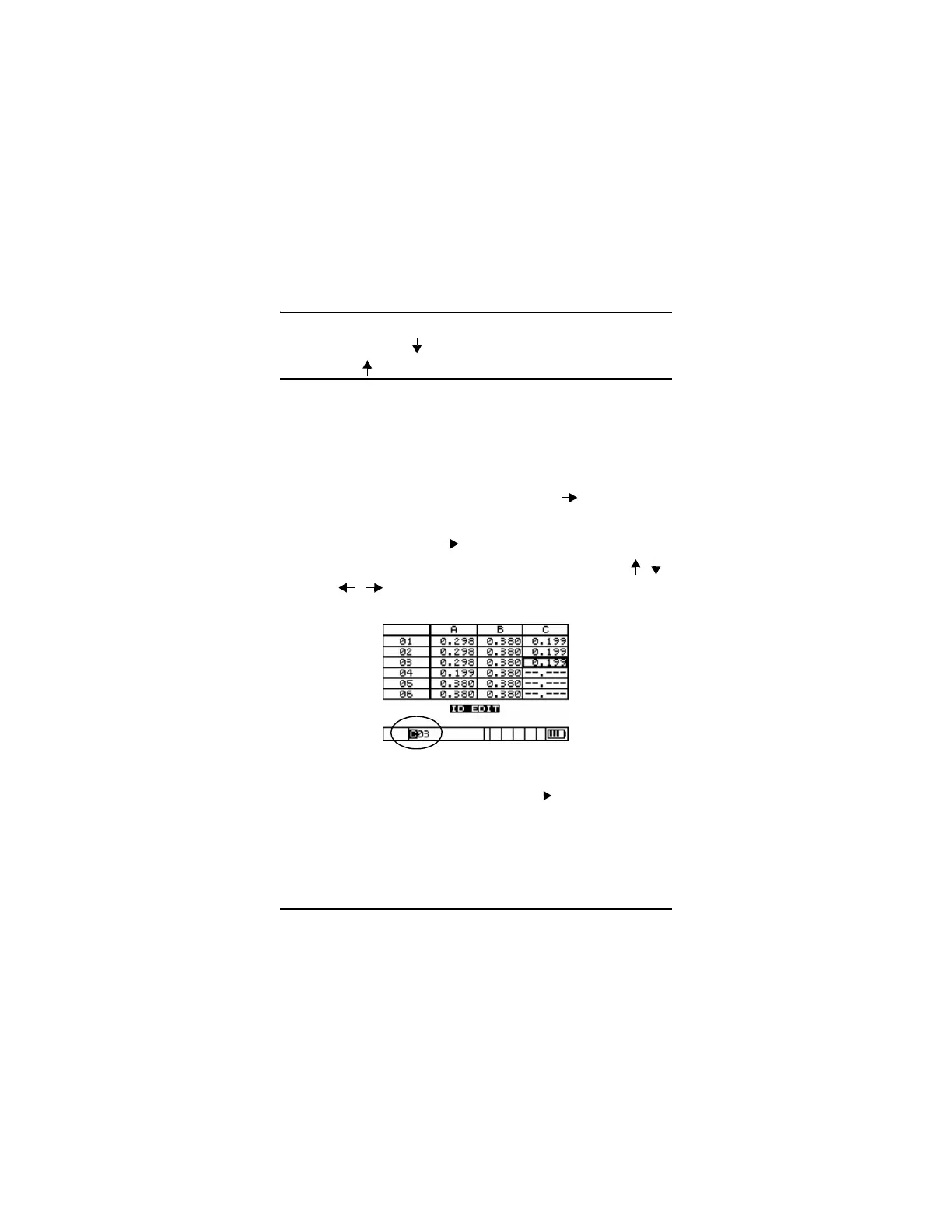
F], [ ] (ID#) again to enter the ID# EDIT
screen. A cursor appears in the current ID# and the [ , ,
, ] keys can be used to edit to any location in the
active file.
Step 3: Press the Measure key to return to the Measure screen at the
new ID# location or press [2
nd
F], [ ] (ID#) to go back to
Review mode at the edited ID# location.










 To Next Page