March 2006 910-257C
MG2 Series Page 4-45
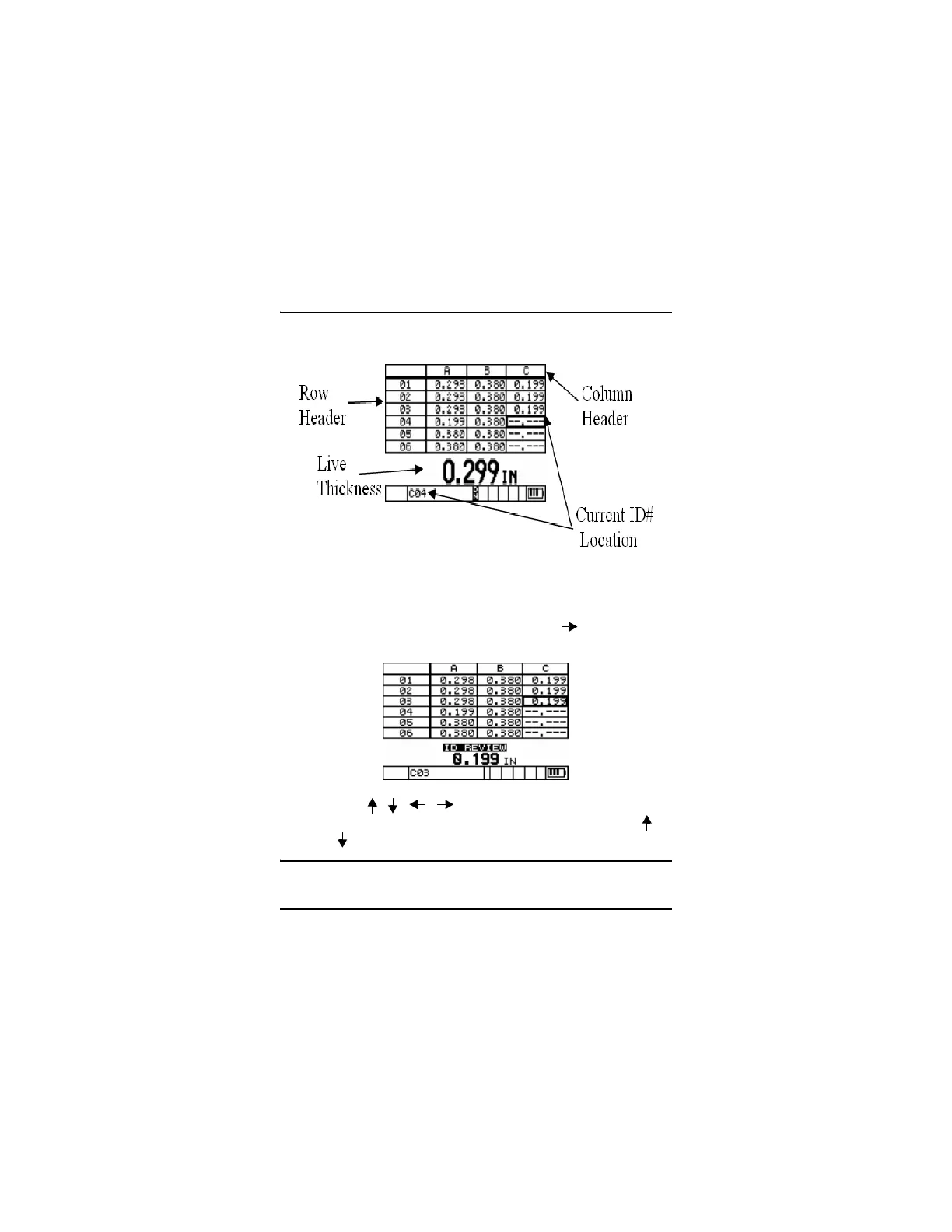
4.15.3 Reviewing Stored Thickness Data While DB
Grid Is Active
Step 1: From Measure mode, press the [2
nd
F], [ ] (ID#) key. The
gage displays the ID REVIEW screen.
Step 2: Use [ , , , ] to move to a new grid or ID#
location. For incremental or sequential files, only the [ ,
] keys can be used.
Note: The user can jump to the beginning of the file by press-










 To Next Page