910-257C March 2006
Page 5-20 MG2 Series
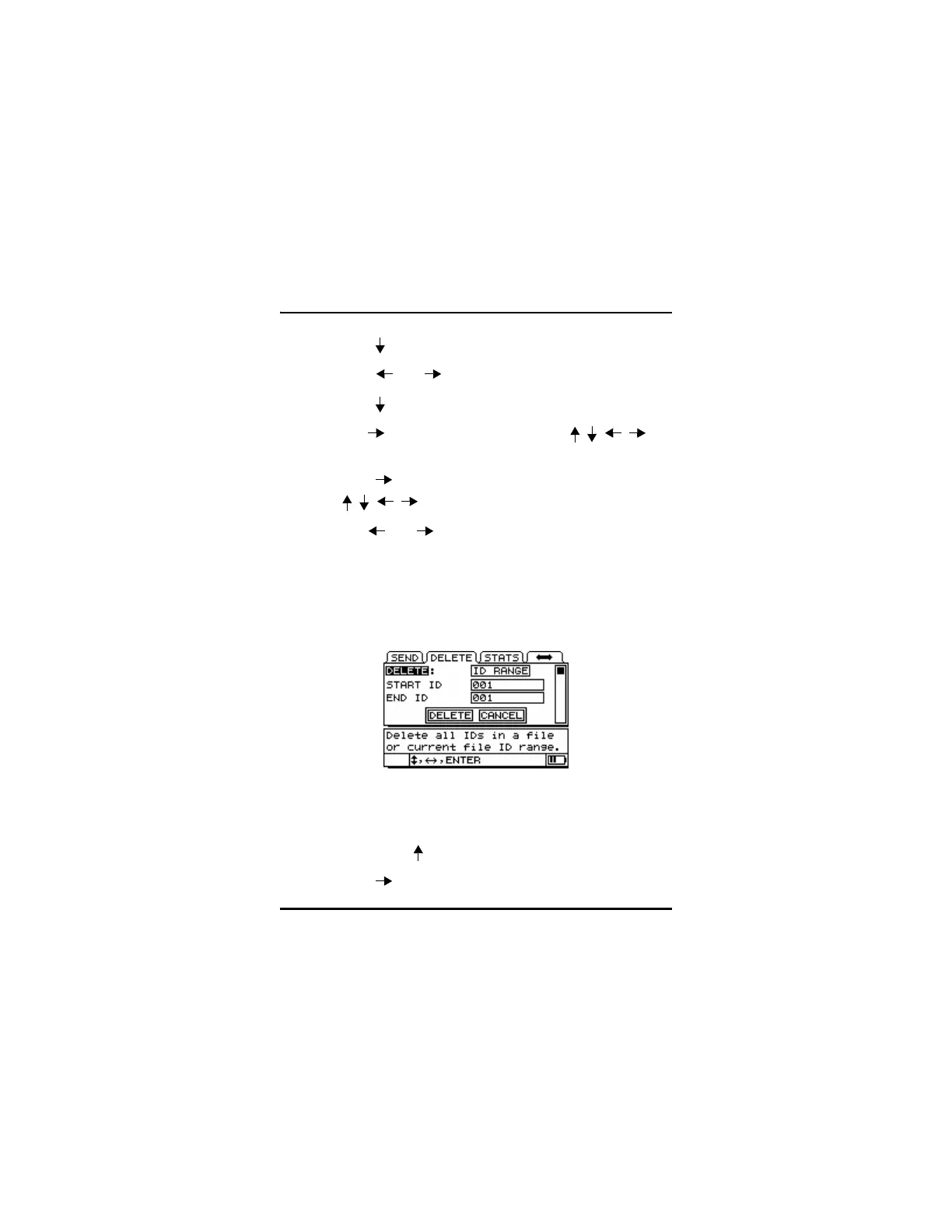
Step 3: Press [ ] to enter the Delete tab.
Step 4: Press [ ] or [ ] to select ID Range.
Step 5: Press [ ] to select the starting ID#.
Step 6: Use [ ] to edit the Start ID# using the [ , ,,]
editing function keys. Press [ENTER].
Step 7: Press [ ] to edit the End ID# number using the
[ , , , ] editing function keys. Press [ENTER].
Step 8: Use [ ] or [ ] to choose Delete or Cancel. Press
[ENTER].
Step 9: Press [MEAS] to return to Measurement Mode.
5.8.2 Delete Selected Files
Step 1: Press [2
nd
F][ ](FILE) to go to the File Tabs.
Step 2: Press [ ] to scroll to the Delete tab.










 To Next Page