910-257C March 2006
Page 4-34 MG2 Series
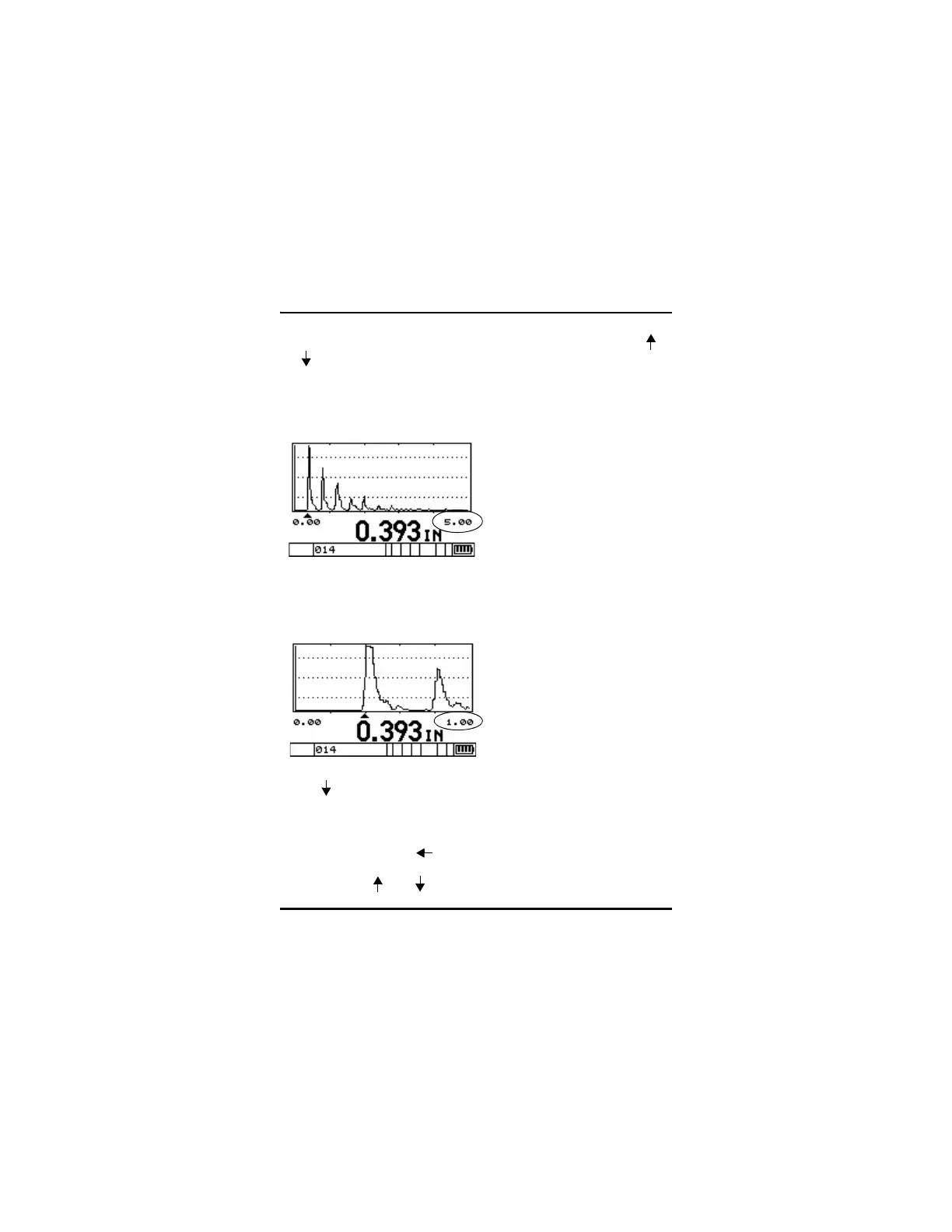
To adjusting the range when in Live Waveform Mode, press the [ ]
or [ ] key to adjust the range to the next higher/lower range. The
available ranges on the MG2-XT and MG2-DL Series gages are fixed
based on the transducer being used.
Waveform Showing 5.00" Range
Press [ ] to Change Range to 1.00"
To adjust the range in Waveform Adjust Mode:
Step 1: Press [2
nd
F], [ ] (Gain).
Step 2: Press [ ] or [ ] to select the Range Setup parameter.










 To Next Page