March 2006 910-257C
MG2 Series Page 2-3
Step 3: Wipe couplant from the tip of the transducer.
Step 4: Press [2ndF], [Cal Zero] (Do-Zero).
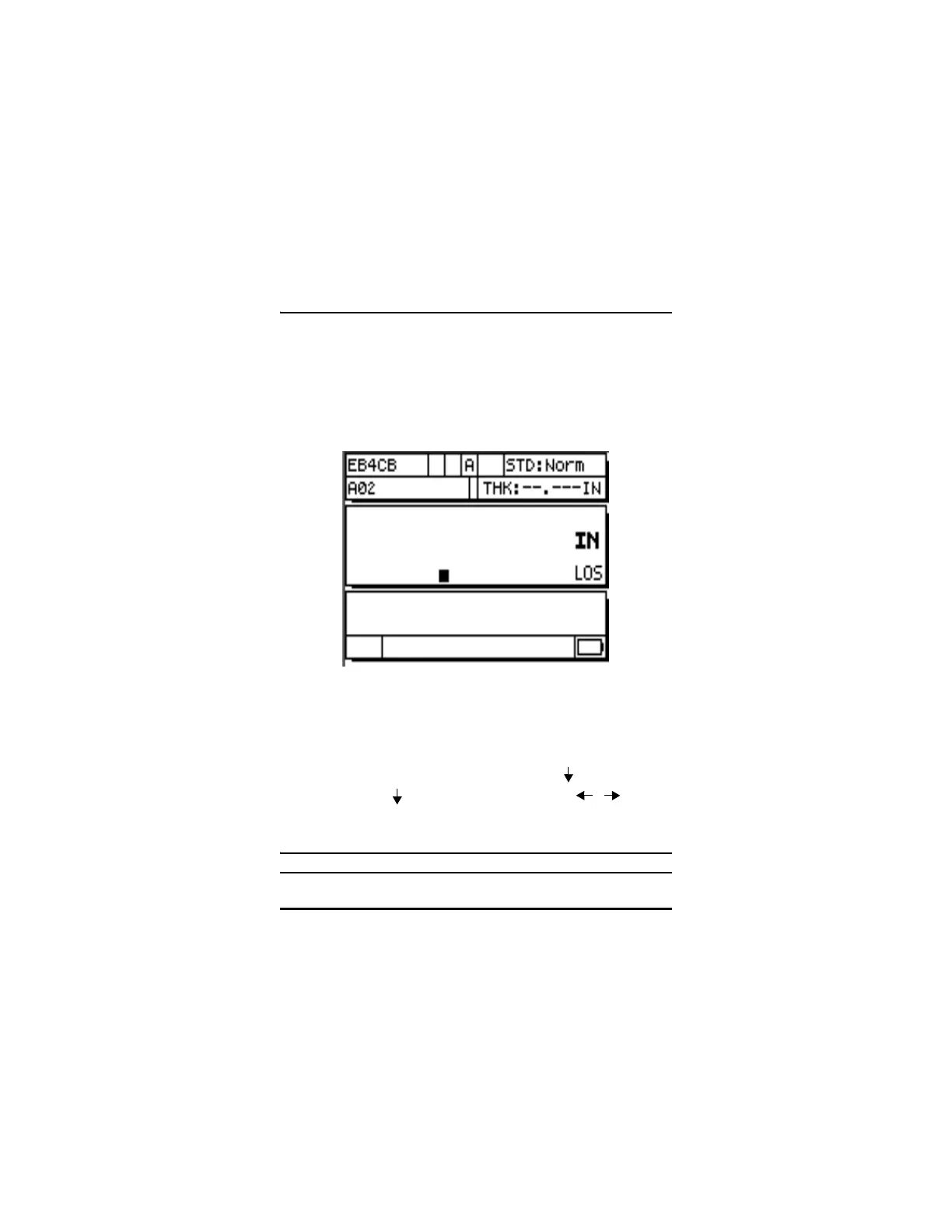
The gage displays a zero value and then displays the
measurement screen.:
Step 5: You are now ready to make measurements. The current
units are indicated on the right of the display. Inches (IN) or
millimeters (MM) may be changed to the alternate
measurement units by pressing [2ndF], [ ](Setup), then
pressing [ ] to highlight units and using [ , ] to
select English (inches) or metric units.
Step 6: Press the [Meas] key.
Note: This is not a substitute for doing a standard calibration.
Figure 2-2: Zero Screen










 To Next Page