March 2006 910-257C
MG2 Series Page 9-9
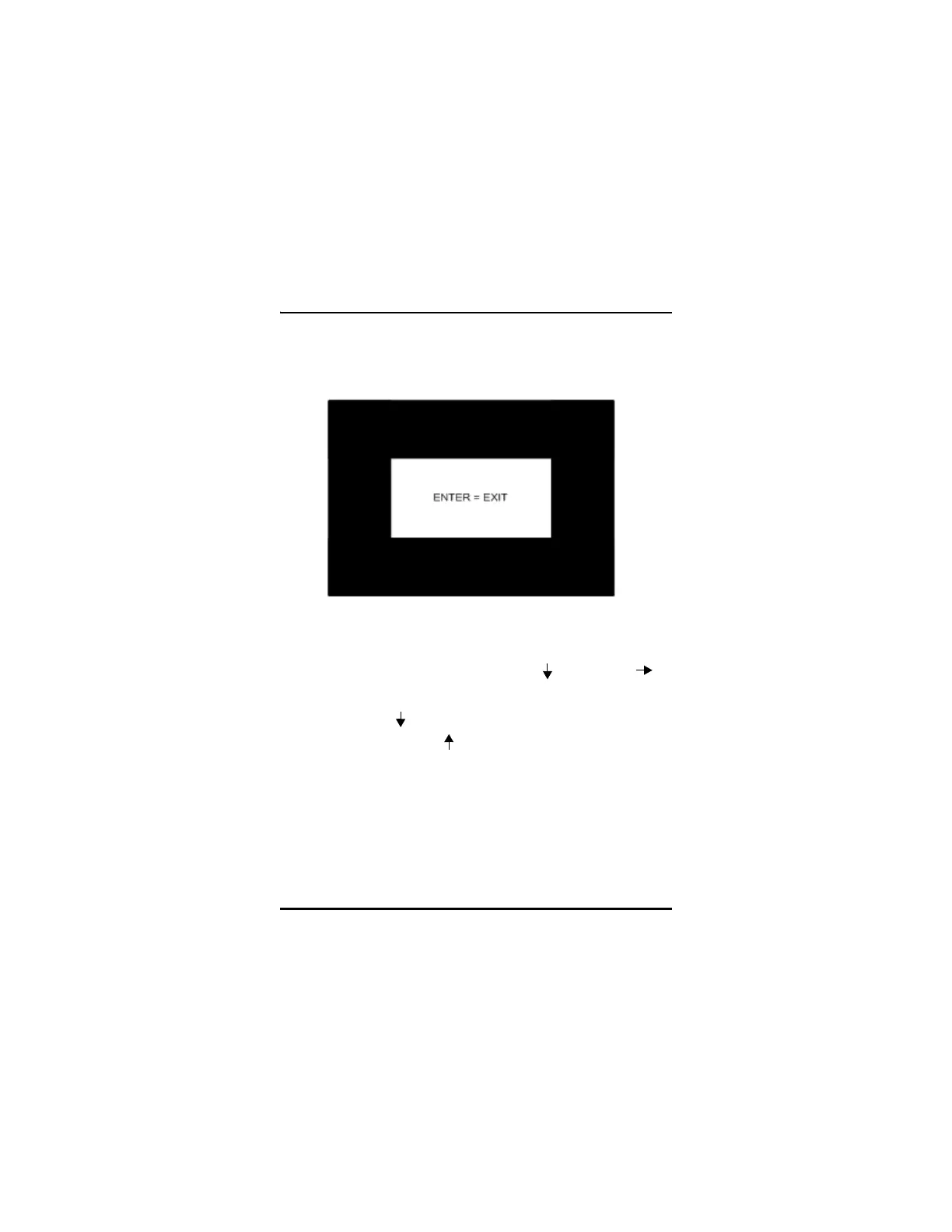
To test the video display, use the following procedure:
Step 1: From the Main screen, press [2ndF][ ] and use the [ ]
arrow to move across the top of the screen to the TESTS tab.
Step 2: Press the [ ] arrow to select VIDEO TEST and then press
ENTER or [2ndF][ ] to abort the test. Determine visually
that video pixels are functional by observing if white spots
occur in the screen test display.
Step 3: Press ENTER to Exit to the TESTS screen.



 To Next Page