March 2006 910-257C
MG2 Series Page 3-5
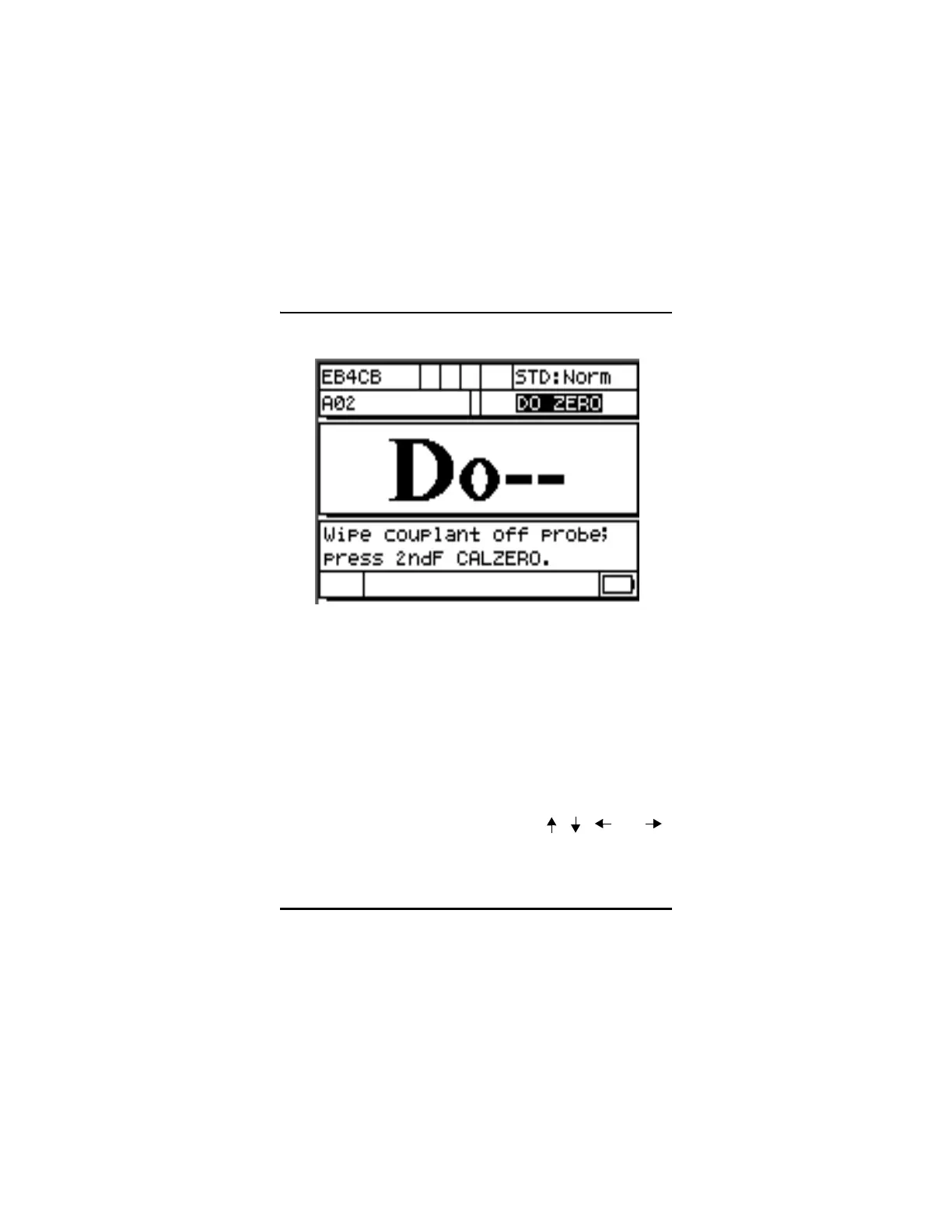
Figure 3-2: Unknown Sound Material Do Screen
Step 1: Update the Transducer Zero Compensation by wiping the
transducer face clean of all couplant and pressing [2
nd
F],
[Cal Zero](Do Zero).
Step 2: Couple the transducer to the block.
Step 3: Press the [CAL VEL] key.
Step 4: When the thickness reading is stable, press the [ENTER]
key.
Step 5: Uncouple the transducer and use the [
, , , and ]
slewing keys to enter the thickness of the standard.
Step 6: Press the [MEAS] key to complete the calibration and return
to Measure mode.










 To Next Page