274
Setting Inspection Conditions
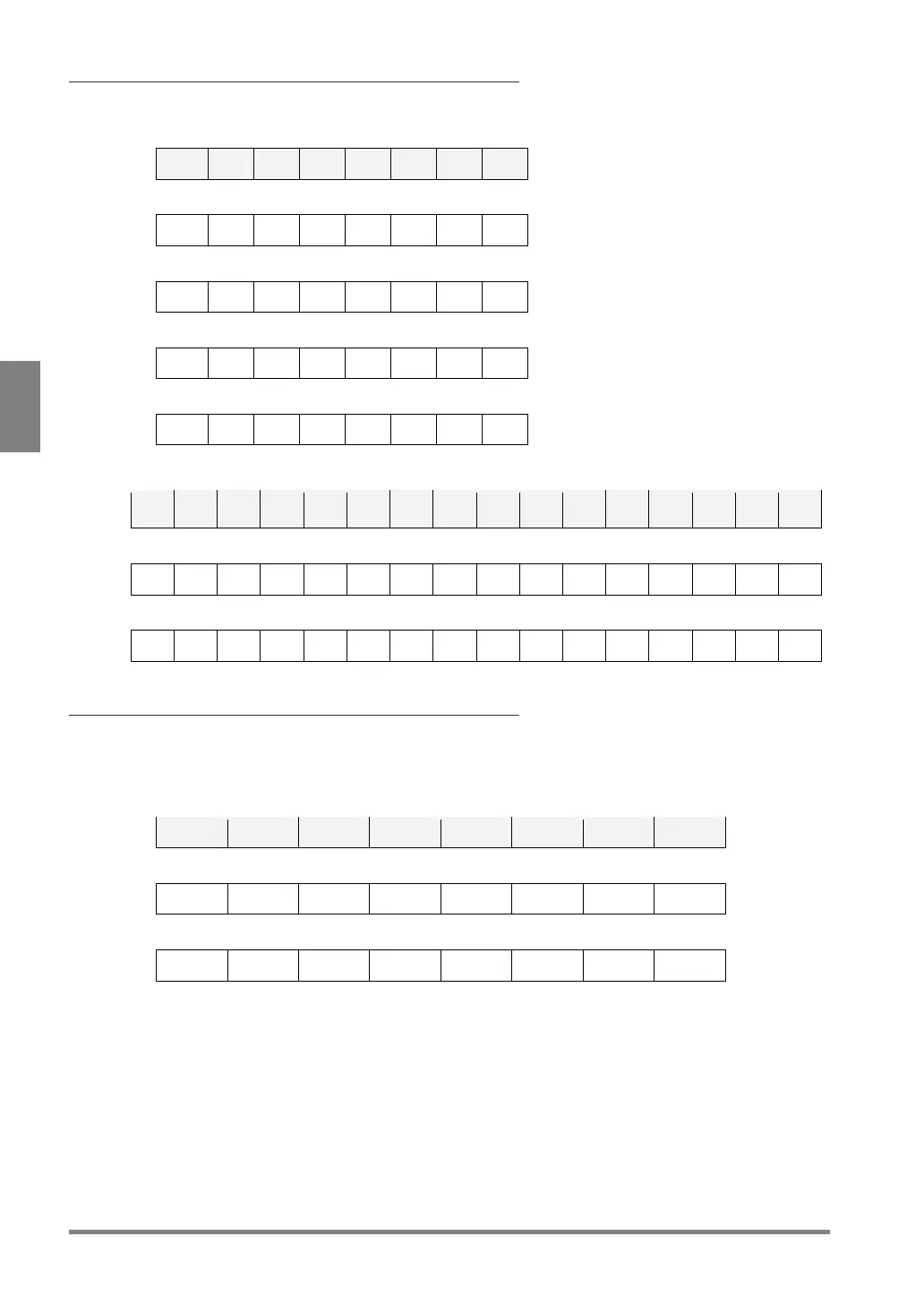
Example of Bit Assignment when outputting numerical data
In the case of Data Bit: 32-bit, Bit Width: 8-bit
OUT7 OUT6
OUT5
OUT4
OUT3
OUT2
OUT1
OUT0
Bit7 Bit6 Bit5 Bit4 Bit3 Bit2 Bit1 Bit0
Bit15 Bit14 Bit13 Bit12 Bit11 Bit10 Bit9 Bit8
Bit23 Bit22 Bit21 Bit20 Bit19 Bit18 Bit17 Bit16
Bit31 Bit30 Bit29 Bit28 Bit27 Bit26 Bit25 Bit24
In the case of Data Bit: 32-bit, Bit Width: 16-bit
Bit15
Bit14
Bit13
Bit12 Bit11 Bit10 Bit9 Bit8 Bit7 Bit6 Bit5 Bit4 Bit3 Bit2 Bit1 Bit0
Bit31
Bit30
Bit29
Bit28 Bit27 Bit26 Bit25 Bit24 Bit23 Bit22
Bit21
Bit20
Bit19
Bit18
Bit17 Bit16
Example of Output Data Assignment in Automatic Switch
execution mode
In the case of outputting Numerical Calculation with Bit Data: 8-bit and Bit Width: 8-bit
(When the lastly executed block = Block No.4)
OUT7 OUT6 OUT5 OUT4 OUT3 OUT2 OUT1 OUT0
1st: Numerical Calculation CAC400
Bit7 Bit6 Bit5 Bit4 Bit3 Bit2 Bit1 Bit0
2nd: Numerical Calculation CAC401
Bit7 Bit6 Bit5 Bit4 Bit3 Bit2 Bit1 Bit0
Afterwards, outputs to the last number of numerical calculation expression created in Block


 To Next Page
 Loading...

