311
Setting Inspection Conditions
Copying Marker
1.
Highlight the marker number you want to copy and press the
FUNC key.
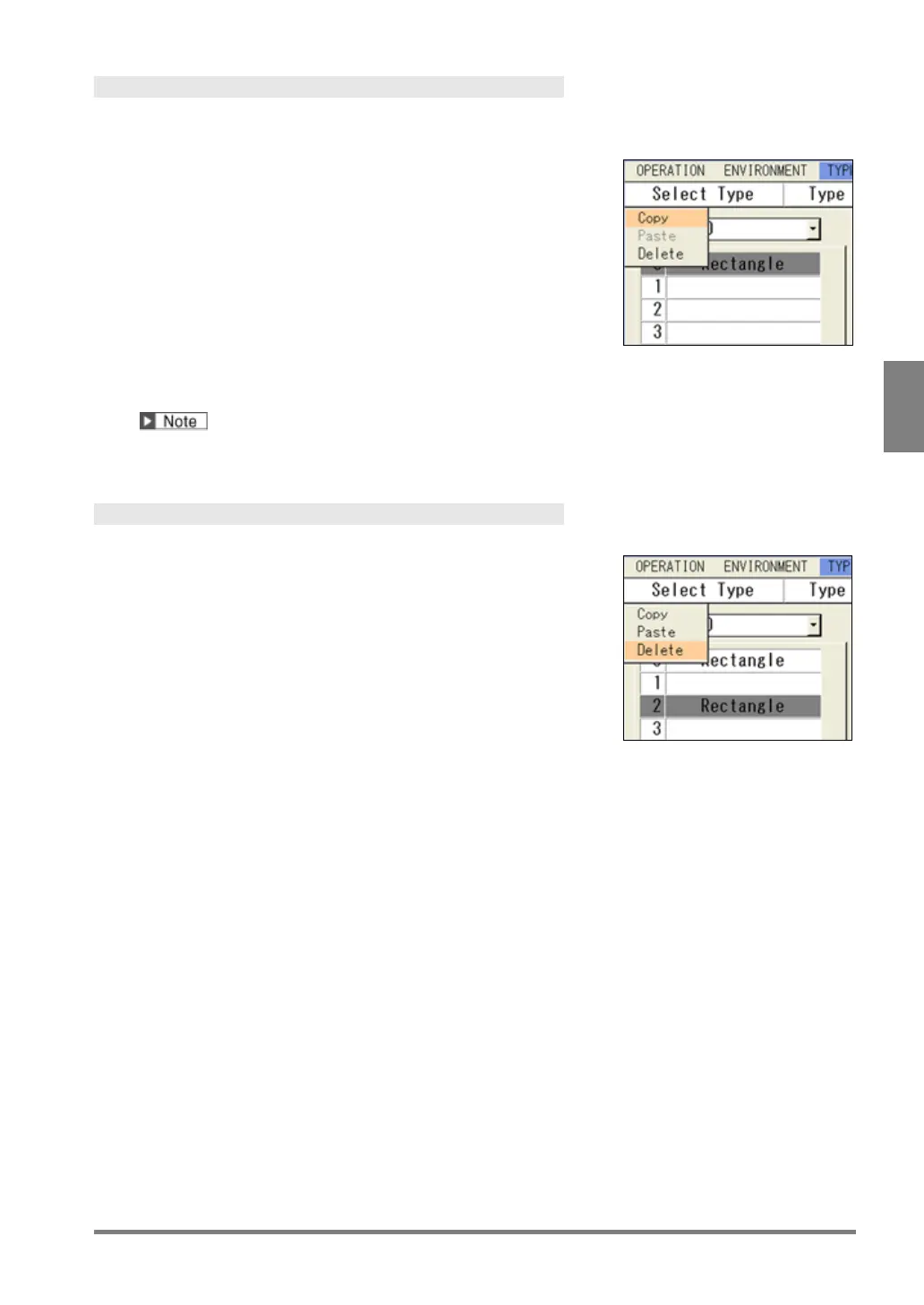
The pop-up menu appears.
2.
Select "Copy".
3.
Highlight the marker number you want to paste and press the
FUNC key.
The pop-up menu appears.
4.
Select "Paste".
The same marker as the copied one is pasted.
If a marker already exists in the destination, the message of overwrite confirmation appears. Selecting
“Yes” executes copying the marker.
Deleting Marker
1.
Highlight the marker number you want to delete and press
the FUNC key.
The pop-up menu appears.
2.
Select "Delete".
The confirmation screen is displayed.
3.
Select "Yes".
The marker is deleted. Select "No" to cancel.



 To Next Page