324
Setting of Operation and RUN Menu
4.
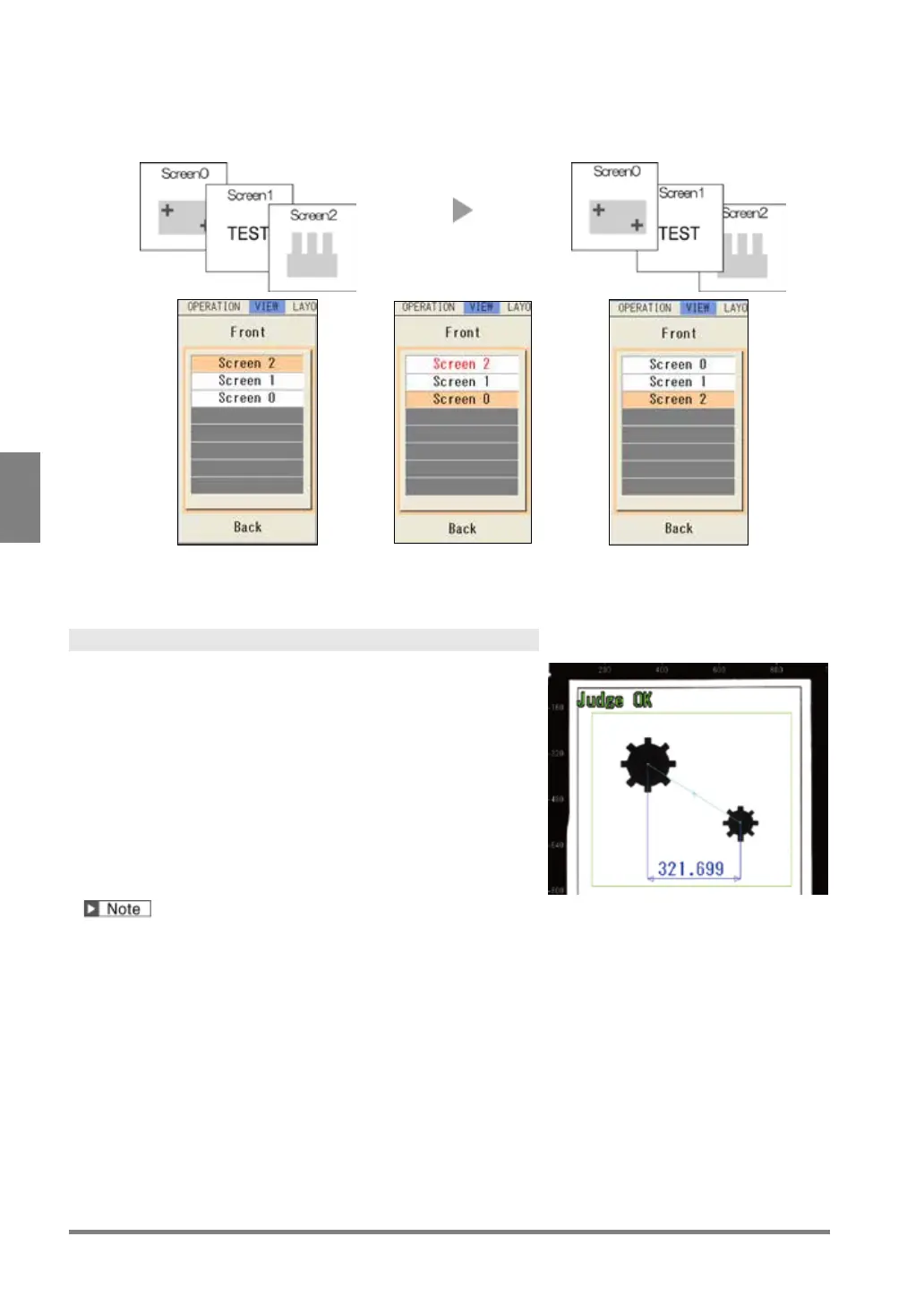
Press the ENTER key to execute the replacement.
Before replacement After replacement
Replacing
Screen 2 and 0
5
. After setting is completed, press the CANCEL key.
Selecting Pattern Display
Select patterns to display on the screen window.
The patterns that can be selected to display or hide are as
follows.
• Inspection area, arrow showing a scan direction and
detect position of a checker
• Result of geometry calculation
• Figures set in character/figure drawing
• Marker
• Calibration scacle
About types of display images and magnification, refer to Chapter 3.2.2 Selecting a Display Image (Image
Menu), page 42.
1.
Press the F1 key.
The list of currently displayed window is displayed.
2.
Operate the ENTER key to select a screen window to set.
3.
Select "Pattern Display".
Pattern Display setting window is displayed.



 To Next Page