402
Control with Communication Port
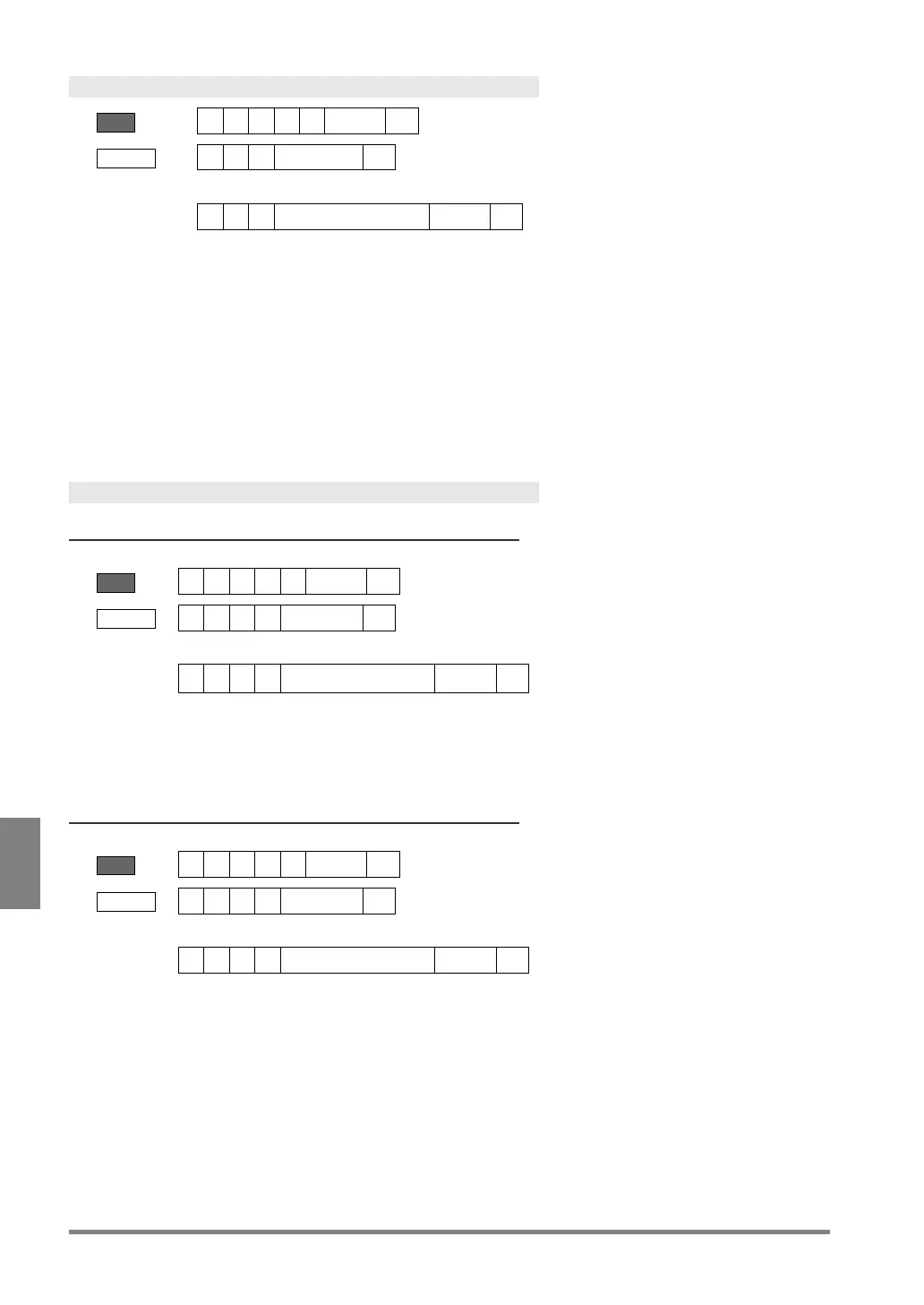
Type Switch
??? = 000 - 255 (Product type No.)
Receive
Error (ERROR 1 signal = ON)
Error code
• The specified product number does not exist.
• Other number than 000-255 was specified for a product number.
When waiting for Individual Trigger input*, image capturing of the rest of the
cameras or Abort Inspection/Process is not executed in 10 seconds after
sending the command to execute Type Switch. (This condition does not apply
when Individual Trigger Timeout is set to "Yes")
* The status where the device is waiting for the rest of camera triggers after
receiving some of the camera triggers.
Saving Setting Data
Saving in the Storage Space in PV500
?? = 00 - 99 (Storage area No. of PV)
Receive
Error (ERROR 1 signal = ON)
Error code
Other number than 00-99 was specified for a saving area number.
Saving in a SD memory card
?? = 00 - 99 (Storage area No. of a SD memory card)
Receive
Error (ERROR 1 signal = ON)
Error code
Other number than 00-99 was specified for a saving area number.
• No SD memory card is attached or cannot be accessed.
• Capacity of the SD memory card is used up.
• The SD memory card is write-protected.



 To Next Page