405
Control with Communication Port
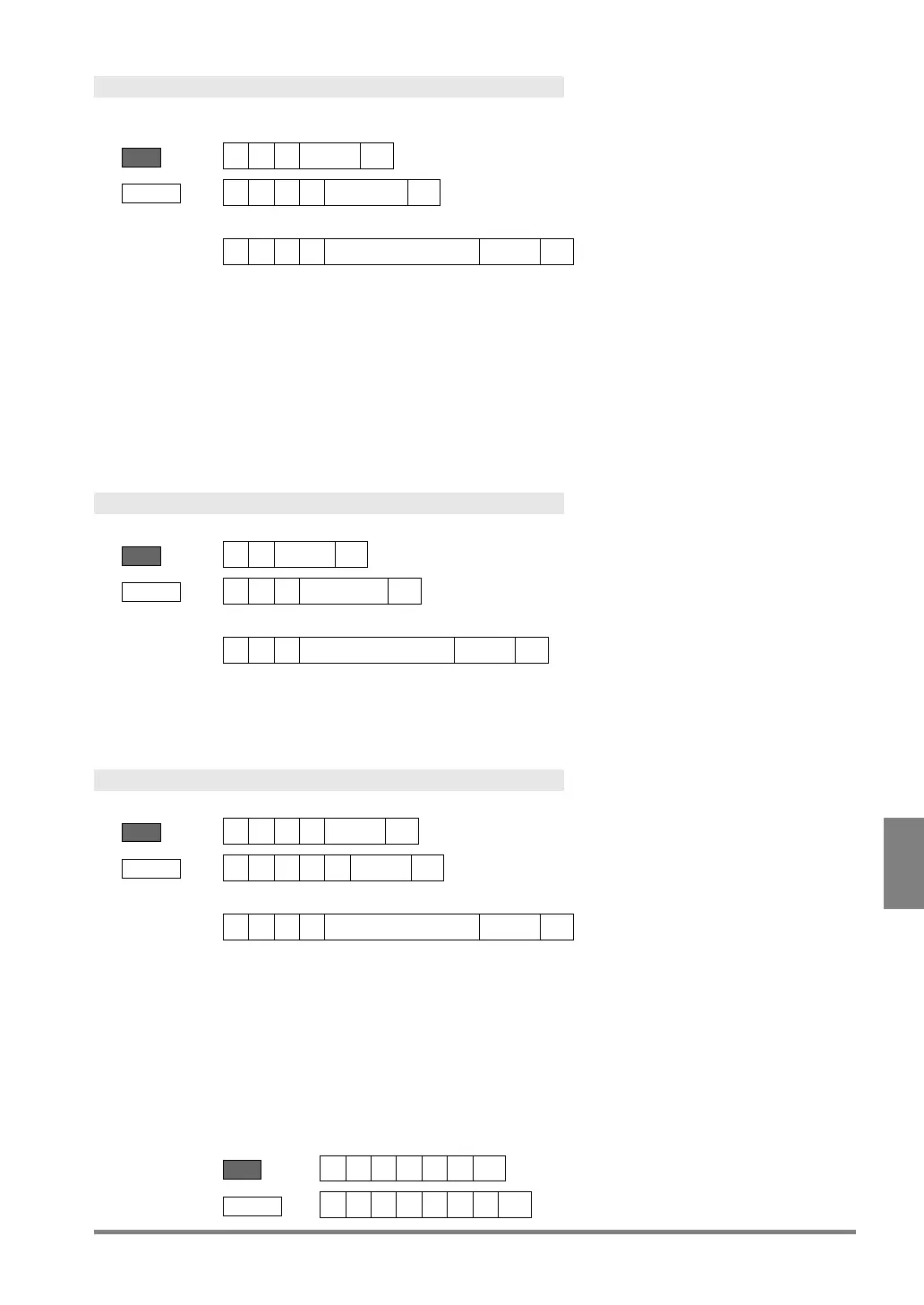
Print Screen
It is output into the place specified from “ENVIRONMENT” -> “Input/Output” -> “Print Screen” -> “Destination”.
This command cannot specify the destination.
BCC = 26 or **
Receive
Error (ERROR 1 signal = ON)
Error code
• No SD memory card is attached or cannot be accessed.
• Capacity of the SD memory card is used up.
• The SD memory card is write-protected.
• Ethernet communication cannot be established (with connection problems
such as cable unconnected or disconnection)
• Image Receiver is not activated or stopped.
Resetting Statistics Data
Resets statistics data and scan count.
BCC = 74 or **
Error (ERROR 1 signal = ON)
Error code
Switch between Run/Stop
? = 0 - 1 (0 = switch to RUN, 1 = switch to STOP)
Receive
? = 0 – 1 (0 = RUN, 1 = STOP)
Error (ERROR 1 signal = ON)
Error code
• Specification of the parameter is wrong. (A number other than 0 and 1 was
specified.)
• PV500 sent a command in the following inoperable state.
- When selecting "TOOL" > "General", "Setting Help" or
"Update”
- When displaying SETUP menu when "Run Mode in SETUP
Menu" is set to "Not Available”
Example:
Send



 To Next Page