91
Setting Inspection Conditions
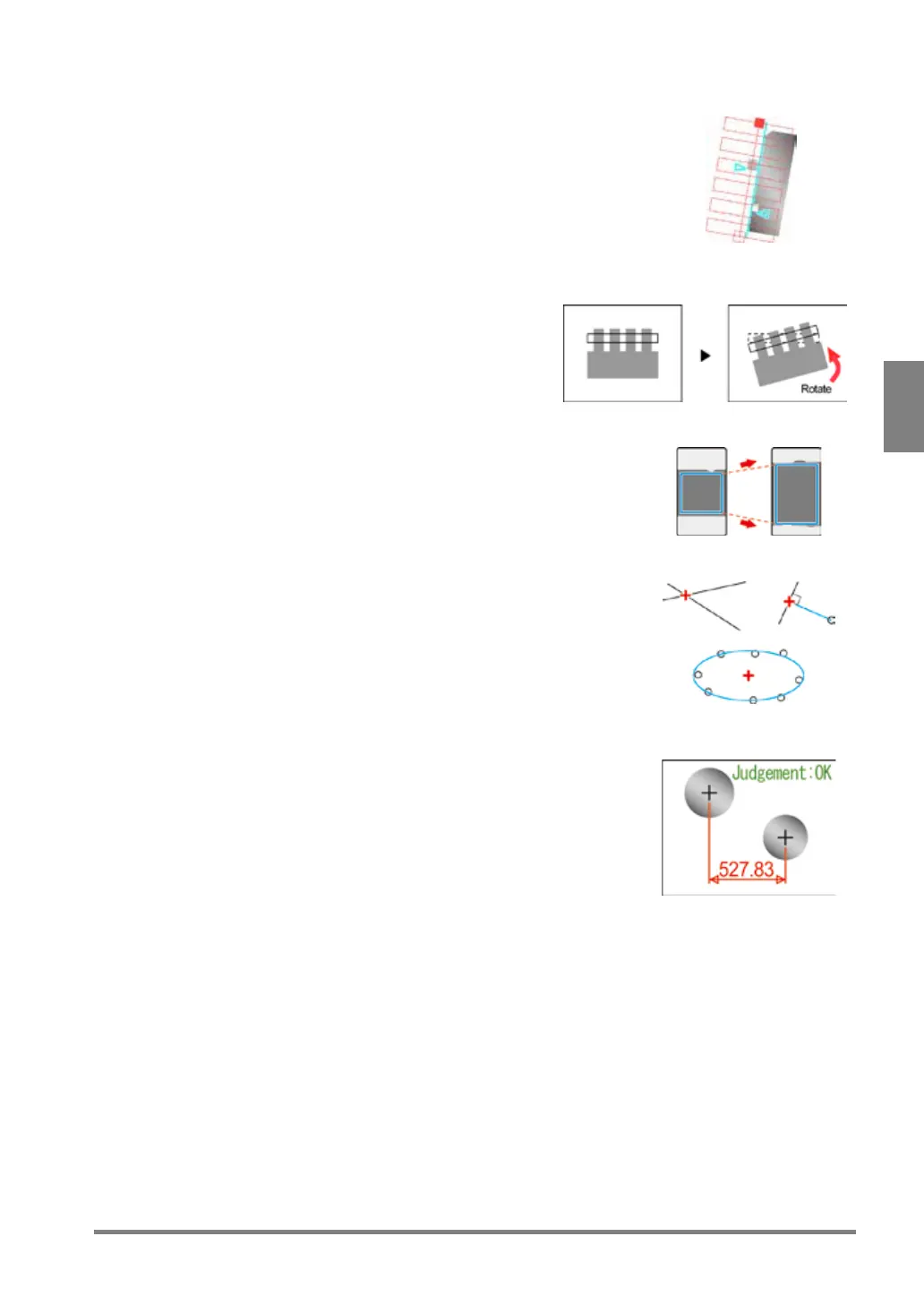
Smart Edge (Line) Available from Ver.2.0
Detection of the position or angle of uneven end face.
Detects the approximate line based on the coordinate
value of the edge of the end face detected by setting a
number of cells.
Detecting the coordinate value or angle of the
approximate line enables the detection of the position or
angle of the object by setting only one checker.
Position/Rotation Adjustment
Adjustment of object position and rotation
angle
Detects the misalignment and rotation
angle of the object from the base position.
Area Size Adjustment
Adjustment of area size of checkers
Geometry Calculation Available from Ver.2.0
Geometry calculation using detected data
Conduct seven kinds of geometry calculations using the
coordinate values and lines detected by each checker.
Items such as the intersection point of two lines or
approximate circle can be calculated without setting
Character/Figure Drawing Available from Ver.2.0
Display of inspection data or results on the screen
window
Draw six kinds of figures including characters using
detected data on the screen window It is possible to
change the drawing color or draw figures in the detected
area depending on inspection results.



 To Next Page