139
3
Taking Pictures
9
Press the 4 button.
The setting is registered.
Repeat Steps 6 to 9 to register other keys.
10
Press the 3 button twice.
The camera returns to capture status.
1
Press the 9 button in A mode.
The functions registered with Fn Setting on the [Fn Setting] screen
appear.
The displayed functions differ depending on whether the camera is in
still picture mode or movie mode before the 9 button is pressed.
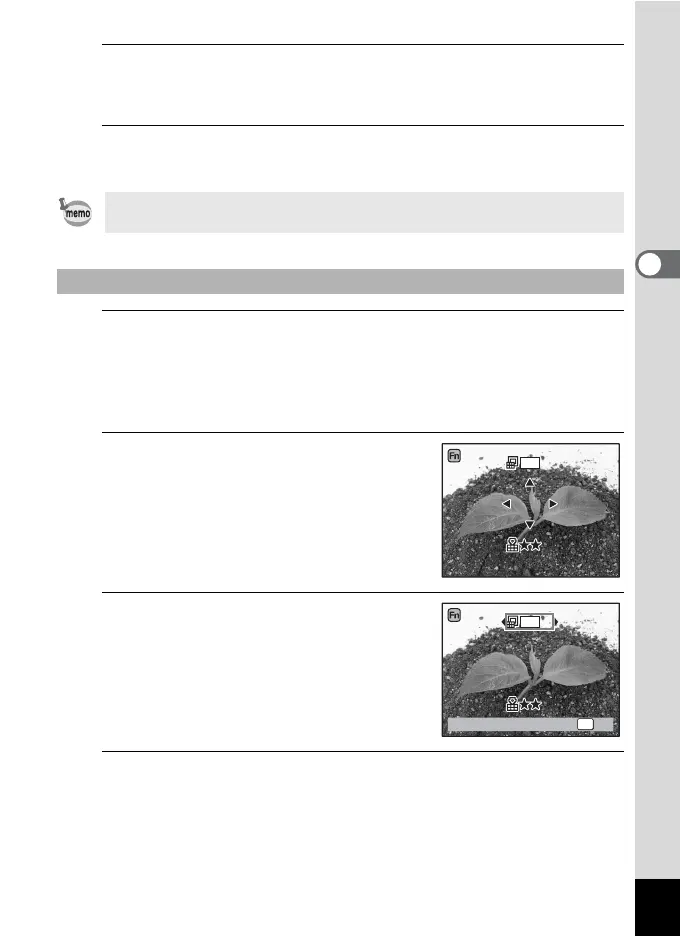
2
Use the four-way controller
(2345) to select a function to
change.
3
Use the four-way controller (23
or 45) to change the setting.
4
Press the 4 button.
The setting is saved and the camera returns to capture status.
Only one function can be registered to each key.
To Use Fn Setting
WB
AWB
ISO
AUTO
12
M
12
M
Recorded Pixels
OK
OK
WB
AWB
ISO
AUTO



 To Next Page