62
2
Common Operations
Blink Detection
For choosing whether to use the Blink Detection function
when the Face Detection function is activated
p.132
Digital Zoom
For choosing whether to use the Digital Zoom function
p.76
Instant Review For choosing whether to display Instant Review p.133
Memory
For choosing whether to save the set values of the
shooting function or return to the defaults when the camera
is turned off
p.144
Green Button
For assigning a function to the 9 button so that you can
go straight to it in A mode
p.137
Sharpness For choosing sharp or soft outlines p.134
Saturation (Tone
Adjustment)
For setting the color saturation. When [Monochrome] is
selected, [Tone Adjustment] is displayed
p.134
Contrast For setting the image contrast level p.135
Date Imprint
For choosing whether to imprint the date and/or time when
taking still pictures
p.136
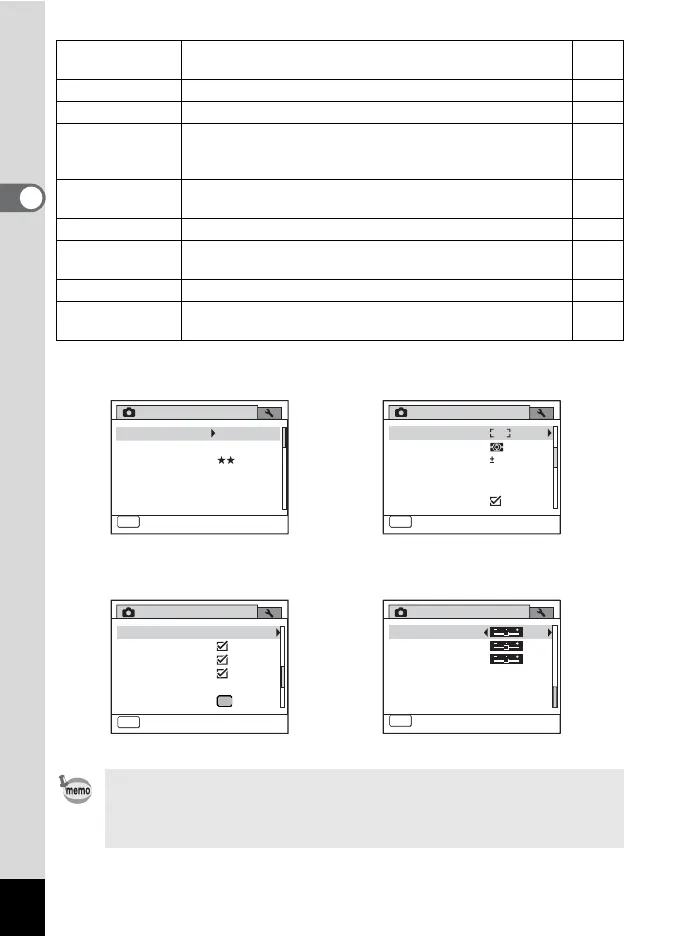
• Use the 9 (Green) mode to enjoy easy picture-taking using standard
settings, regardless of the settings in the [A Rec. Mode] menu (p.72).
• Assigning frequently used functions to the Green button enables you
to go straight to the desired function (p.137).
Rec. Mode
Contrast
Off
MENU
Exit
4/4
Saturation
Date Imprint
Sharpness
[A Rec. Mode] Menu 1
Rec. Mode
MENU
Exit
1/4
Recorded Pixels
Quality Level
Sensitivity
ISO Corction in AUTO
White Balance
ISO80-400
AUTO
AWB
12M
Image Tone Bright
[A Rec. Mode] Menu 2
Rec. Mode
MENU
Exit
2/4
AE Metering
AF Setting
Flash Exp. Comp.
D-Range Setting
Shake Reduction
Movie
0.0
[A Rec. Mode] Menu 3
Rec. Mode
MENU
Exit
3/4
Memory
Green Button
Blink Detection
Digital Zoom
Instant Review
Interval Shoot
[A Rec. Mode] Menu 4



 To Next Page