63
2
Common Operations
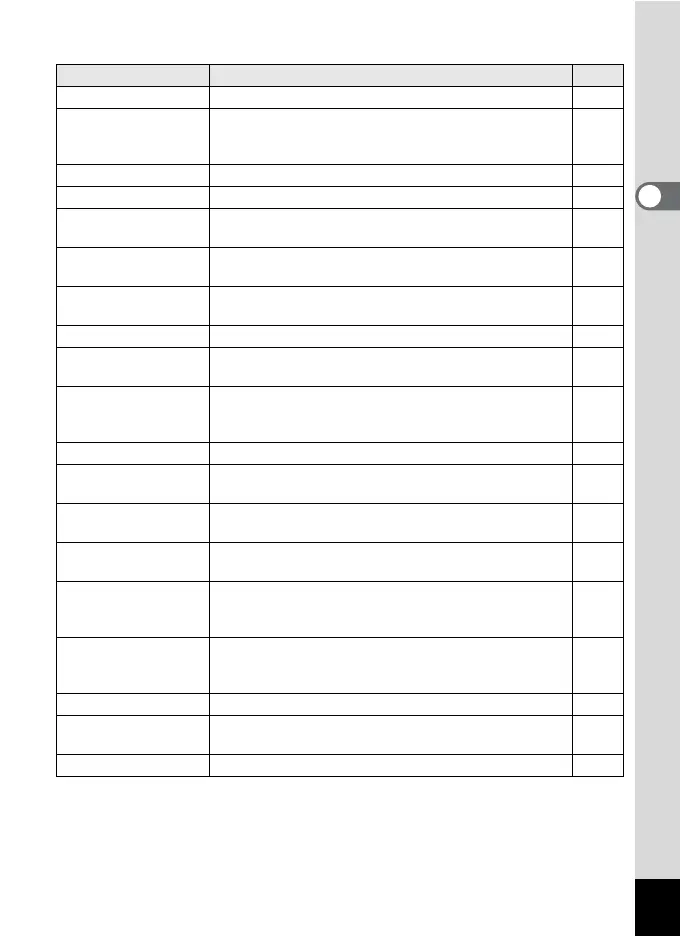
[W Setting] Menu
Item Description Page
Save as A For saving the current camera settings in A mode p.110
Sound
For adjusting the operation volume and playback
volume, and setting the start-up sound, shutter sound,
key operation sound and self-timer sound
p.201
Date Adjustment For adjusting the date and time p.202
World Time For setting the Hometown and Destination p.205
Language/u
For setting the language in which menus and
messages appear
p.208
Folder Name
For choosing how names are assigned to folders for
storing images and sounds
p.209
USB Connection
For setting the method of connecting the camera to a
computer (MSC or PTP)
p.225
Video Out For setting the output format to the AV device p.171
HDMI Out
For setting the HDMI output format when connecting
the camera to an AV device with an HDMI terminal
p.173
Eye-Fi
For setting when transferring images using an SD
Memory Card with a built-in wireless LAN (Eye-Fi
card)
p.235
Brightness Level For changing the brightness of the display p.210
Power Saving
For setting the time until the camera enters power-
saving mode
p.210
Auto Power Off
For setting the time until the camera turns off
automatically
p.212
Quick Zoom
For choosing whether to use the Quick Zoom function
(p.158) when playing back images
p.213
Guide Display
For setting whether to display explanations for
selected items in Capture Mode Palette and Playback
Mode Palette displays
p.214
Reset
For returning settings other than the date and time,
language, world time and video out settings to their
defaults
p.217
Delete All For deleting all the saved images and sounds at once p.164
Pixel Mapping
For mapping out and correcting any defective pixels in
the CCD sensor
p.216
Format For formatting the SD Memory Card p.200



 To Next Page