Previous Page Table of Contents Section Contents
Back
Index Next Page
LIFEPAK 500 automated external defibrillator Replacement Procedures
11-47
Replacing Main PCB—Biphasic AED Page 3 of 3
13. If a high voltage shield and rivets are not already present, install a new high
voltage shield and two new rivets from the Main PCB Installation Kit onto the
replacement Main PCB.
14. Connect P16 to J16 of the replacement Main PCB. Connect P11 of the data
cable to J11 of the replacement Main PCB. Connect the five spade-lugs P2,
P4, P13, P15, and P19 to J2, J4, J13, J15, and J19, respectively, of the
replacement Main PCB. Connect P12 of the power cable to J12 of the
replacement Main PCB. Connect P3 of the serial cable to J3 of the
replacement Main PCB.
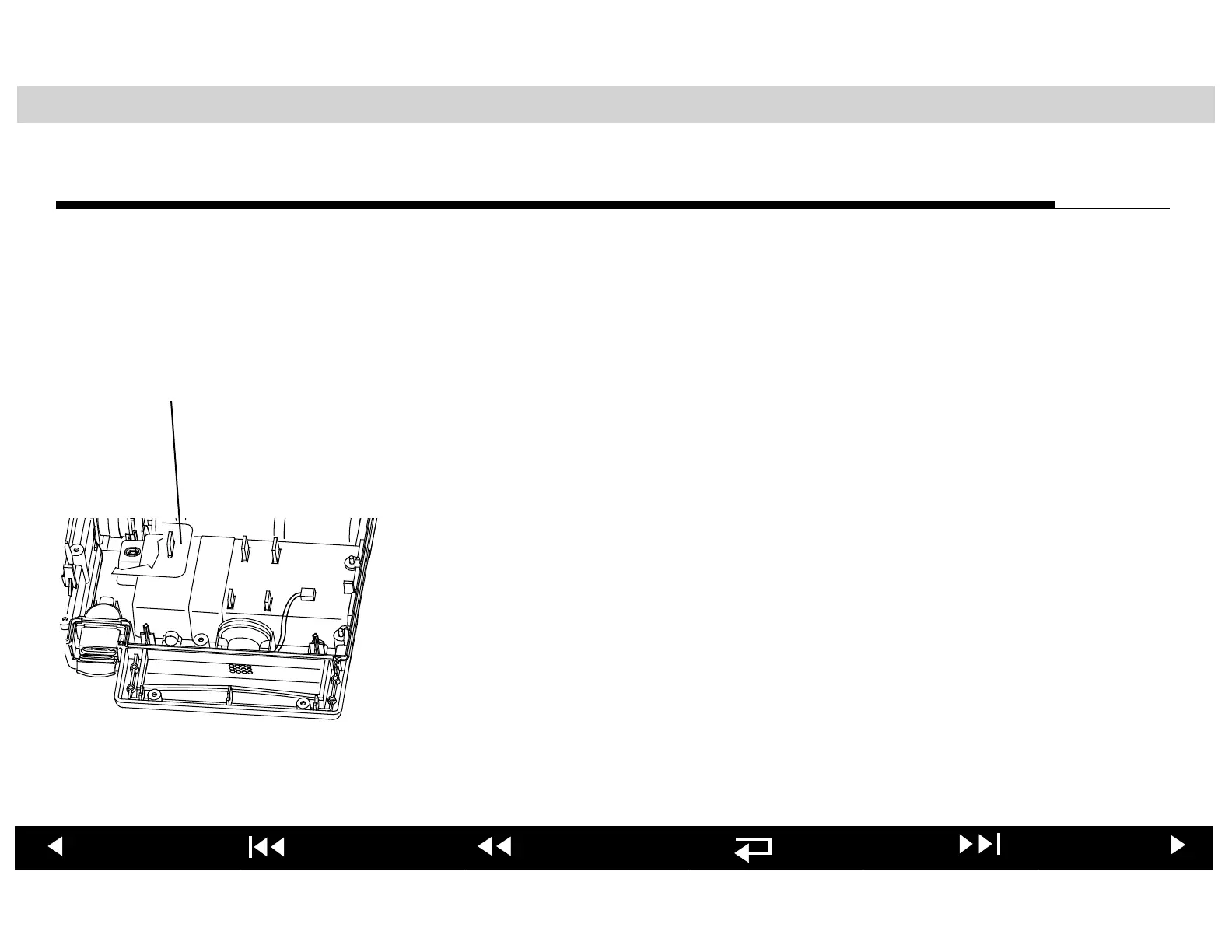
15. Install the wire harness shield as shown at the left.
16. Reposition the Main PCB over the four lower case PCB mounts.
17. Connect P9 of the speaker cable to J9 of the replacement Main PCB.
18. LIFEPAK 500 Biphasic AED equipped with Readiness Display only: Connect
P20 of the Readiness Display cable to J20 of the Main PCB.
19. Install the replacement Main PCB onto the four PCB mounts.
After you have installed the replacement Main PCB, jump to the Reassembling
Case procedure.
Wire Harness
Shield












 To Next Page