Command Guide
-188-
Example:
To enable ARP inspection
Switch# configure terminal
Switch (config)# ip arp inspection
4.2.68 ip arp inspection entry interface
Command:
ip arp inspection entry interface [10GigabitEthernet | GigabitEthernet] <vlan_id>
ip Internet Protocol
arp Address Resolution Protocol
inspection ARP inspection
entry arp inspection entry
interface arp inspection entry interface config
GigabitEthernet 1 Gigabit Ethernet Port
10GigabitEthernet 10 Gigabit Ethernet Port
<vlan_id> Select a VLAN id to configure
<mac_ucast> Select a MAC address to configure
<ipv4_ucast> Select an IP Address to configure
Default:
N/A
Usage Guide:
To configure Static ARP Inspection Table.
Example:
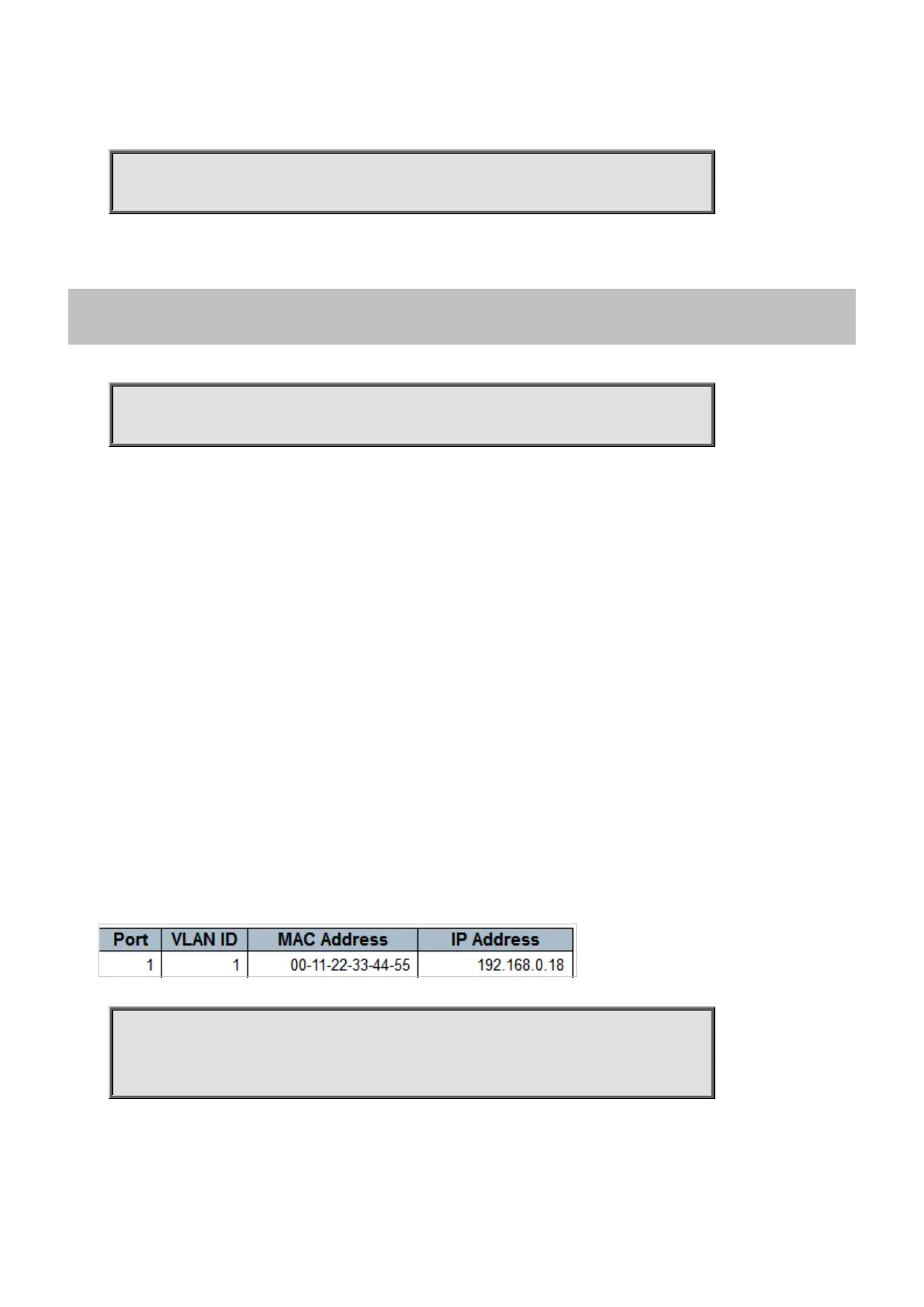
To configure Static ARP Inspection Table as below table.
Switch# configure terminal
Switch (config)# ip arp inspection entry interface GigabitEthernet
1/1 1
00:11:22:33:44:55 192.168.0.18



 To Next Page
 Loading...










