Command Guide
-243-
vlan Vlan Domain
Default:
EVC
Usage Guide:
To configure Client Domain of MEP
Example:
To configure Client Domain (EVC) of MEP 1
Switch# configure terminal
Switch (config)# mep 1 client domain evc
4.2.127 mep <Instance> client flow
Command:
mep <Instance> client flow <cflow> level <level> [ ais-prio [ <aisprio> | ais-highest ] ]
[ lck-prio [ <lckprio> | lck-highest ] ]
mep Maintenance Entity Point
<Instance> The MEP instance number.
level The MEG level on the client layer
<Level : 0-7> The MEG level value
ais-prio AIS injection priority
<Aisprio : 0-7> AIS injection priority value
ais-highest Request the highest possible AIS priority
lck-prio LCK injection priority
<Lckprio : 0-7> LCK injection priority value.
lck-highest Request the highest possible LCK priority.
Default:
0
Usage Guide:
To configure Client Flow of MEP
Example:
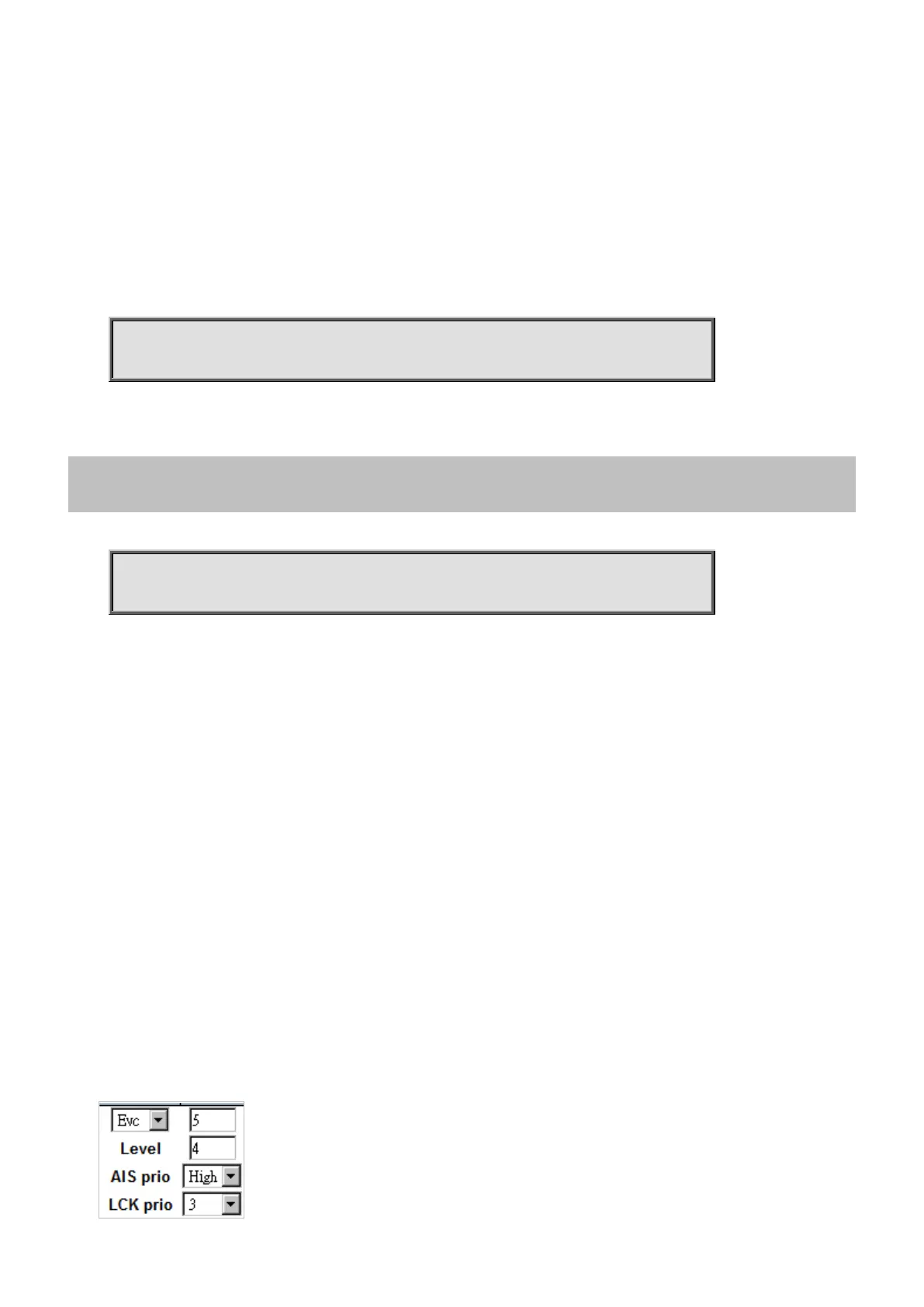
To configure Client Flow of MEP 1 as below table.



 To Next Page
 Loading...










