Commissioning – Operating the FlexFit 3-41
FlexFit – Linkageless Control – Revision 1.0
PREFERRED
UTILITIES MFG CORPORATION
CC
OO
MM
MM
II
SS
SS
II
OO
NN
II
NN
GG
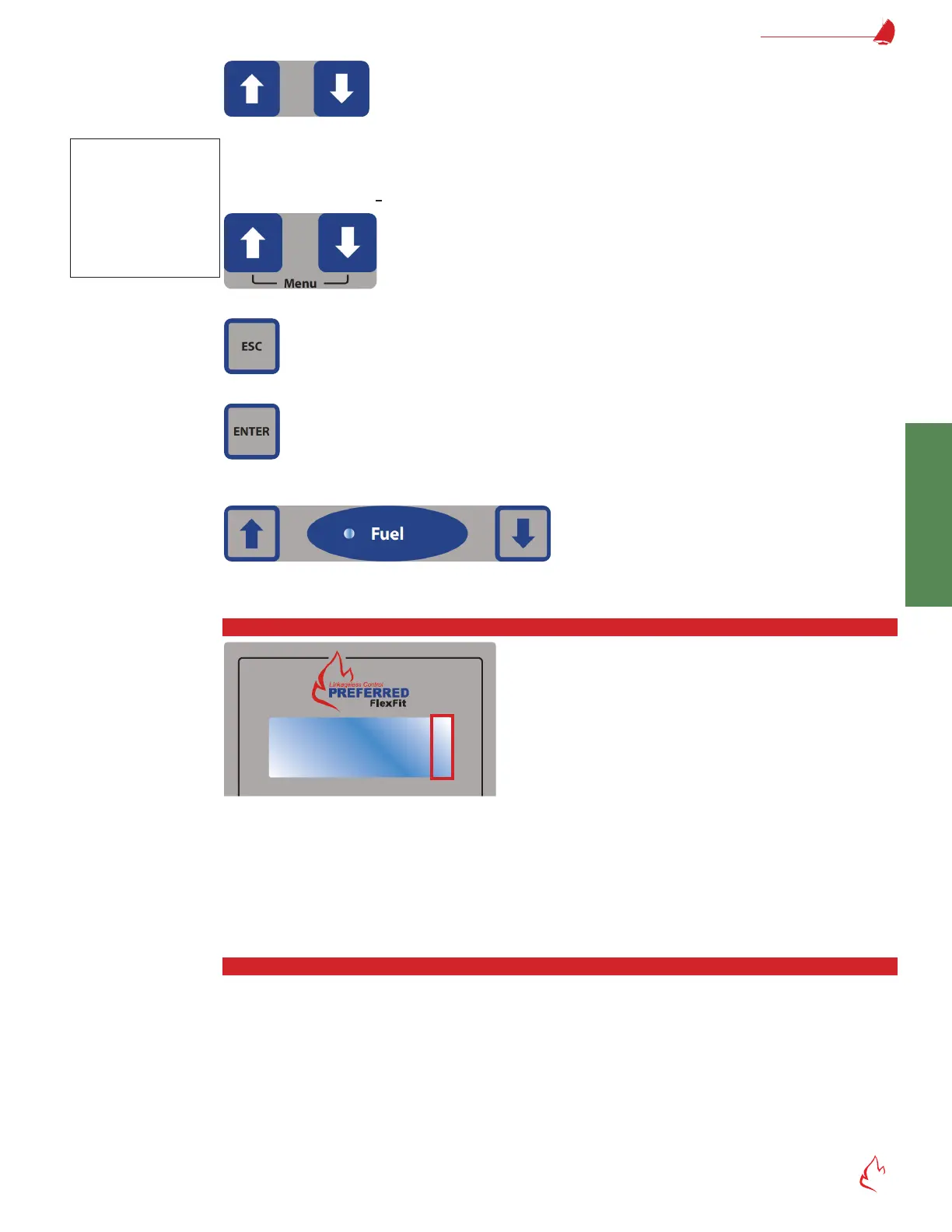
UP and DOWN buttons –
In select mode, these buttons move the cursor around the LCD screen to editable items. Select mode is identied
by a blinking solid cursor (
).
In edit mode, these buttons increase/decrease the value or selection of the item being edited. Edit mode is identied
by blinking underline cursor (
_
).
Pressing UP and DOWN simultaneously displays the Menu. See section "Menu Tree" for more information.
ESC – ESC cancels the current editing operation and returns to the select mode without saving any changes.
ENTER – Press ENTER to change the cursor from select mode to edit mode or to toggle a value on the LCD display. Once in
edit mode, press ENTER to save the value being changed and change the display back to select mode.
UP and DOWN Button Sets – These control the servos when in manual mode. Button sets 1 and 2 control fuel and air servos
respectively. The function of button sets 3, 4, and 5 are user selectable. See "Button Sets" on page 4-81.
LCD Screen Indicators
L, A, C, , and indicators may appear on any operating screen or menu in the right column.
L – indicates the ame safeguard is in lockout and has shutdown the burner until RESET is pressed.
A – indicates there is an active alarm. View the alarm message on the alarm history screen.
C – indicates the FlexFit is in commission mode. The L (lockout) indicator overrides the C indicator.
and arrows – indicate that there is more information above or below the 4 lines that are being displayed. Use the UP and
DOWN buttons to scroll the displayed lines to see more information.
Alarm and Event Log
Press the ALARM SILENCE button for 5 seconds to display the message history screen which displays alarms, events, and
lockouts. Alternatively, press BACK or NEXT to cycle through the display loop until the alarm screen is displayed. Once on the alarm
screen, use the UP and DOWN buttons to select the date of the most recent message; press ENTER to change to edit mode; and
press UP and DOWN to cycle through the list of messages. All messages are time and date stamped, and a history of 50 events,
alarms, and lockouts are stored.
Select Mode vs.
Edit Mode
The UP and DOWN
buttons either move
the cursor around the
screen or change the
value of an item depend-
ing on their mode.



 To Next Page