MAX™ Operator Manual
©
Original Printed In English
EQUIPMENT SAFETY FEATURES
The Sharp MAX™ is equipped with guards covering
the heated sealing area and the underside of the
Head Assembly. DO NOT operate the MAX™ with
these or any other guards removed.
The Top Lexan® Guard sits on top of the Jaw Guard.
The shape allows for loading of product into the bags.
Sharp Packaging recommends the MAX™ be
equipped with the optional Dual Palm Buttons to start
the cycle to ensure the operator’s hands are clear of
the sealing and pressure bars when the machine is
cycled.
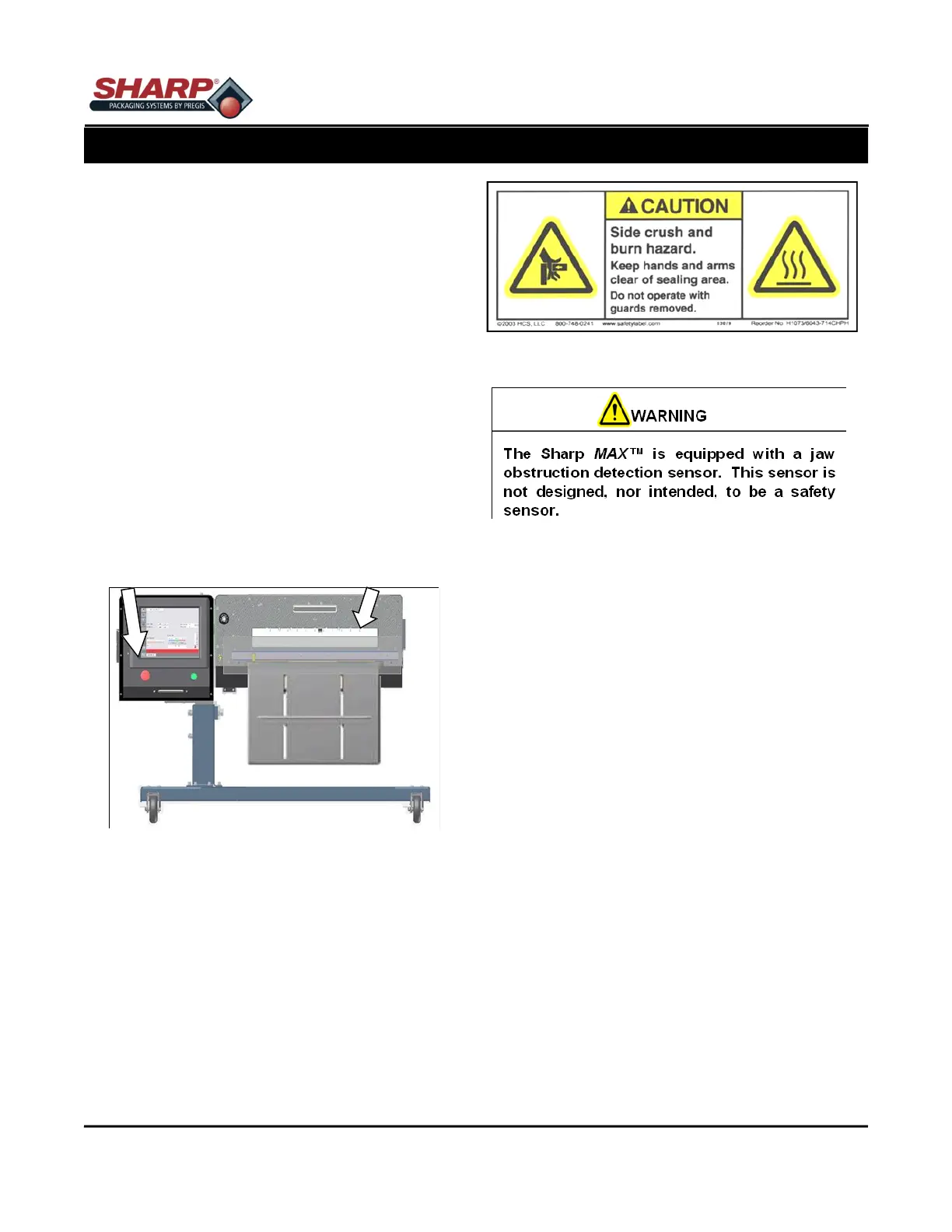
An Emergency-Stop Button is located on the Control
Panel, which immediately stops the machine when
pressed by de-energizing power to the Master Control
Relay, PLC outputs, motor, motor drive and air valves.
Figure 1-3A.
SAFETY LABELS
Figure 1-3B shows a label that is placed on the Sharp
MAX™ wherever a removable guard or panel is at-
tached. Always disconnect electrical power from the
machine prior to removing any guards and/or panels.
OBSTRUCTION SENSING JAW
The Sealing Assembly is equipped with an Obstruc-
tion Sensing Jaw, which can detect an obstruction in
the sealing area. If the jaw sensors detect an object
preventing the jaw from closing, the jaw solenoid will
de-energize and place the machine into a fault condi-
tion.
A message appears in the display window informing
the operator of the jaw fault, allowing the operator to
clear the seal area and reset the bagging cycle.
SECTION 1 - INTRODUCTION
IMPORTANT SAFETY INFORMATION
1-3
Emergency Stop Pushbutton Jaw Guard
Figure 1-3A. Safety Features



 To Next Page