MAX™ Operator Manual
©
Original Printed In English
SECTION 4 - HMI SCREENS
MACHINE OPTIONS SCREEN - CONTINUED
4-16
PRINTER SCREEN
General Description
There are four types of printers that can be installed on the bagger; Intermittent or Continuous Videojet printer
and A-Class 4” or 8” Stand Behind Datamax Printer.
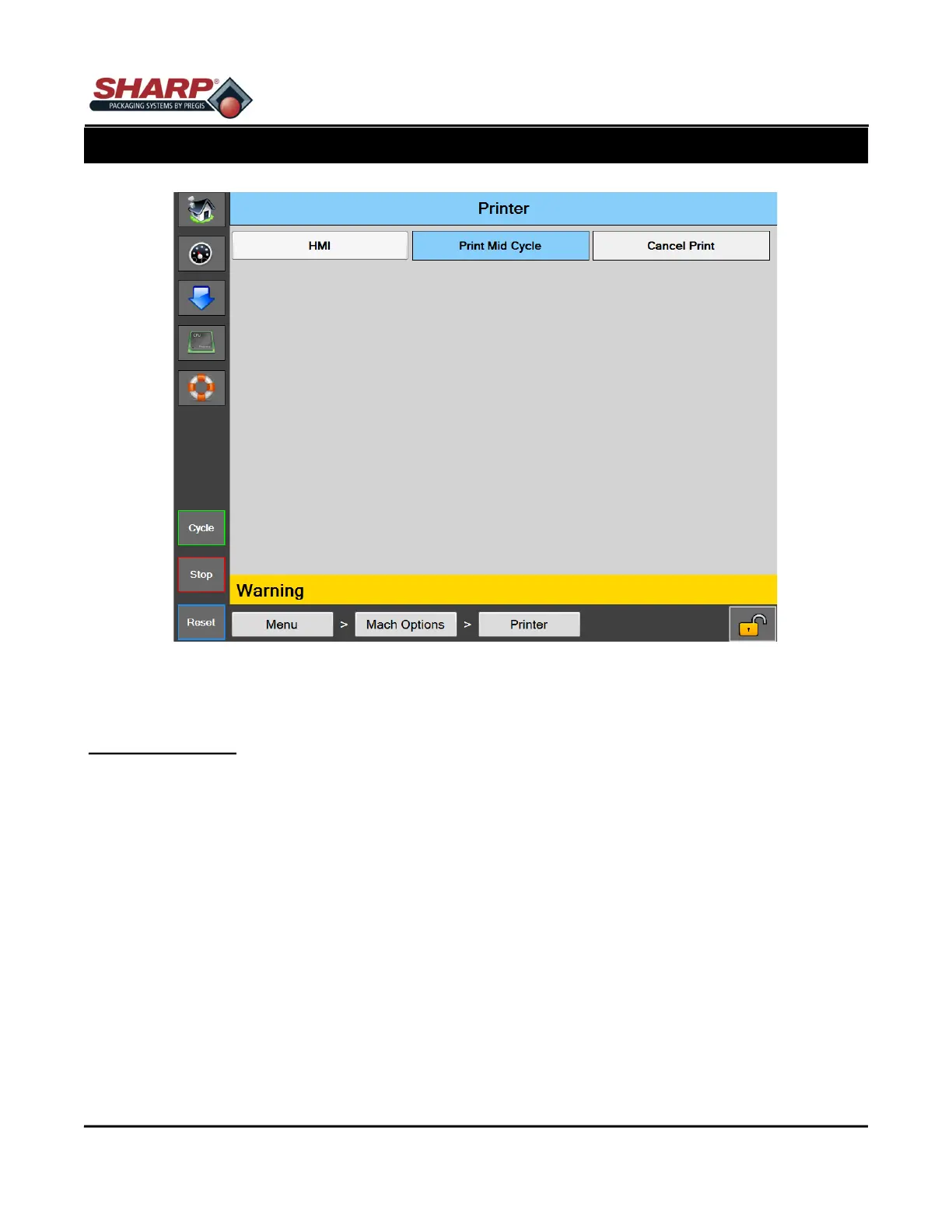
Button/Label Descriptions:
Printer - This will toggle on/off the Printer option.
HMI - This will open the printer control panel for the Videojet printer. (Not accessible on Datamax printers)
Print Mid Cycle - This option is not valid for the Videojet Continuous printer. In this mode, the print cycle will oc-
cur when the we has backed up and stopped at the bag edge eye. When the printer cycle has completed the
bag will feed out into load position.
Cancel Print - This buon allows a print request to be canceled. The funcon occurs when the printer opon is
turned on and the bagger cycles, but not print jog was loaded into the printer. The bagger will display a yellow
alert message “Waing for Printer” is displayed. Pressing this buon will cancel the print request and allows
the bagger cycle to nish.
Figure 4-16A. Printer Screen.



 To Next Page