MAX™ Operator Manual
©
Original Printed In English
SECTION 4 - HMI SCREENS
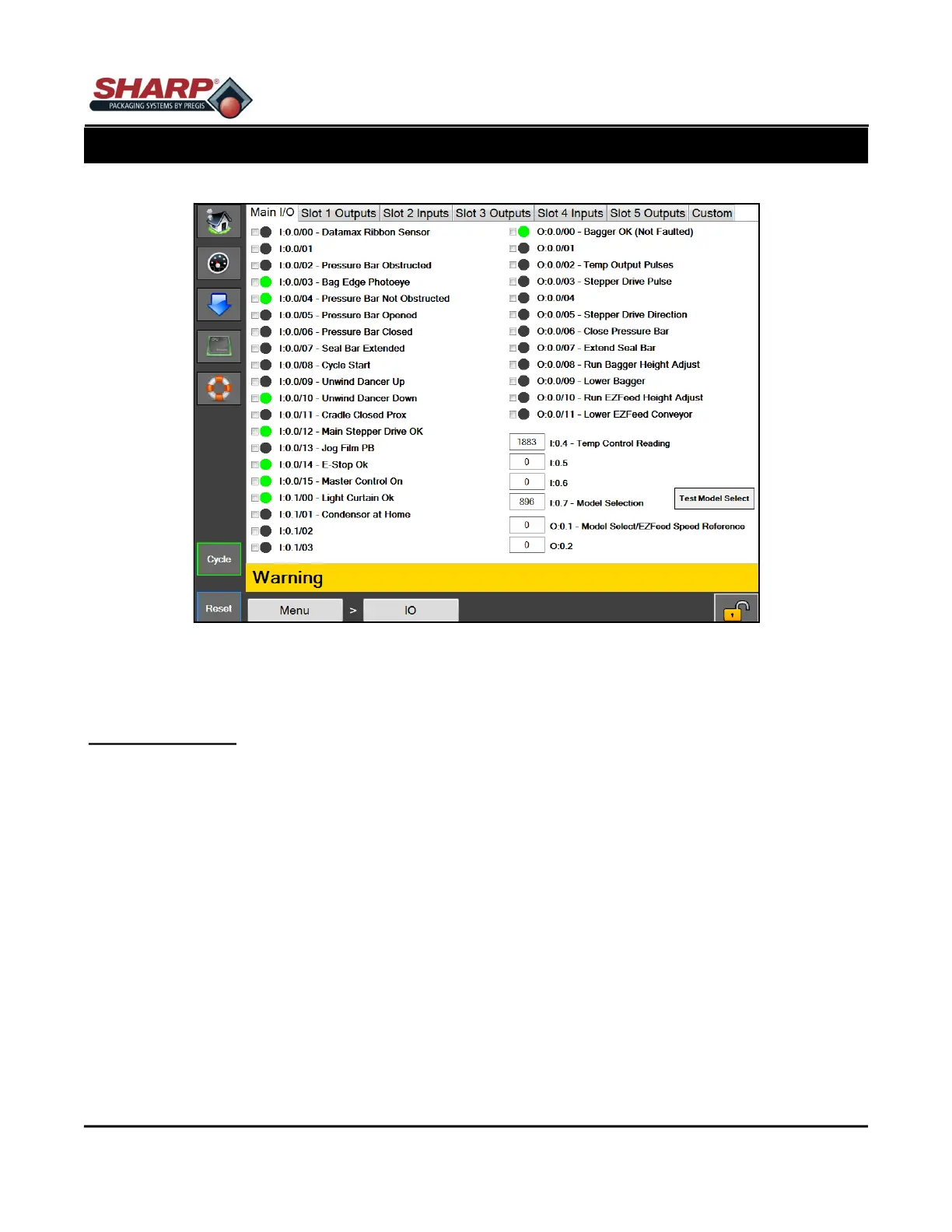
INPUT/OUTPUT SCREEN
Figure 4-3A. Input/output Screen.
4-3
I/O SCREEN
General Description
The I/O screen displays the status of all physical I/O (inputs and outputs) in the PLC.
Minimum Security Access: Medium
Button/Label Descriptions:
This page is divided by tabs for each slot on the PLC. The physical I/O for each slot is displayed on the corre-
sponding tab. The HMI is capable of reading from the PLC every 400 Ms, which is much slower than the scan
rate of the PLC; therefore, some readings may not show up due to the HMI's latency.



 To Next Page