MAX™ Operator Manual
©
Original Printed In English
SECTION 4 - HMI SCREENS
SECURITY SCREEN
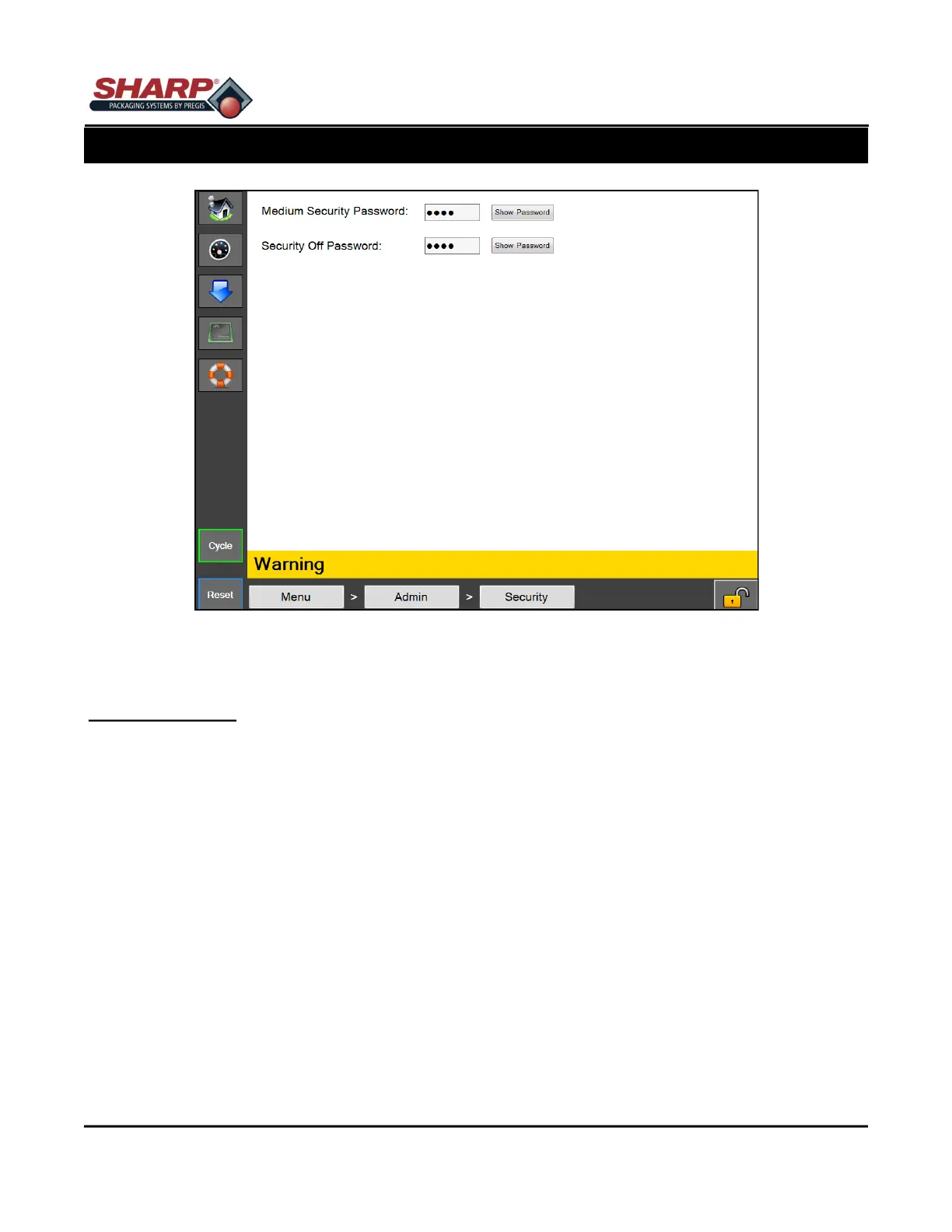
Figure 4-9A. Security Screen
SECURITY SCREEN
General Description
The Security screen allows an admin to set custom passwords for each security level. These passwords are en-
tered when a user clicks the Lock icon on the bottom right of the screen.
Minimum Security Access: Medium
Button/Label Descriptions:
Medium Security Password - This will set the Medium security level password. The password must 1 to 5 num-
bers in length. The current password will be shown.
Security Off Password - This will set the Security to OFF. This password allows access to all HMI screens. The
password must 1 to 5 numbers in length. The current password will be shown.
The security levels are defined as follows:
High - The user allowed access to the Dashboard, PLC Settings, Job Download, Main, and Communications
screens
Medium - The user has all permissions of the High security level and access to all screens except Service, Lan-
guage, and I/O.
No Security - The user has access to all screens and functions except Factory Configuration that is for factory
access only.
4-9



 To Next Page