MAX™ Operator Manual
©
Original Printed In English
SECTION 5 - MACHINE OPERATION
PRINTER DISPLAY
4-31
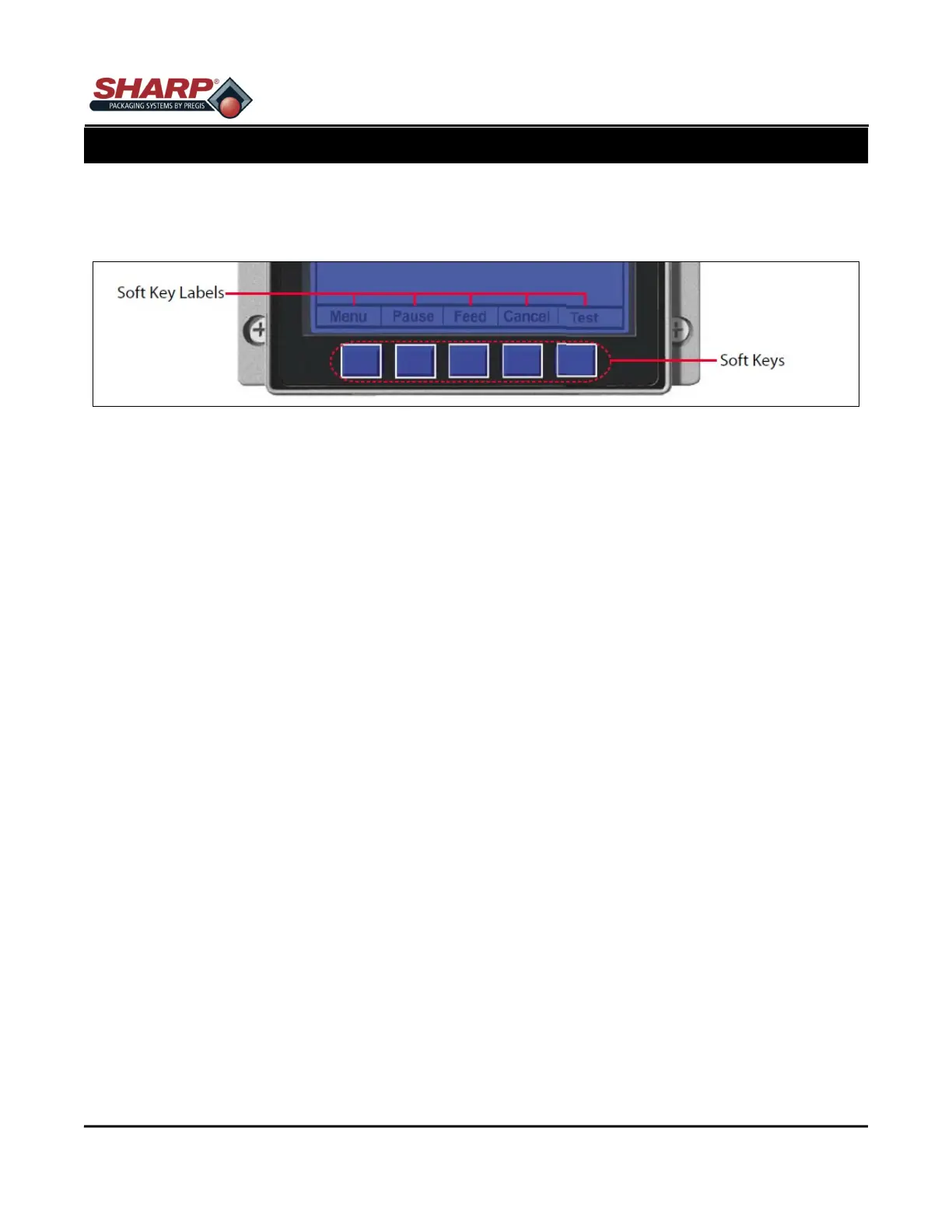
SOFT KEYS
The Soft Keys are mode-dependent, changing functions as needed. Depending upon the printer’s stat, many
functions can be accessed by pressing (or pressing and holding for various durations) the keys and buttons.
Menu
The menu key takes the printer offline and enters menu mode.
PAUSE
The pause key temporarily suspends printing, as noted by the current state indicators. Pressing the key again
will return the printer to normal operation.
Feed
The feed key advances one label, and clears any corrected faults.
Cancel
The cancel key ‘pauses’ the printer and prompts you for confirmation. If yes the current job is cancelled. The
printer remains paused until the ‘pause’ key is pressed again.
Test
The test key opens the Test Menu. The Test Menu contains resident format selections that are printed at select-
ed heat and speed settings. The Test Menu contains sample labels.
• Print Quality Label - This format serves as an overall quality indication. Consisting of compliant fence and
ladder bar codes, assorted font sizes, and fill patterns, this format can be used to ensure conformance as
well as aesthetics.
• Ribbon Test Label - This format can be used to ensure component functions and ribbon path alignment.
• Test Label - This format serves as an indicator of printhead functionality. The format consist of patterns that
exercise all thermal elements.
• Validation Label - This format serves as an overall quality indicator. This format can be used to ensure con-
formance as well as aesthetes.



 To Next Page