MAX™ Operator Manual
©
Original Printed In English
SECTION 5 - MACHINE OPERATION
PRINTER DISPLAY
4-32
THE SYSTEM MENU
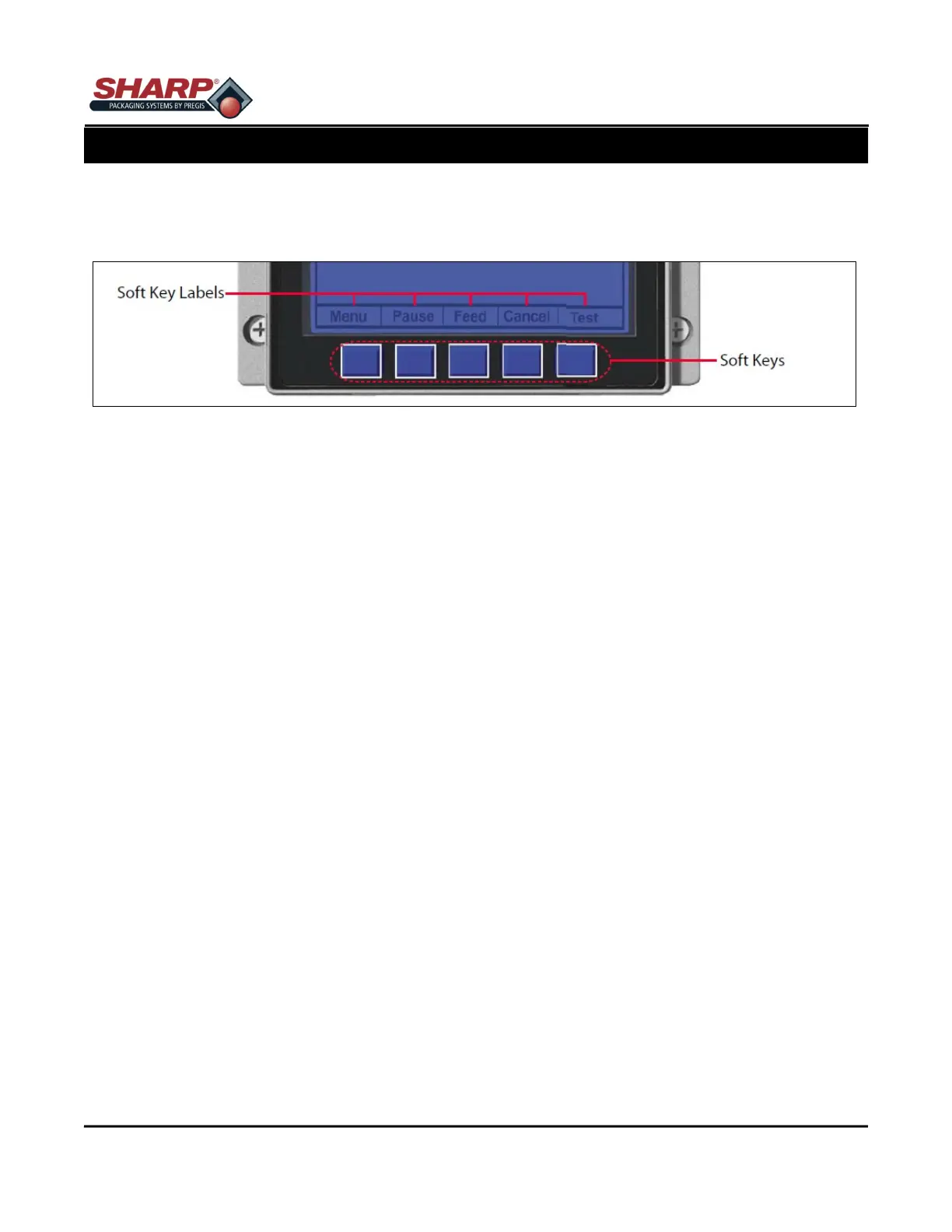
To enter the System Menu, press Menu Soft Key. (This places the printer in Menu mode, taking it offline, halting
the processing of the new data.)
Media Settings
The Media Settings menu contains label and ribbon settings, and printhead maintenance selections. Media
Type, Sensor Type, Label Length, Maximum Label Length, Paper Empty Distance, Label Width, Ribbon Low
Options, Sensor Calibration, and Printhead Cleaning.
Print Control
The Print Control menu contains print quality, throughput and formatting functions. Heat, Print Speed, Feed
Speed, Reverse Speed, Slew Speed, Row Offset, Column Offset, Present Distance, TOF Precedence, and Cus-
tom Adjustments.
Printer Options
The Printer Options menu contains module, file handling, and option functions. Modules, Cutter, Ribbon Saver,
RFID, and GPIO Port.
System Settings
The System Settings menu contains operating, control, and formatting functions. Menu Mode, Configuration File,
Internal Module, Default Module, Scalable Font Cache, Single Byte Symbols, Double Byte Symbols, Time and
Date, Media Counters, Print Configuration, Configuration Level, Set Factory Defaults, Format Attributes, Head
Bias, Label Rotation, Imaging Mode, Pause Mode, Peel Mode, Security, Units of Measure, Input Mode, User
Label Mode, DPL Emulation, Column Emulation, Row Emulation, SOP Emulation, Back After Print, Font Emula-
tion, Label Store, Menu Language, Display Settings, Fault Handling, and SCL Font Bold Factor.
Communications
The Communications menu contains interface port and host control functions. Serial Port A, Serial Port C, Serial
Port D, Parallel Port A, and NIC Adapter,
Diagnostics
The Diagnostics menu contains testing functions. HEX Dump Mode, Options Testing, Print Test Rate, Sensor
Readings, Ribbon Sensor Limits, iPH Report, Flash Module Report, and Icon Descriptions.
MCL Options
The MCL Options menu contains alternate operating selections. MCL Options.



 To Next Page