MAX™ Operator Manual
©
Original Printed In English
SECTION 4 - HMI SCREENS
EVENT LOG SCREEN
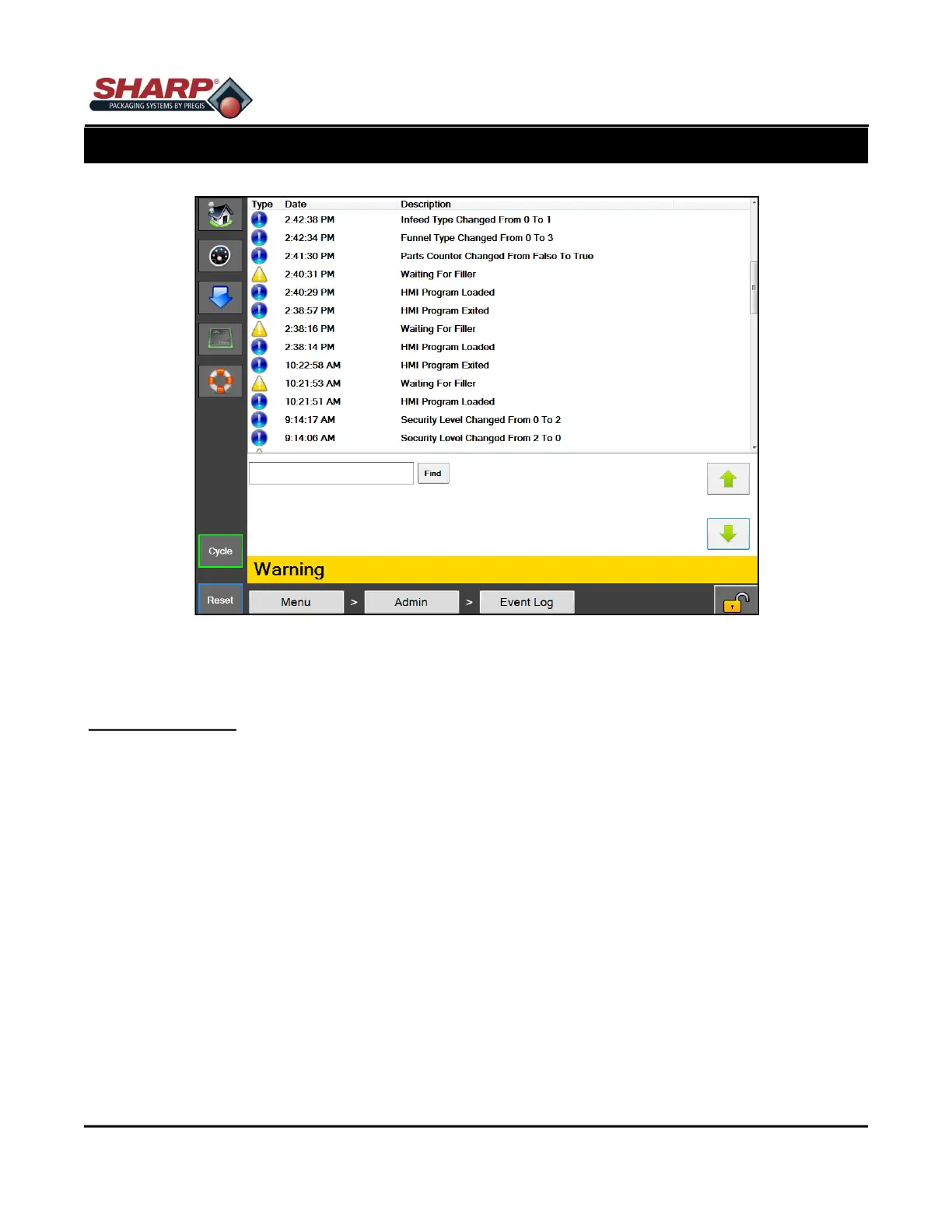
Figure 4-13A. Event Log Setup Screen.
4-13
EVENT LOG
General Description
The Event Log screen displays a list of events that have occurred on the machine for the current day. This in-
cludes faults, warnings and user initiated events.
Minimum Security Access: Medium
Button/Label Descriptions:
The event log displays an indicator, timestamp, and short description of the event. A red indicator means a fault
occurred, a yellow means a warning and a blue indicator means a general event. A search box is included that
can be used to search specific events according to their description.



 To Next Page