MAX™ Operator Manual
©
Original Printed In English
SECTION 4 - HMI SCREENS
COMMUNICATIONS SCREEN
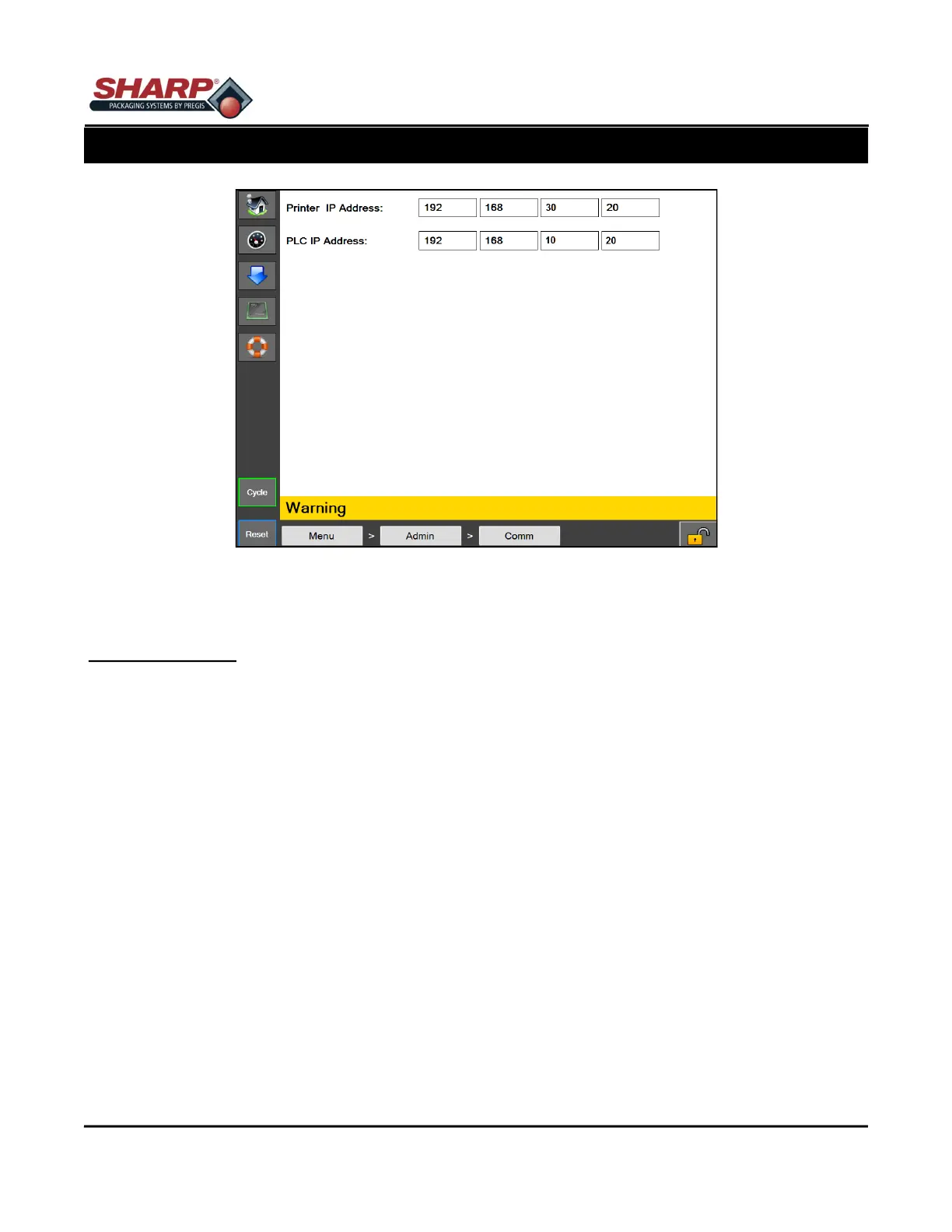
Figure 4-8A. Communications Screen
4-8
COMMUNICATIONS SCREEN
General Description
The Communications screen displays the IP Address settings needed for the HMI to communicate with various
devices.
Minimum Security Access: High
Button/Label Descriptions:
Printer IP Address - This is the IP Address currently assigned to the Printer
PLC IP Address - This is the IP Address currently assigned to the PLC



 To Next Page