MAX™ Operator Manual
©
Original Printed In English
SECTION 4 - HMI SCREENS
DIRECTORIES SCREEN
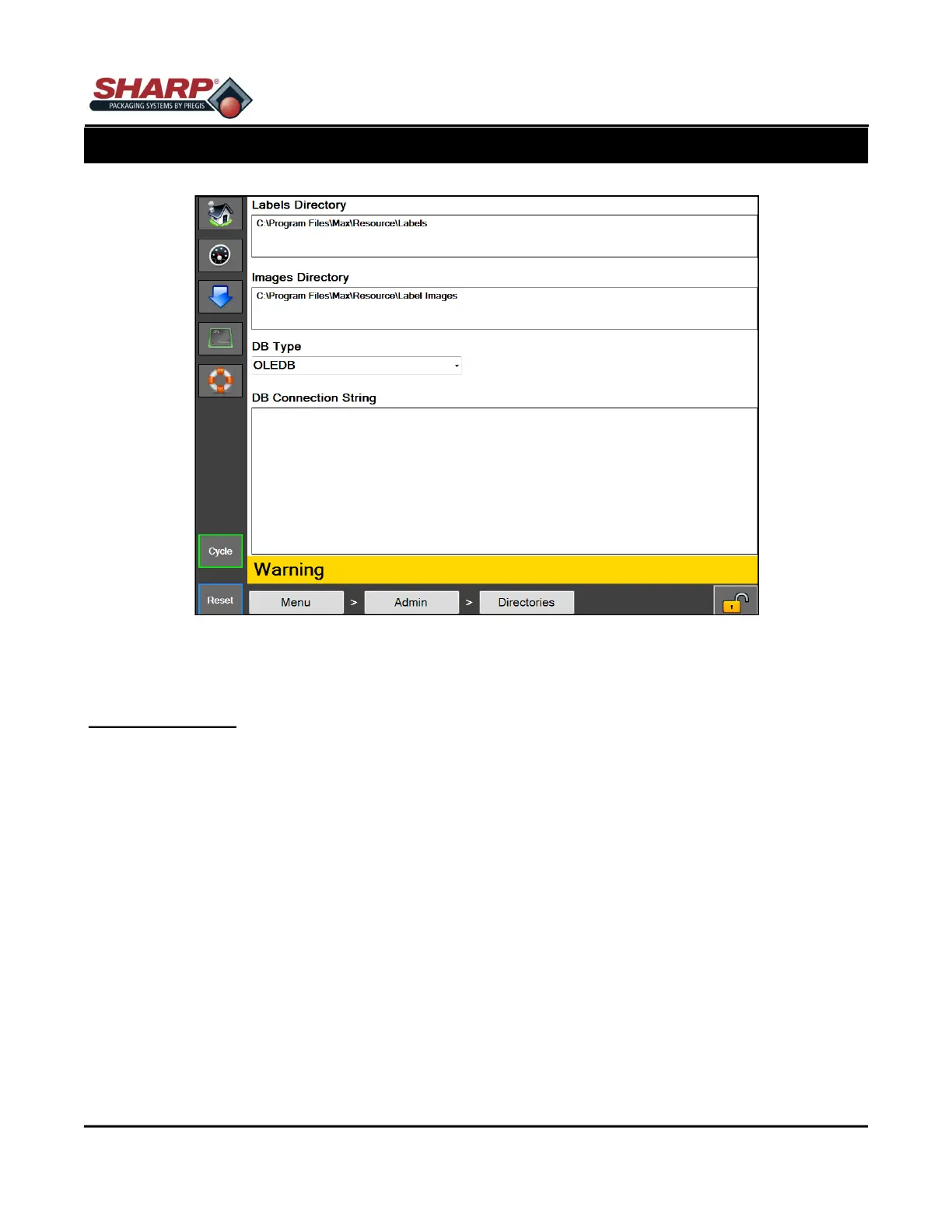
Figure 4-12A. Directories Setup Screen.
4-12
DIRECTORIES SCREEN
General Description
The Directories screen displays the file locations of certain files needed by the HMI.
Minimum Security Access: No Security
Button/Label Descriptions:
Labels Directory - This is the location on the HMI where the label formats are stored for jobs
Images Directory - This is the location on the HMI where images are stored for Job Verification
DB Type - This sets the database driver type used for the database storing saved jobs. (This should not be
changed unless Job data is being stored in a different database than the one provided.)
DB Connection String - This is the connection string used to connect to the Jobs database. (This should not be
changed unless moving the Jobs database to a different location.)



 To Next Page