MAX™ Operator Manual
©
Original Printed In English
SECTION 4 - HMI SCREENS
MACHINE OPTIONS SCREEN - CONTINUED
4-18
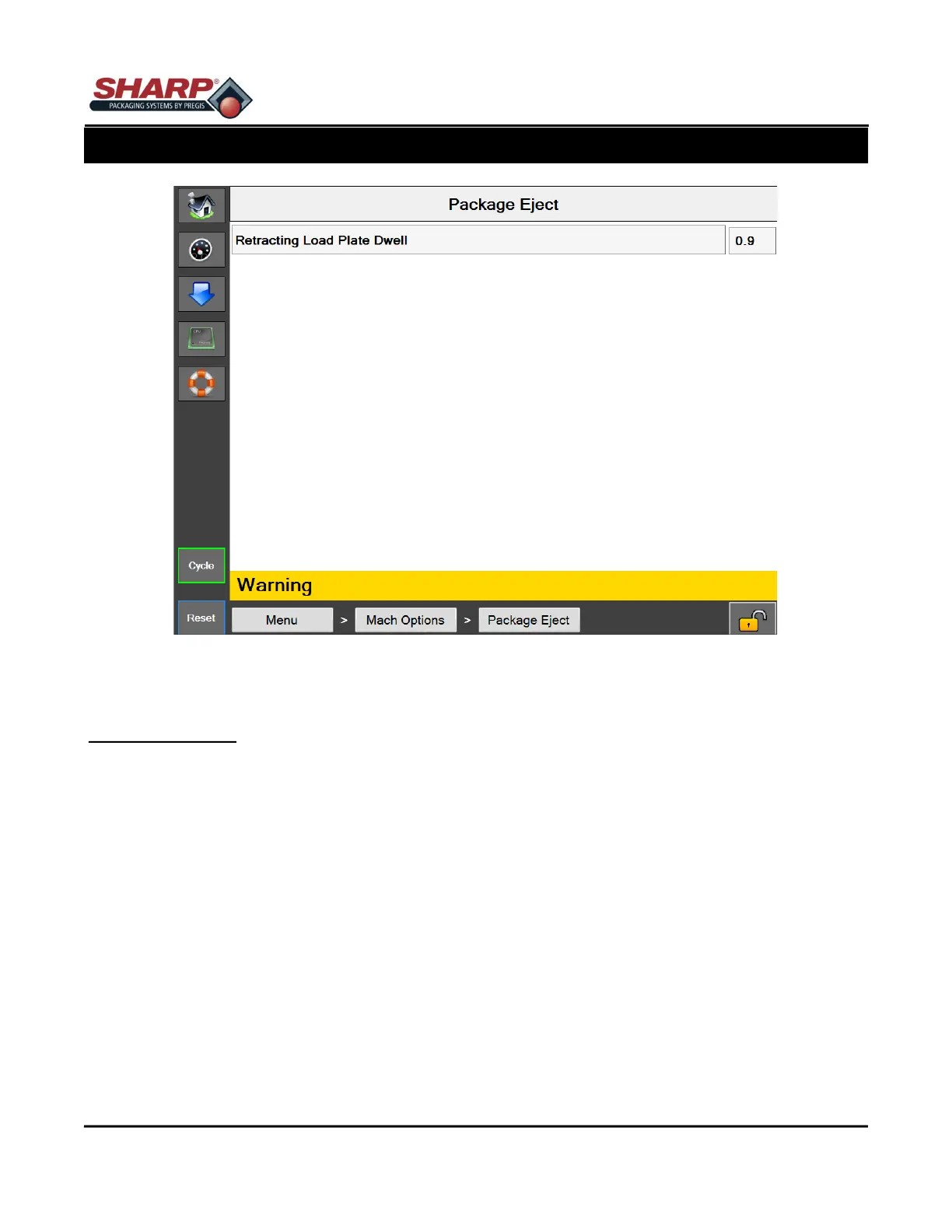
Figure 4-18A. Package Eject Screen.
PACKAGE EJECT SCREEN
General Description
The Package Eject option helps remove the sealed bag from the loading area. There are several versions of this
option. A Retracting Load Plate, Retracting Load Shelf, Side Retracting Load Shelf, and 2-Axis Package Eject.
Button/Label Descriptions:
Package Eject - This will toggle on/off the Package Eject Option.
Retracting Load Plate Dwell - The amount of time the Load Plate is retracted.



 To Next Page