MAX™ Operator Manual
©
Original Printed In English
SECTION 5 - MACHINE OPERATION
PRINTER DISPLAY
4-30
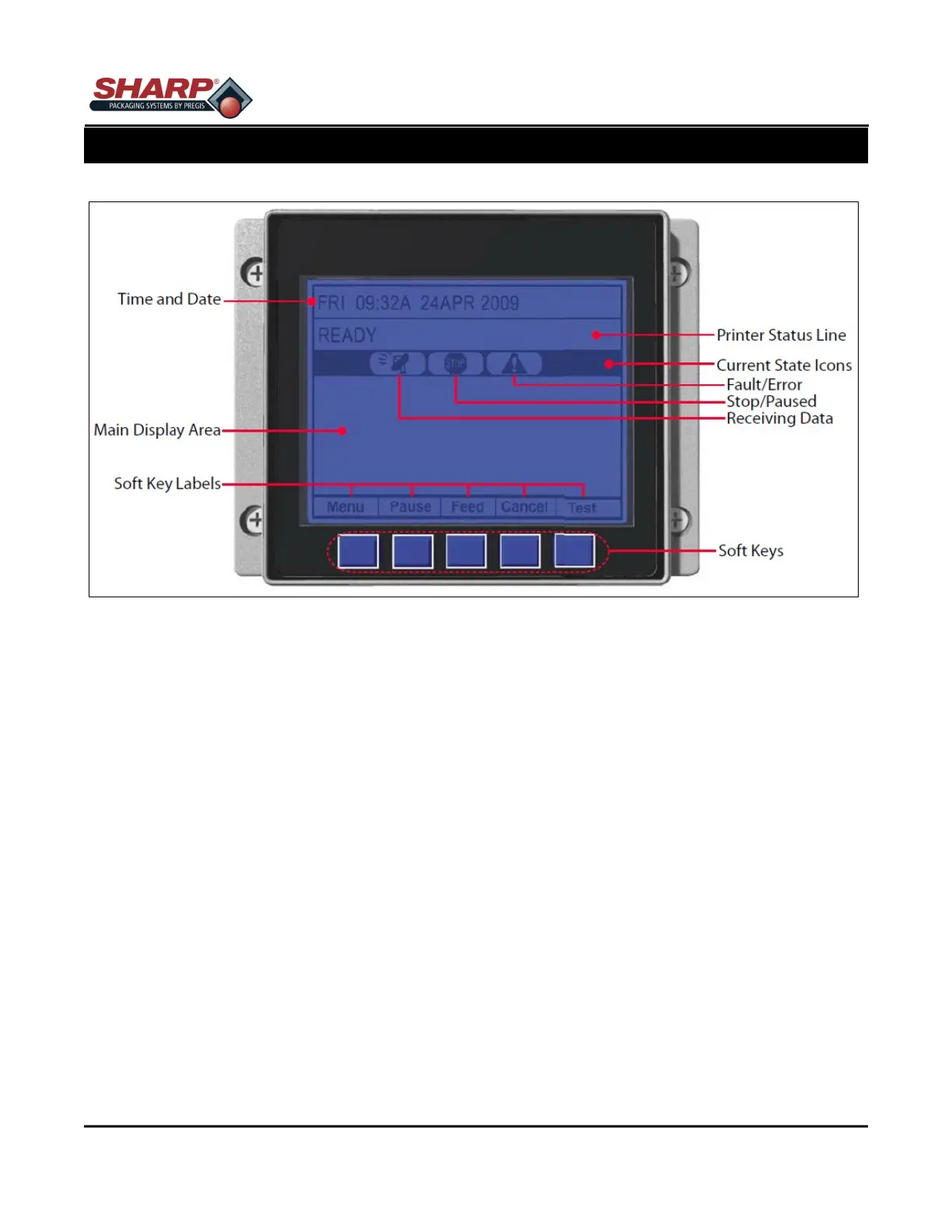
The graphic display is a window into printer operations, displaying the following information
Time And Date
The current setting for time and date.
Printer Status Line
Following initialization, the ‘READY’ message and label counter during a batch print job, but also any prompt
condition, warning, or fault message.
Current State Icons
Displays, in real time, the current function of printer.
Soft Key Labels
Identify the Soft Key functions.



 To Next Page