MAX™ Operator Manual
©
Original Printed In English
1-11
SECTION 1 - INTRODUCTION
THEORY OF OPERATION
With Filler and Auto both ON the bagger will run in “Auto Filler Mode”. In this mode a Filler device is used to both
fill and automatically initiate the next cycle. This is accomplished by means of hand-shaking I/O provided in the
bagger's standard control interface. The Filler device must comply with the “Sharp Packaging Filler Handshaking
Specification”.
Ready for Filler - This output turns ON only if the following conditions have been met:
1. The machine has successfully completed a cycle and presented a new bag, ready to be filled.
2. IF the bagger is equipped with a positive entry funnel AND “Bag Opened” sensor (s):
• The sensor detects that the bag was positively opened.
Once the above condition (s) is (are) met the PLC program turns on O:3/00, essentially telling the Filler device
that a bag is present and ready to be filled. The filling device releases its product into the open bag. The Filler
device will turn on the PLC input I:2/00 Filler Done, signaling the bagger that it has completed filling the bag.
When the PLC reads I:2/00 as ON, it resets handshake output O:3/00 to OFF. This also causes a Filler Drop
Timer to start in the PLC. This time delay can be adjusted by the user. The next bagger cycle will automatically
start upon completion of the time delay. The bag is sealed and the next bag is fed out, opened, and made ready
for the filler. O:3/00 is again turned ON when the bagger cycle is completed without fault.
Auto Filler Mode makes full use of the handshaking I/O signals for the Filler, while automatically cycling the ma-
chine on a continuous basis. Auto Filler Mode can be easily cancelled by pressing the Stop Button on the HMI.
PARTS COUNTING
The Batch Counter is turned on from the Bagger Settings Screen and is viewed from Dashboard Screen.
The bagger has a setting for counting parts. Parts Counting mode is used in conjunction with the Filler mode.
When the parts counter is turned on, the bagger counts each part as it is being loaded into the opened bag.
When the terminal count is reached, the Filler Trigger signal is turned on to start the Filler Drop Timer.
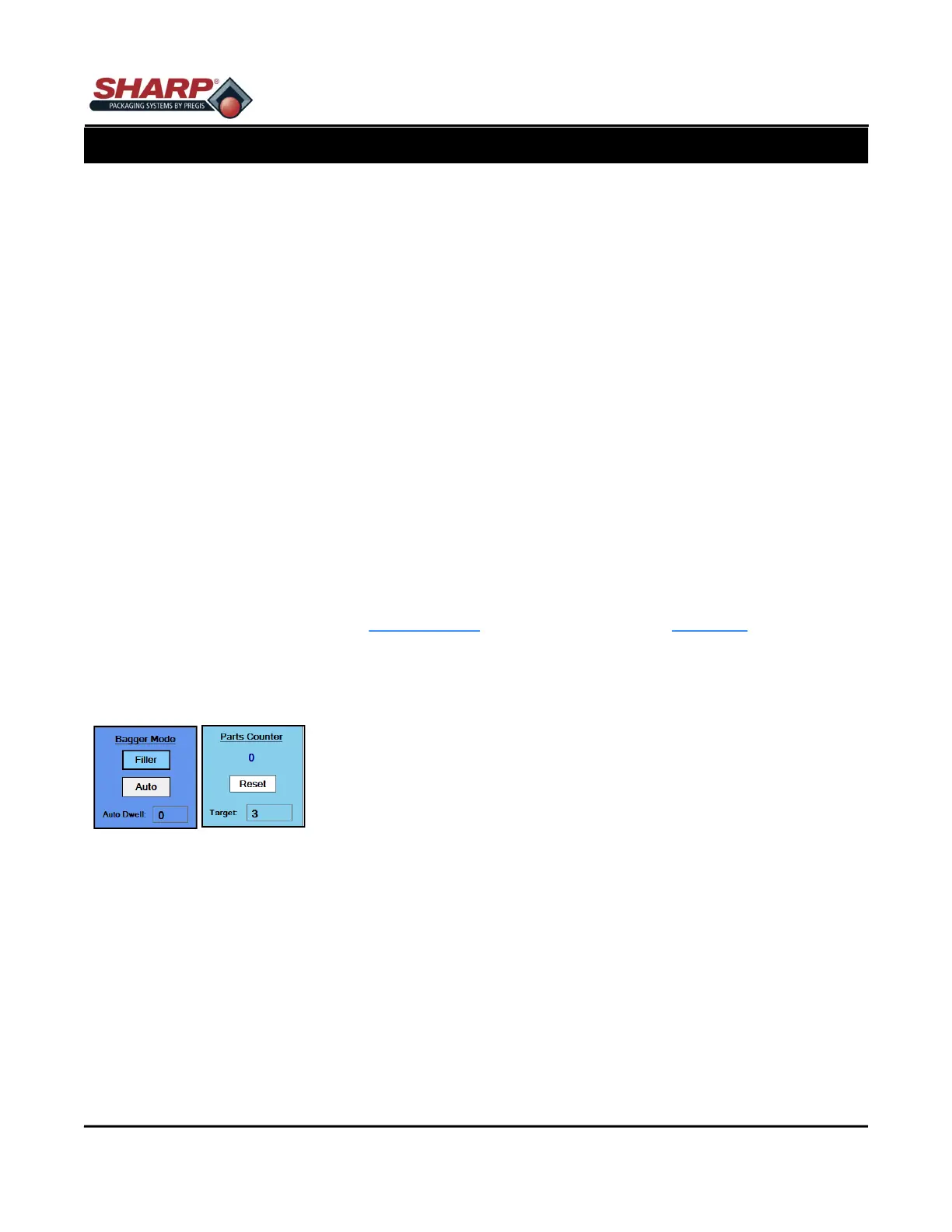
Filler = ON
Auto = ON/OFF
Parts Counter = ON
Actual Count – The number below “Parts Counter” displays how many parts have been counted. This number
resets to 0 once the bagger cycle is initiated or if Part Counter is turned off. The Target is determined in the Job
that has been loaded from Job Setting Screen.
Parts can be loaded and counted in the following ways:
1. Filling Machine
• An automatic filling Machine that can deliver one part at a time and signal the bagger using the “FILLER
DONE” input I:2/00. The bagger will count each rising edge of I:2/00 as a single part. When the parts
counted equals the target value, the filling cycling is completed and the bagger will automatically cycle af-
ter the drop timer has expired.
• When the Parts Counting is done by a filler, it must only deliver parts or attempt to count when the O:3/00



 To Next Page