MAX™ Operator Manual
©
Original Printed In English
SECTION 1 - INTRODUCTION
THEORY OF OPERATION
1-13
condition. Dirty Drive Rollers can result in loss of registration and slipping.
Recovery Mode will be limited to open retires only, since it is not possible to replace the bag
when it is part of a string. The Bag Feed retry will automatically be se t to 0 if this mode is cho-
sen.
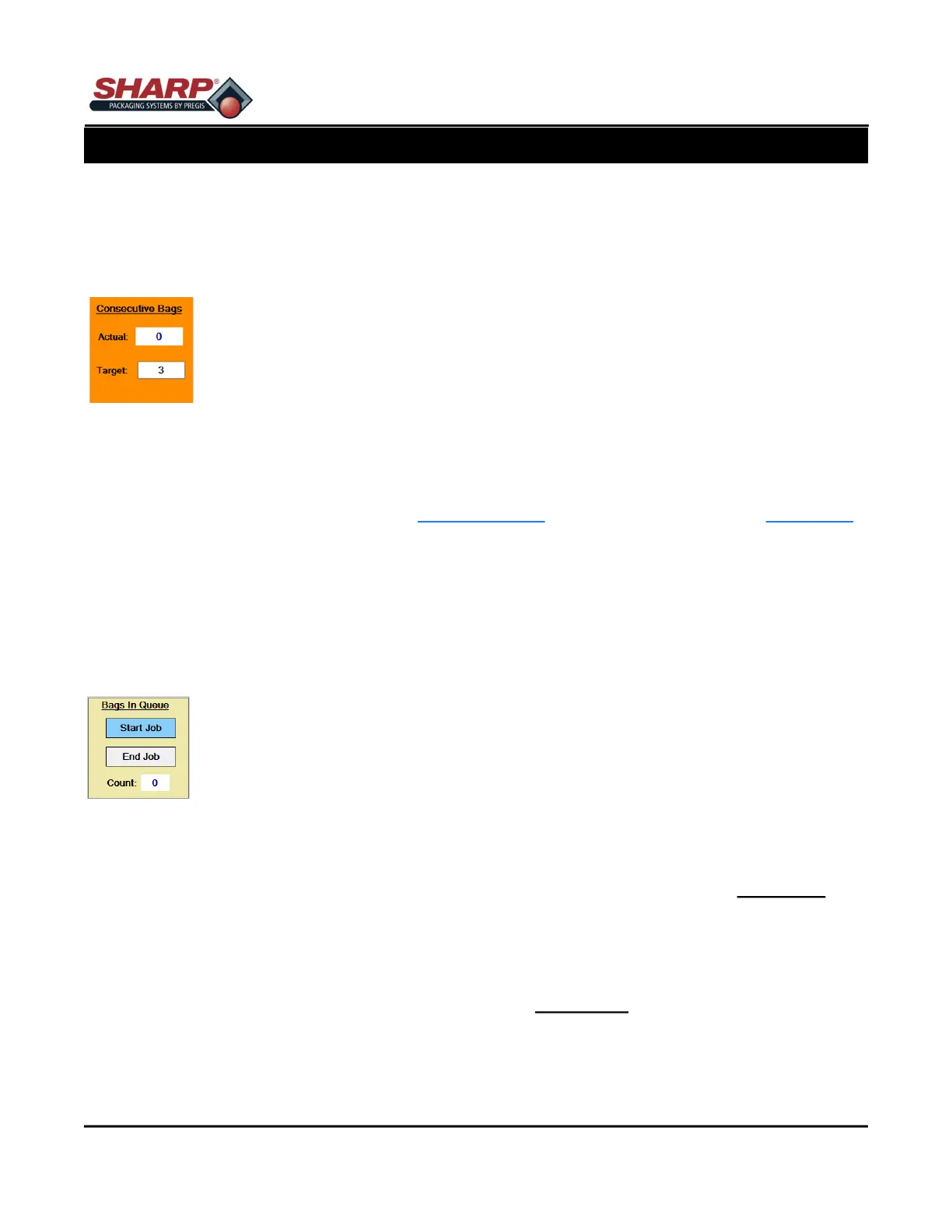
Consecutive Seal Bags = ON
Actual Count - Displays the number of bags of Target that have been sealed.
Target Count - This setting determines the number of bags that will be connected
together. The maximum setting is limited to 10 consecutive bags or 50 inches of
total strip length, whichever comes first. The Operator can enter the desired number
of bags, however if the total length is over 50 inches, the PLC will recalculate the
Target Count.
BAGS IN QUEUE
The Bags in Queue is turned on from the Bagger Settings Screen and is viewed from Dashboard
Screen.
The Bags In Queue Setting is useful when changing over printed labels when running a different
job. When used as designed, the Start Job and End Job cycles will make a queue which repre-
sents the number of bags between the printer and the bag loading position. Start Job gets the
first new label into loading position. End Job purges the bagger of the previous label. The length
of the queue is set in the Job database.
Bags In Queue = ON
Start Job - When this maintained button is turned on and the machine is cycled, the bagger will
automatically feed out a queue of printed bags until the first printed bag is in the loading position.
It will not seal any of the bags in the queue and will not open the last one. If using Filler/Auto
modes, these should be turned ON first before pressing the CYCLE button. This button turns off
automatically when the Start Job is finished.
End Job - When this maintained button is turned on and the machine is cycled, the bagger will
automatically purge the bagger of all printed bags. It will not print on, seal, open, or attempt to
scan barcodes for any of the bags in the queue. If using Filler/Auto modes, these should be
turned OFF first before pressing the CYCLE button. The button turns off automatically when the
End Job is done.
Count - This displays the queue counter as each bag is feed out. When the queue is finished it
resets to 0.



 To Next Page