MAX™ Operator Manual
©
Original Printed In English
SECTION 4 - HMI SCREENS
MACHINE OPTIONS SCREENS - CONTINUED
4-22
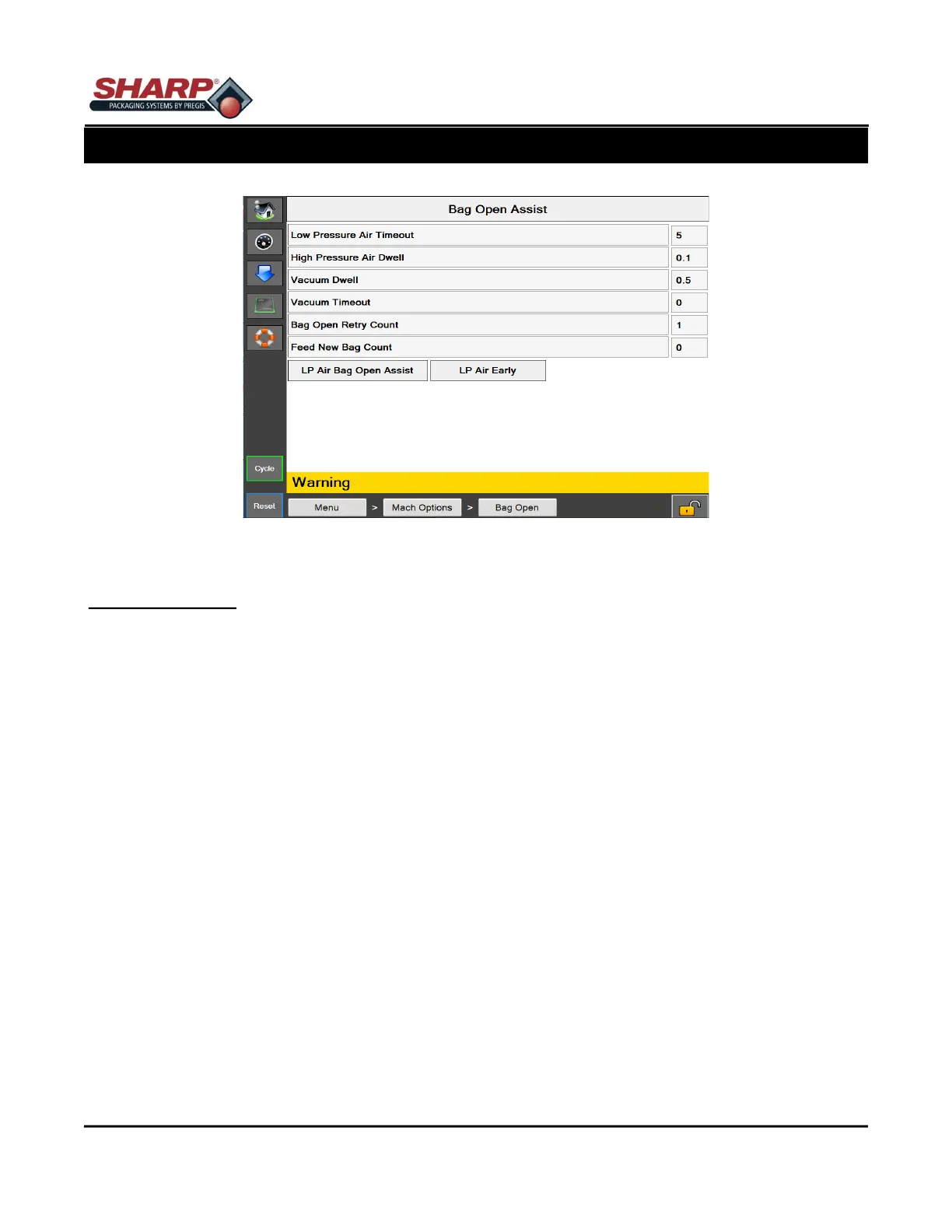
Figure 4-22A. Bag Open Assist Screen.
BAG OPEN ASSIST
General Description
The Bag Open Assist Option screen displays available Bag Open settings
Bag Open Assist - This will turn on Bag Open Assist. When OFF, the High/Low pressure air opens the bag.
Minimum Security Access: Medium
Button/Label Descriptions:
Bag Open Assist - This will toggle on/off the Bag Open Assist option.
Low Pressure Air Timeout - [Enter Text Here]
High Pressure Air Dwell - [Enter Text Here]
Vacuum Dwell - [Enter Text Here]
Vacuum Timeout - [Enter Text Here]
Bag Open Retry Count - Adjustable setting (0-9) that determines how many times the funnel door will cycle in an
effort to open the bag. Once the terminal count is reached, the bagger will attempt to feed a new bag if the Feed
New Bag Count is greater than 0. If the Feed New Bag Count setting = 0, then the bagger will fault when the
Bag Open Retry Count has reached its terminal count.
Feed New Bag Count - Adjustable setting (0-9) that determines how many total bags will be fed out during the
bagger Recovery Cycle. If this counter and the Bag Open Retry Counts reach their terminal counts, then the
bagger will fault with "Bag Failed to open". X * Y = Total Rejected Bags when X = print queue and Y = Feed New
Bag Count
LPA Vacuum Assist - This option uses Low Pressure Air to inflate the bag once it is opened. When this is ON
LPA turns on when vacuum switches Off. When this is OFF, LPA turns on at the end of the bagger cycle. If no
LPA is desired, set the LPA timeout to 0.
LP Air Bag Open Assist - LPA will help the HPA open the bag.
LP Air Early - This feature turns on the LPA at the beginning of the bag feed instead of the end of feed.



 To Next Page