ProntoNetLC User Manual
103
V.5 Scheduler
The Scheduler allows the user to program calls to be made automatically. In
addition, the duration and the frequency for each call can be defined.
V.5.1 Configuration
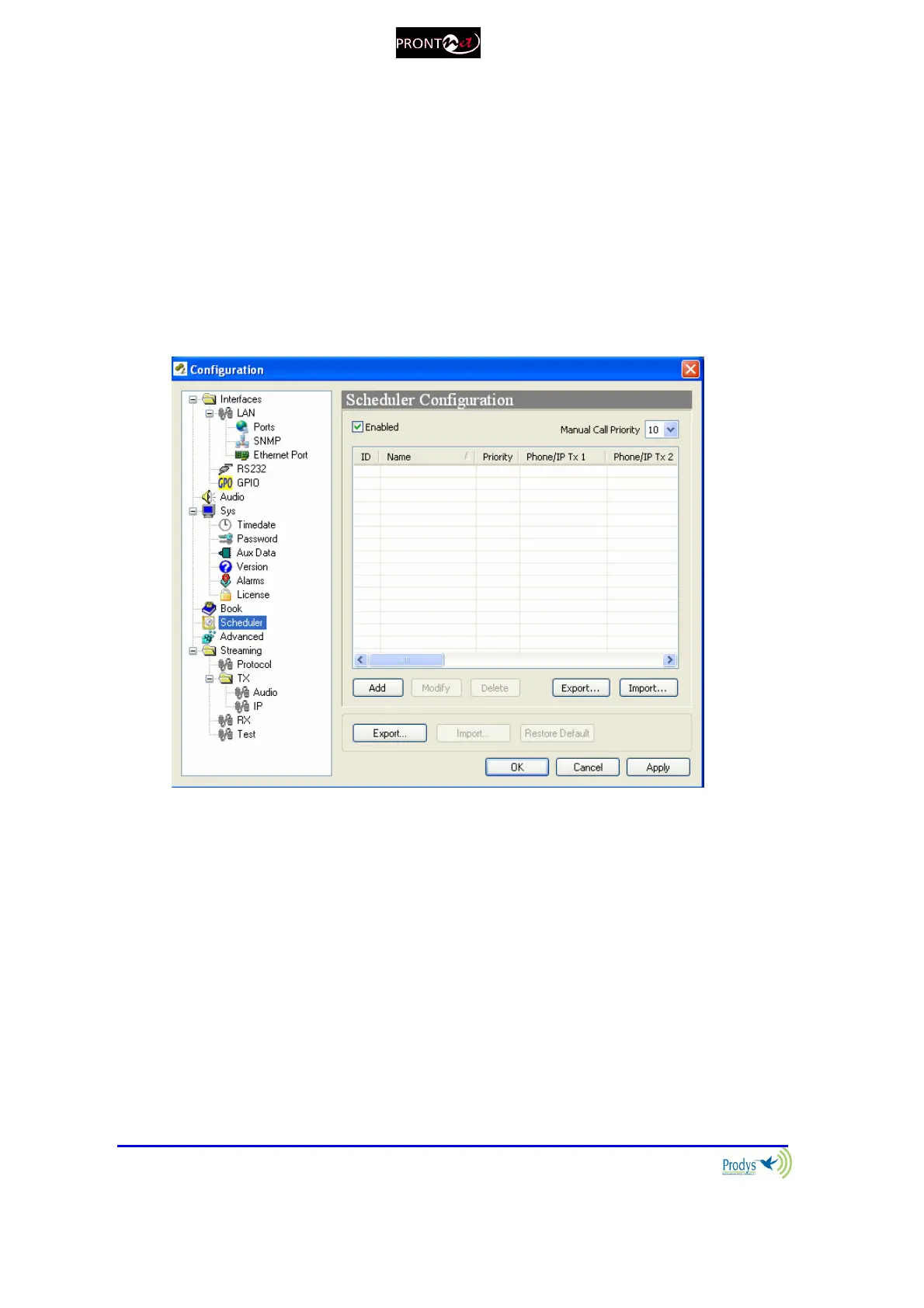
To access the Scheduler configuration window, the user has to click on
‘Config’ on the web page, and then select “Scheduler” in the general
configuration window.
V.5.2 How to enable/disable the Scheduler
The Scheduler dialog has a checkbox which allows the
activation/deactivation of the Scheduler. When the Scheduler system is disabled,
none of the scheduled calls will be made. In addition, each scheduled call can be
enabled/disabled individually.
V.5.3 Automatic and manual call
It is possible to define the precedence between manual and automatic
calls. Thus, the user can decide if one automatic call will take precedence over a



 To Next Page