ProntoNetLC User Manual
144
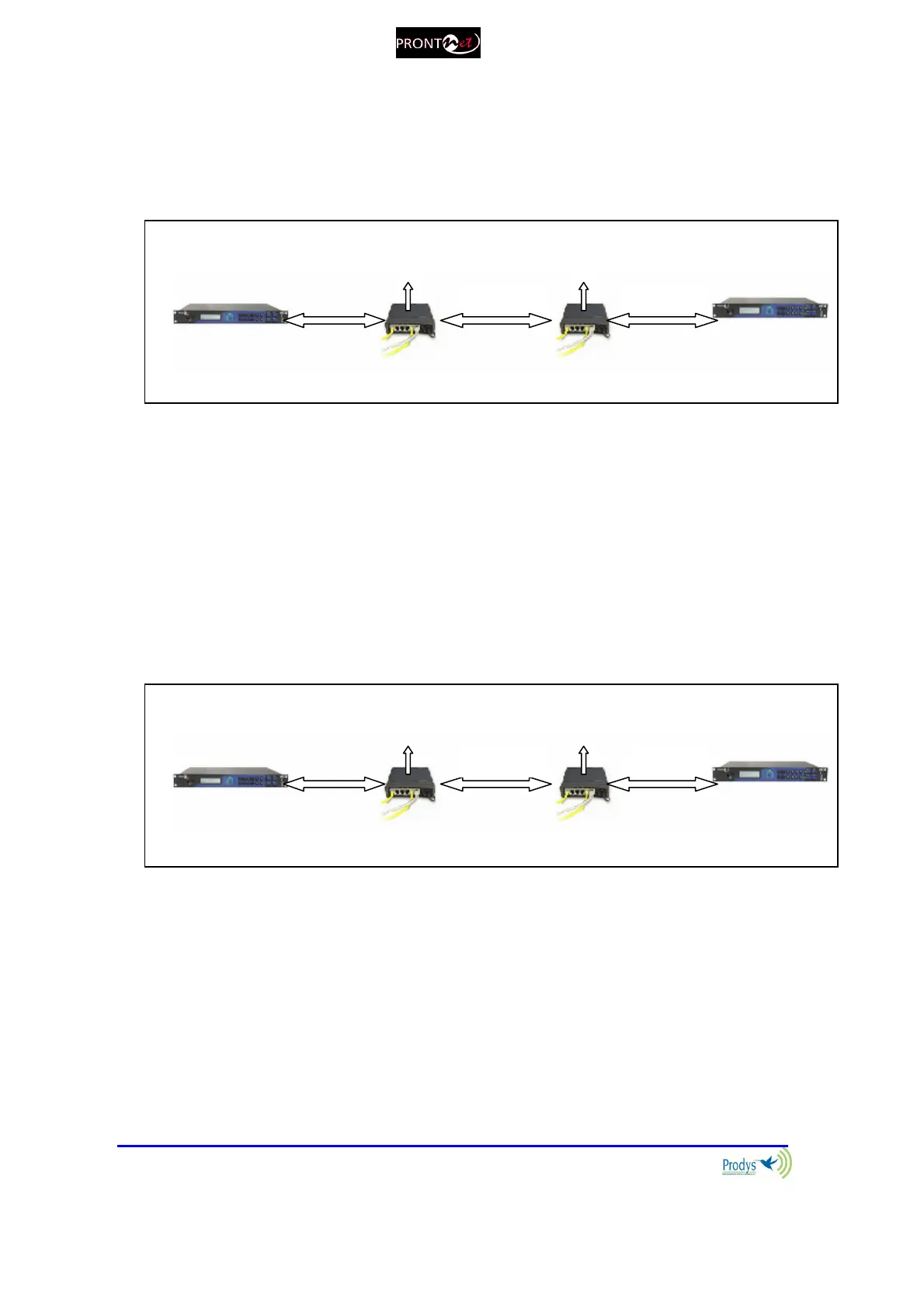
VI.13.2 When connecting two audiocodecs in unicast, there is no audio at
one end.
Please check the enabling of the full TCP port range (“Base port” + following 30
ports) of any router or firewall between the audiocodecs. Hint: start checking
from the disturbed audiocodec on.
VI.13.3 No audio when connecting two audiocodecs using Multicast
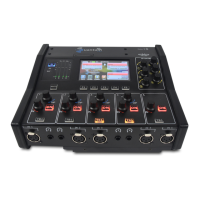
1. Please check the enabling of the full TCP port range (“Base port” + following
30 ports) of any router or firewall between the audiocodecs.
Take into account that only a small part of the Internet called Mbone
supports multicast traffic, so to send multicast traffic over the Internet, a
technique called ‘tunneling’ must be used. VPN networks can be used for
this purpose.
VI.13.4 Interruptions to audio when connecting two Prodys Codecs.
1. A decisive factor in real time audio streaming is the ‘jitter’, or delay
variation. To deal with the jitter in the connection, PRODYS provides a tool
which allows the user to modify the size of the reception buffer, and so, to
compensate for the jitter. The maximum value for this buffer is 10 sec. This
buffer has to be configured from the web page to, at least, the same value
as the ‘jitter’ in milliseconds.
configuration:
range to 10.0.0.2
Enable proper TCP port range
to 192.168.1.2
configuration:


 To Next Page