ProntoNetLC User Manual
140
VI.12.3 There is no audio output at either end
Some things that can cause these problems are the following:
1. The communication line is failing.
2. The remote codec is not working properly.
3. The equipment may be faulty. The easiest way to test it is to make a ‘loop
call’, by calling from the unit to itself and check if everything work fine.
4. The codecs involved in the communication are not compatible.
5. Both codecs are configured in AUTO mode (automatic encoder mode).
6. The audio settings are wrong configured in both codecs.
VI.12.4 Audio distortion
It is possible to modify the gains on inputs and outputs, so check if this has been
set properly. The audio input and output levels can be monitored from the
display by pressing the INF key, or from the web page.
Another cause could be that the other end is using digital audio such us AES/EBU
as an audio source, and no AES/EBU signal is being sent, or the equipment is
faulty.
VI.13 IP communication problems
VI.13.1 Prodys Codec’s Web Page cannot be accessed
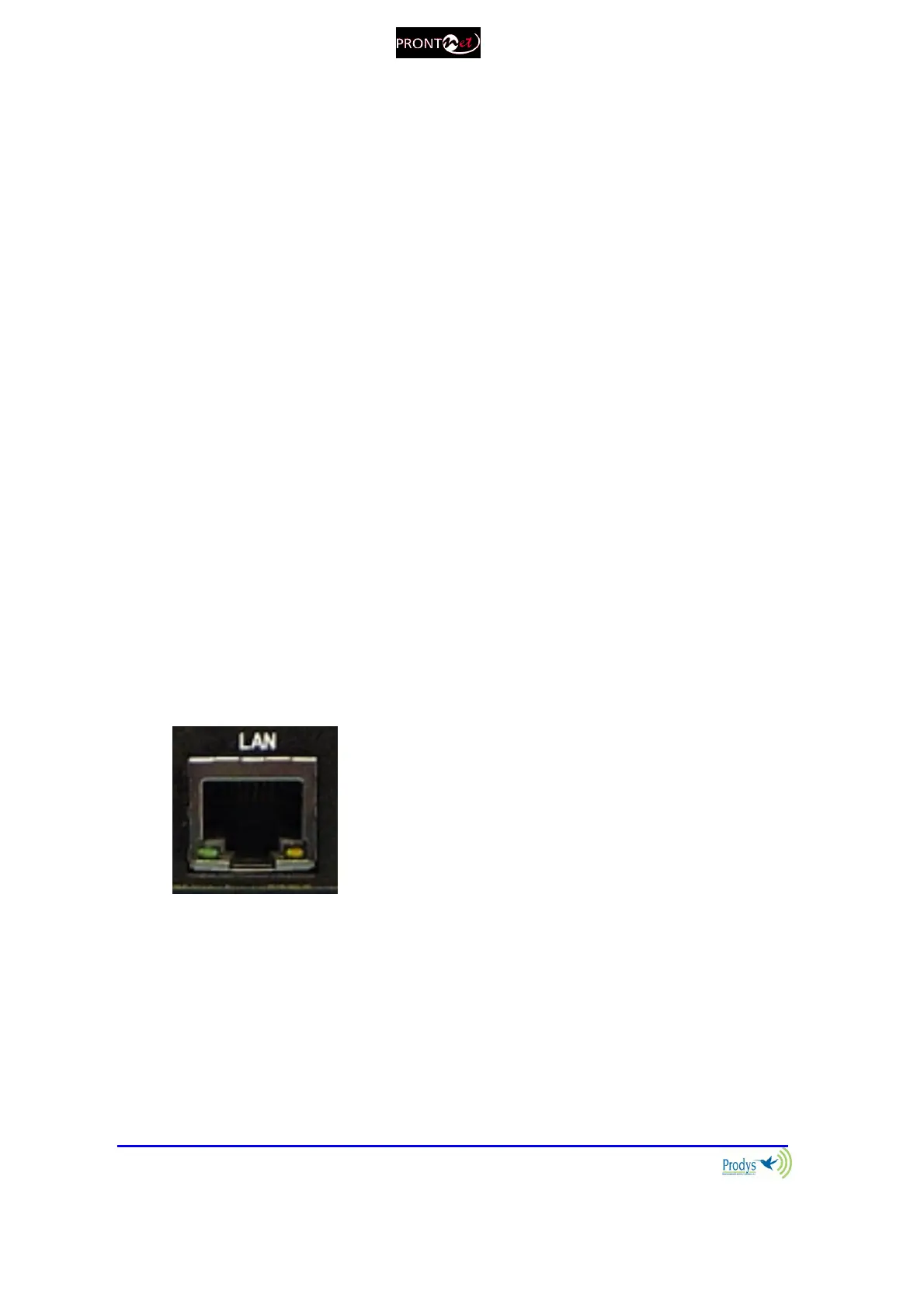
1. The cable or the connector are faulty. There are some leds on the rear
panel to check the Ethernet link:
Green LED LINK STATUS: ON = Connected
Orange LED RECEIVE STATUS: On =
Receiving Data.



 To Next Page