ProntoNetLC User Manual
55
Remote Control
ProntoNetLC can be controlled remotely by using an Internet Explorer web
browser connected through the LAN port. The computer can be locally connected
directly via a crossover CAT-5 cable, or remotely from a computer connected to
the LAN.
To access the ProntoNetLC from the Internet Explorer, enter the IP address of
the unit in the address bar. Keep in mind that the ProntoNetLC factory IP
address is 192.168.100.100 and it could be necessary to modify the network
configuration of the computer on which the web browser is running.
Installation Requirements
1.- Pentium 166 or higher.
2.- 64MB RAM minimum.
3.- Operating Systems:
Microsoft Windows XP, Microsoft Windows 2000, Windows Vista,
Microsoft Windows NT 4.0 Service Pack 6 or higher,
Microsoft Windows Millennium Edition (ME), Microsoft Windows 98.
Microsoft Windows Vista.
4.- Microsoft Internet Explorer 5.0 or higher.
The screen resolution must be 1024x768 minimum.
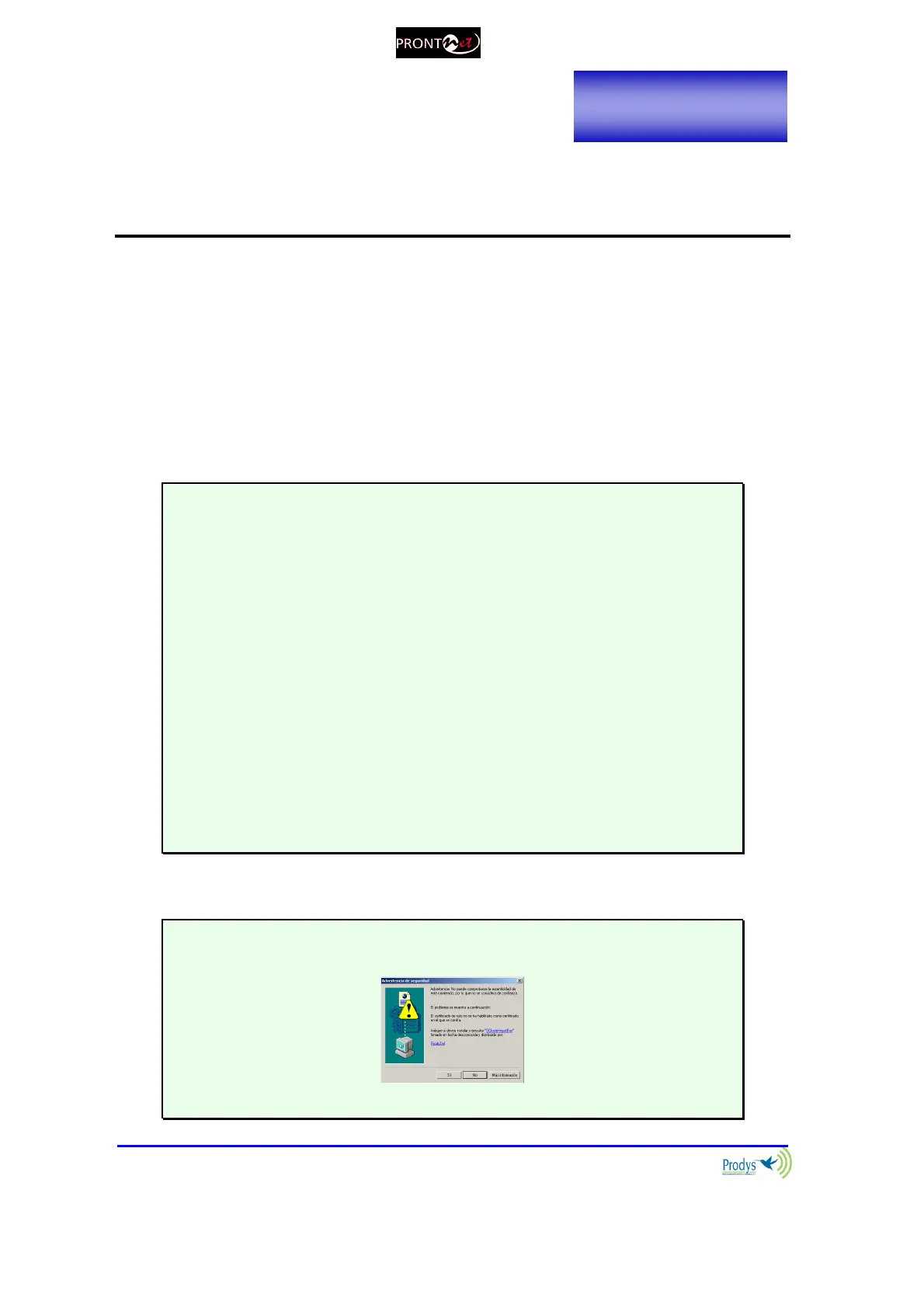
The first time that the computer accesses the ProntoNetLC it is necessary to
install the software (OCX control):
The unit is supplied with the following IP address: 192.168.100.100



 To Next Page