ProntoNetLC User Manual
97
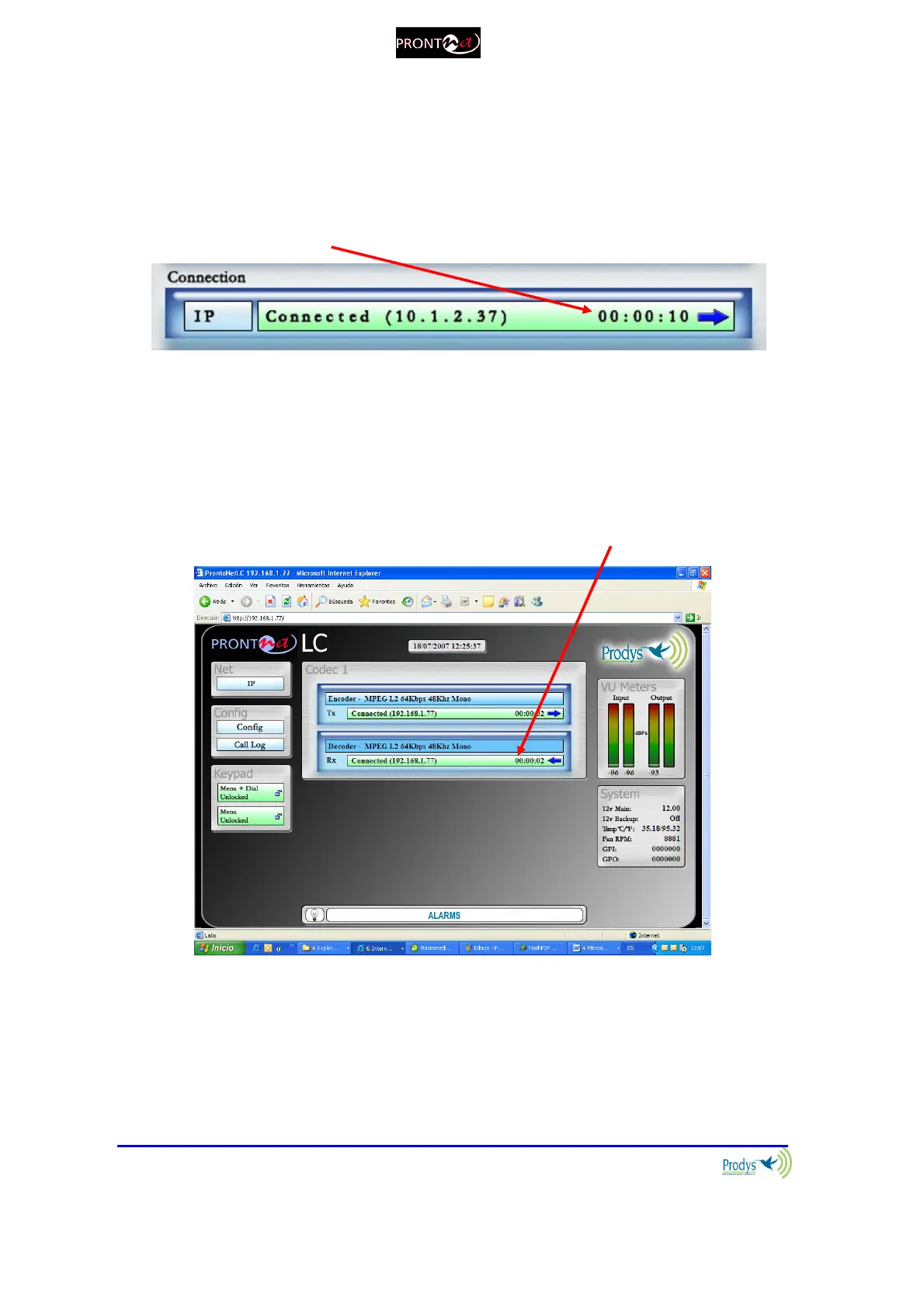
These are the different status messages which can be displayed:
“No physical Line”: The communication line is not physically detected. Most
likely the interface is not plugged in. The Display shows “DOWN”.
“Connected”: The line is connected. An arrow will indicate if it is an incoming
or outgoing call.
The duration of the call also is indicated.
“Disconnected”: The line is detected physically but no connection is being
made. Beside the text appear the disconnection codes.
“Calling”: In the process of making a connection.
“Ring”: Receiving a call on the line.
V.3.5 Decoder Status
The Decoder status is shown on the right side of the Audio Mode area:
The Decoder status:
“Searching”: The decoder is not synchronized.
“Framed” : The decoder is synchronized.
“Idle”: The line is disconnected.
“Not available”: Decoder not available.



 To Next Page