ProntoNetLC User Manual
96
Note: If NET X21
28
, by pressing this bar, the line will be connected
or disconnected.
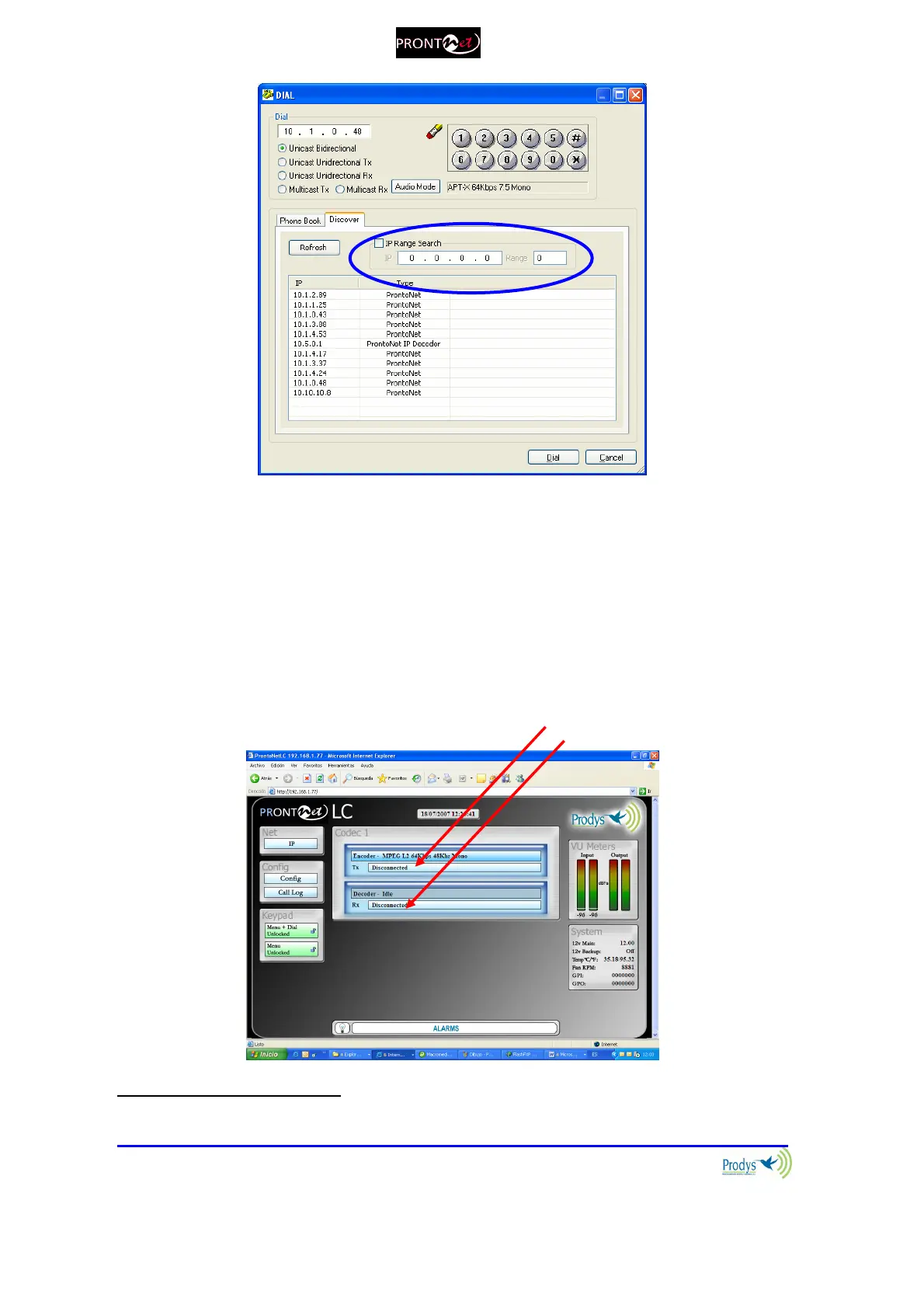
V.3.3 Disconnecting the Line
By clicking on the right side of the Connection area. Tx and Rx parts can be
finished independently when the current connections are unidirectional.
V.3.4 Line Status
The Line status is shown on the right side of the Connection area.
28
X21 interface available under license.



 To Next Page