ProntoNetLC User Manual
78
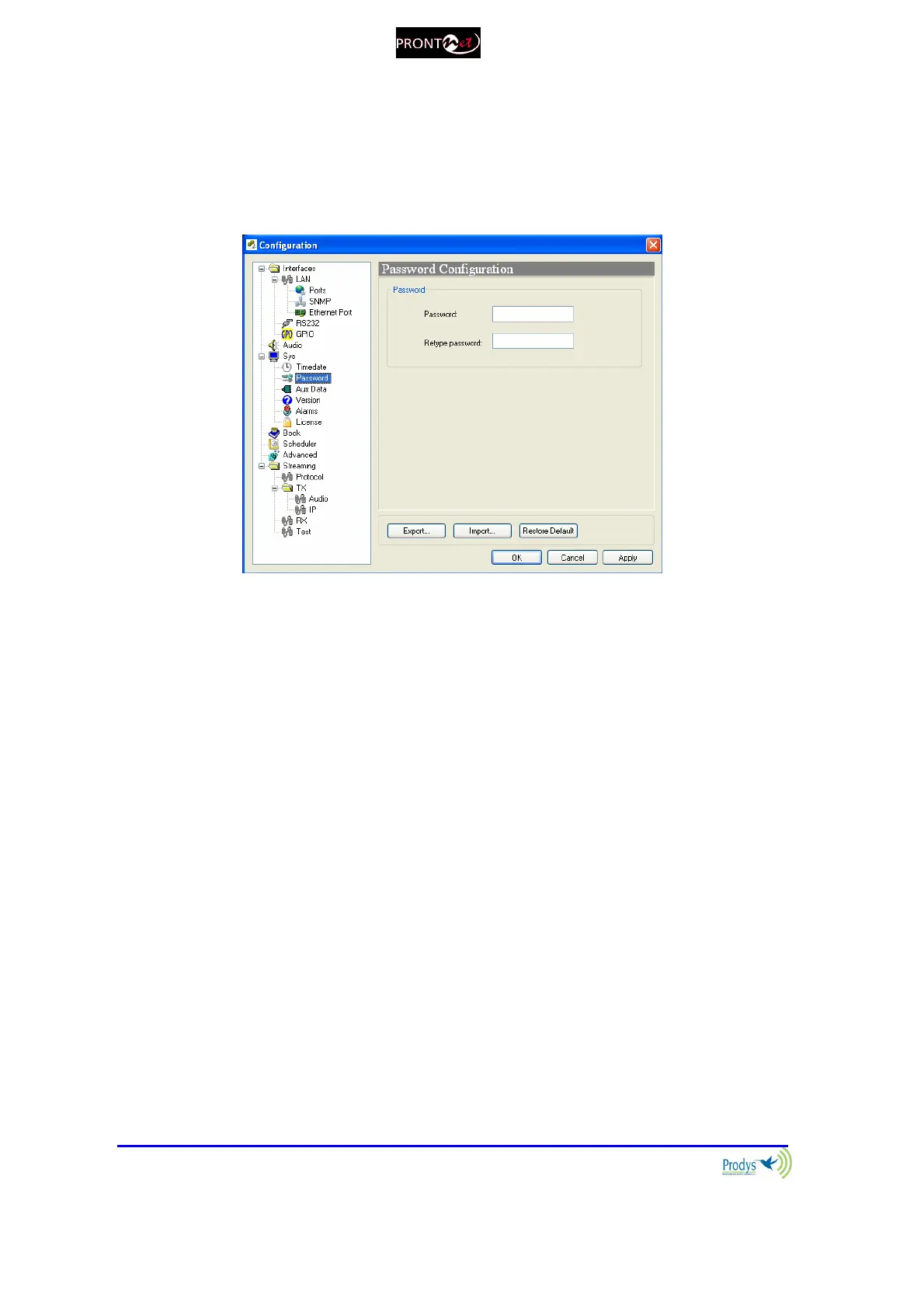
V.1.3.2. Password
Whenever the web browser is started, it is necessary to enter a security
password. This is the dialog to program it.
V.1.3.3. Aux Data
RS232: There are two RS232 ports for use as auxiliary data ports. These
ports allow the transmission and reception of data along with the encoded
audio. Port A is always ready. Port B is only available when ProntoNetLC is
configured as a DUAL Codec, therefore it is able to operate two totally
independent communication channels. When one option is checked, the
corresponding decoder will allow the reception of ancillary data.
The auxiliary data can be sent via a different path, different from the audio
one (Aux. data embedded in audio). This method has 3 big advantages: less
delay independent from the audio codification delay; the possibility to
send/receive auxiliary data regardless of the compression mode used for the
audio communication; and the possibility to send/receive the User bit of the
AES/EBU frame. The drawback is that the audio and data delay won’t be the
same.
GPO: Under ‘transparent’ configuration, the state of the input will be present
in its homologous output in the ProntoNetLC connected at the other end.
Since there is only one GPO connector, user must select whether to select
GPO information coming from Decoder1 or from Decoder2, or none.



 To Next Page